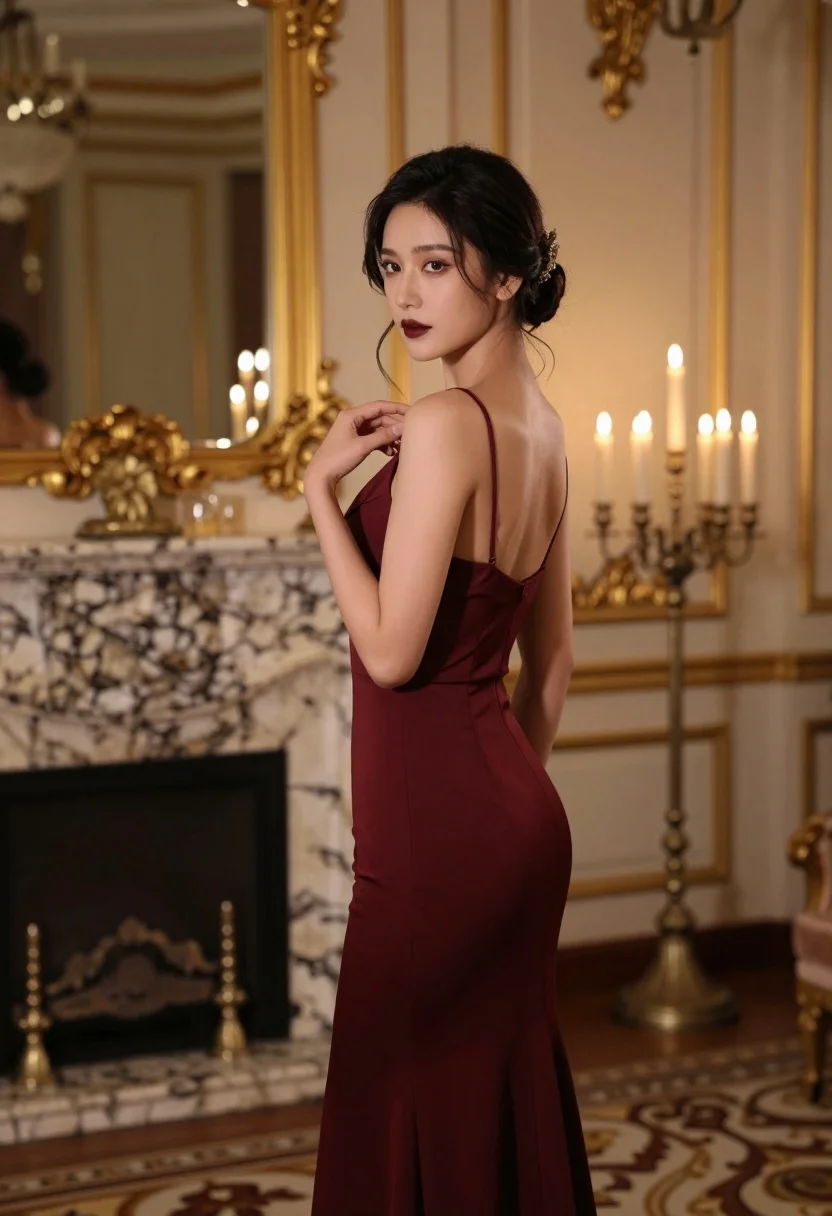
Woman in burgundy gown standing in elegant room with candlelight accents
Prompt
A woman in a formal gown stands in an elegant room with golden accents and candlelight.

Subject: A woman with dark hair styled in an updo featuring a jeweled hair accessory, fair skin, and defined facial features including dark lipstick.

Clothing: She wears a form-fitting, floor-length burgundy evening gown with thin spaghetti straps and a draped neckline.

Action: She stands in profile facing left but turns her head to look over her shoulder at the viewer while gently touching the strap of her dress with one hand.

Environment: The setting is a luxurious interior featuring a marble fireplace mantel, tall gold-framed mirrors on the wall, and a patterned floor.

Lighting: Warm ambient light emanates from multiple lit candles placed on candelabras in the background, creating soft highlights and deep shadows that emphasize the subject's silhouette.

Camera: The shot is taken with a medium telephoto lens using a shallow depth of field to keep the woman sharp while blurring the opulent background.

Style Details: The image has a cinematic, high-fashion aesthetic with rich color grading and a polished, realistic rendering quality.
Description
This prompt is useful for creating editorial fashion moodboards, historical costume concept art, and luxury advertisement visuals. The combination of 'warm ambient light' from candles against the 'marble fireplace mantel' sculpts the subject's silhouette by generating deep shadows that add dramatic contrast, while the 'medium telephoto lens' ensures the focus remains tightly on the woman despite the opulent background.
Suggestions
- Change 'burgundy evening gown' to 'emerald velvet gown' for a richer color pop.
- Add 'velvet curtain backdrop' to simplify the environment.
- Swap 'jeweled hair accessory' for 'pearl hairpin' for a more classic feel.
Category
Tags
BrunetteFair SkinFemaleFormal WearFull BodyIndoorsMedium ShotRealistic
Date added
August 5, 2026
Added by
PromptDexter Team
Related Prompts
More prompts with similar categories and tags.
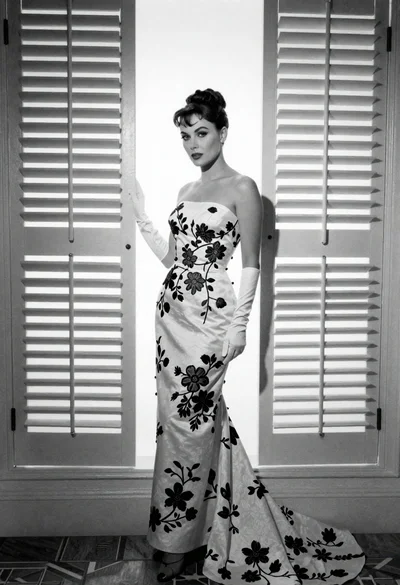
Full length portrait of woman in gown near tall window shutters

Poised woman in black gown posing indoors with dramatic low key lighting

Portrait of woman in elaborate red feathered gown against vivid blue background
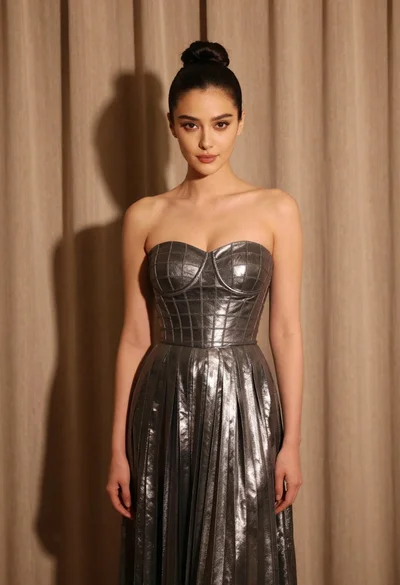
Woman in silver gown against warm draped curtain backdrop medium shot
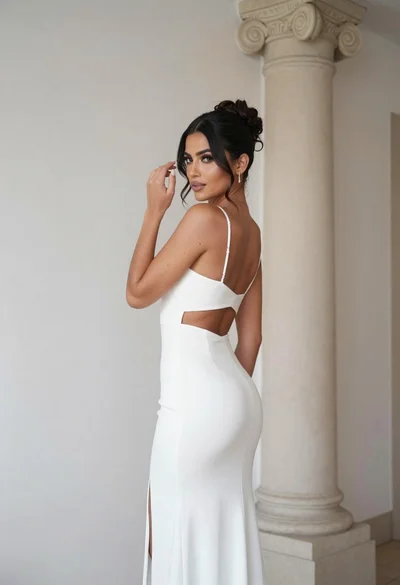
Woman in white gown posing near classical column interior setting
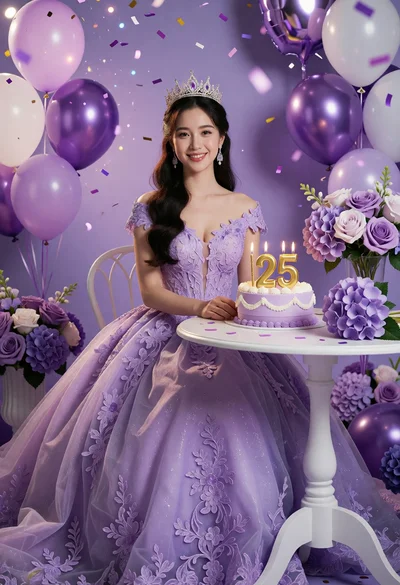
Young woman in lavender ballgown sitting at table with birthday cake
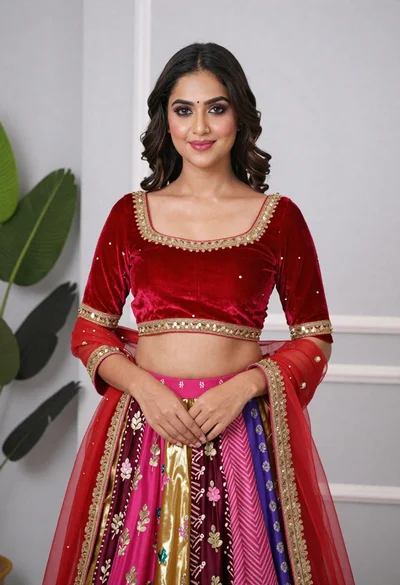
Young woman in elaborate red and pink traditional indian attire indoors

Blonde woman in striped swimsuit seated on sofa indoors studio shot

Fair blonde woman in black corset and denim shorts studio portrait

Young woman in black graphic tshirt against white paneled wall