
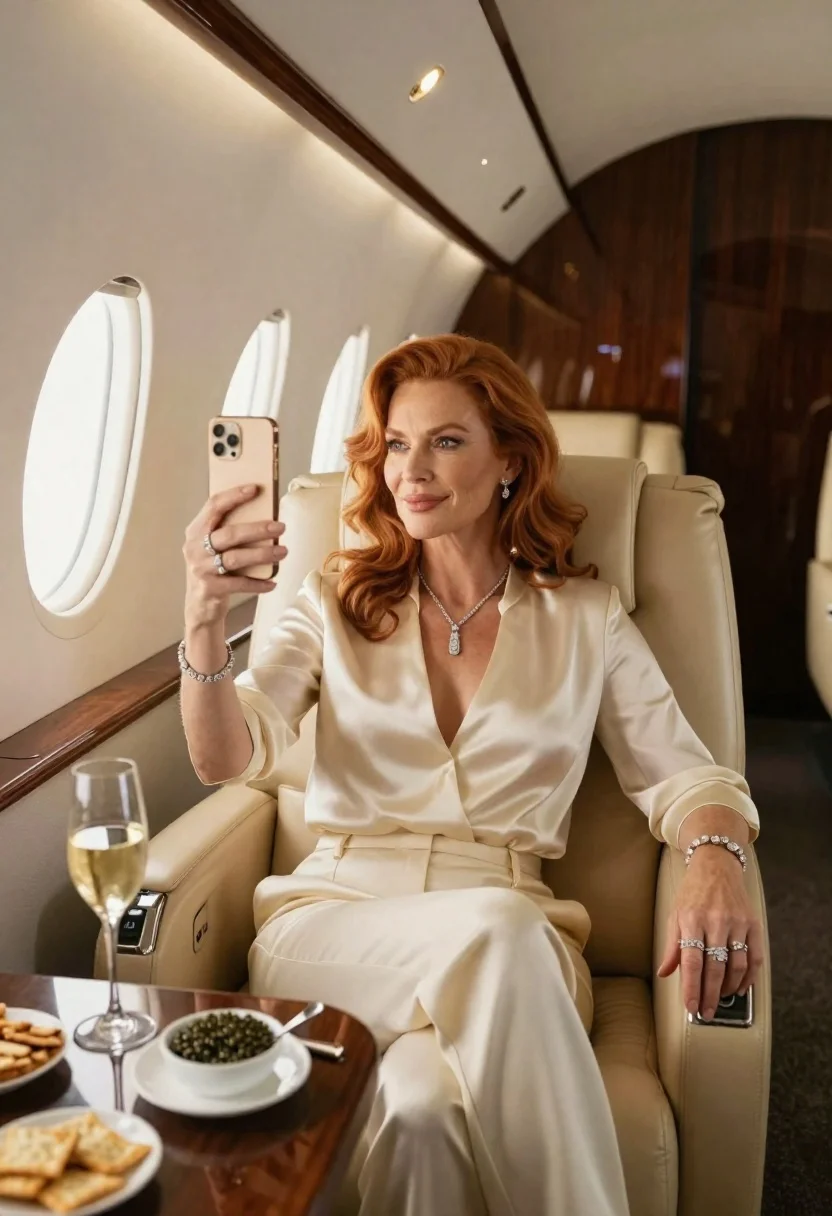
Woman in cream pantsuit on private jet with wine
Prompt
A luxurious private jet interior with a woman seated comfortably in a plush beige leather chair by the window.

Subject: A confident middle-aged woman with wavy red hair and warm skin, looking slightly away from her phone toward the viewer.

Clothing: She wears a silky cream-colored pantsuit with a deep plunging V-neckline; she is accessorized with diamond jewelry including a pendant necklace, bracelet, earrings, and rings.

Action: Taking a selfie or holding up a gold smartphone to capture herself while seated in relaxed pose.

Environment: The cabin features rich wood paneling, an oval airplane window letting soft daylight stream in, rows of luxury seats extending into the background with ambient lighting overhead.

Objects: A glass table holds a tall flute of sparkling wine, a white bowl filled with black caviar on top of a silver spoon, and a small plate of crackers or biscuits nearby.

Lighting: Soft natural light from the window illuminates her face gently; warm interior accent lights create contrast between bright foreground elements and darker recessed areas behind her.

Camera: Medium shot capturing upper body composition with shallow depth-of-field blurring distant seats to emphasize subject presence within spacious luxury setting.
Description
This prompt is useful for creating high-end lifestyle editorial spreads, aspirational travel marketing materials, and character portraits suggesting wealth or success. The combination of 'silky cream-colored pantsuit' against the 'rich wood paneling' grounds the subject in an exclusive setting, while the 'shallow depth-of-field blurring distant seats' ensures that the viewer's focus remains tightly on the subject and the luxurious objects like the wine.
Suggestions
- Change 'plush beige leather chair' to 'velvet chaise lounge' for a different texture.
- Swap 'gold smartphone' for 'vintage film camera' to alter the narrative.
- Adjust 'soft natural light from the window' to 'dramatic side lighting' for more contrast.
Category
Tags
FemaleFormal WearFull BodyIndoorsMedium ShotOlive SkinRealisticRed Hair
Date added
June 19, 2026
Added by
PromptDexter Team
Related Prompts
More prompts with similar categories and tags.
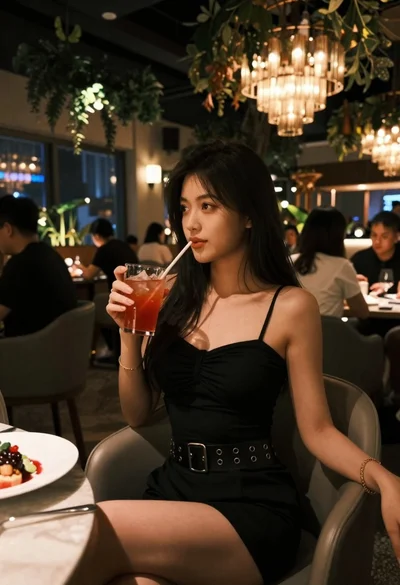
Young woman in black dress seated in upscale restaurant setting
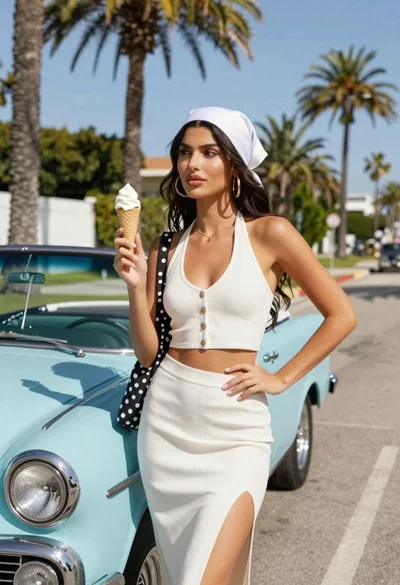
Stylish woman with ice cream next to vintage light blue convertible car
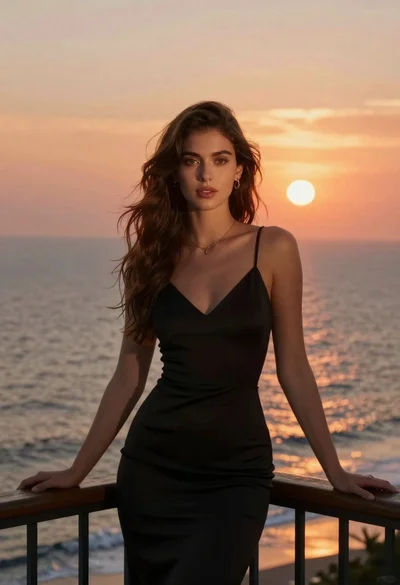
Woman in black dress on balcony overlooking sunset ocean
Young woman with brown hair wearing embroidered top on sandy beach

Young woman in green jacket holding plush toy at festive carousel
Smiling woman in embroidered top standing in field of wildflowers
Young woman in white dress walking on sandy beach at dusk

Full length shot of woman in dusty pink lace gown at indoor
