Stylish woman with ice cream next to vintage light blue convertible car
Prompt
A stylish woman stands confidently next to a vintage light blue car on a sunny street lined with palm trees.

Subject: A young woman with long dark wavy hair wearing a white headscarf and large gold hoop earrings, looking off to the side with a confident expression.

Clothing: She wears a white ribbed halter crop top with buttons down the front and a matching high-waisted skirt with a slit, accessorized with a black and white polka dot shoulder bag.

Action: She holds an ice cream cone in her right hand while her left hand rests on her hip, posing casually against the car.

Environment: The setting is a bright tropical street scene featuring tall palm trees, green grass, a white fence, and a clear blue sky.

Camera: Shot from a medium shot angle with a shallow depth of field that keeps the subject sharp while slightly blurring the background foliage.

Lighting: Bright natural sunlight creates strong highlights on her skin and hair, casting soft shadows and giving the scene a warm summery mood.

Objects: A vintage light blue convertible car with chrome details is positioned to her left, serving as a prominent prop.

Style Details: The image features high-definition realism with vibrant tropical colors, sharp focus on the subject, and a polished fashion photography aesthetic.
Description
This prompt is useful for creating lifestyle advertising campaigns, travel blog feature images, and summer editorial spreads showcasing leisure activities. The combination of 'bright natural sunlight' casting soft shadows and the inclusion of a 'vintage light blue convertible car' grounds the fashion elements in a specific, nostalgic setting, while the 'shallow depth of field' ensures the subject remains the primary focus against the tropical backdrop.
Suggestions
- Change 'white ribbed halter crop top' to 'pastel yellow linen top' for a different color pop.
- Swap 'vintage light blue convertible car' for 'bright red classic sedan' to increase contrast.
- Add 'Kodak Portra 400 film grain' to enhance the nostalgic aesthetic.
Category
Tags
Casual WearFemaleFull BodyMedium ShotRealisticStreet
Date added
June 19, 2026
Added by
PromptDexter Team
Related Prompts
More prompts with similar categories and tags.

Woman on beach daybed under beige umbrella
Woman in black dress on balcony overlooking sunset ocean
Confident woman leaning by door overlooking glowing city skyline and pool

Young woman in grey top and white skirt by water at dusk
Full length portrait of blonde woman in cream gown by calm blue

Young woman adjusting ponytail on wide sandy beach under overcast sky

Woman in cream pantsuit on private jet with wine
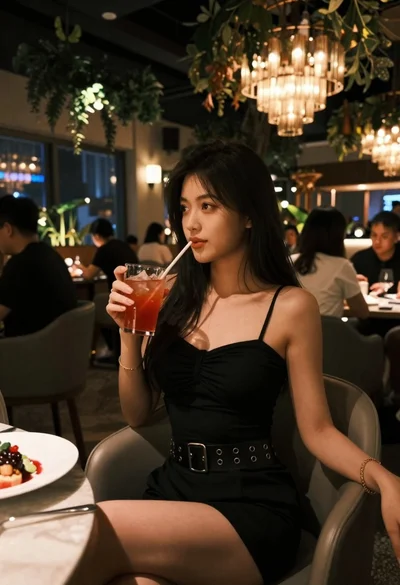
Young woman in black dress seated in upscale restaurant setting
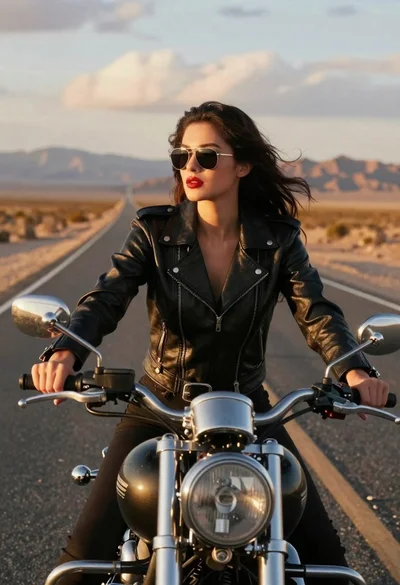
Woman on motorcycle riding down desert highway at golden hour
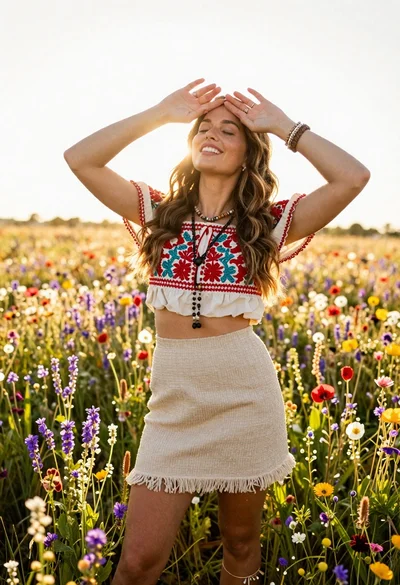
Smiling woman in embroidered top standing in field of wildflowers