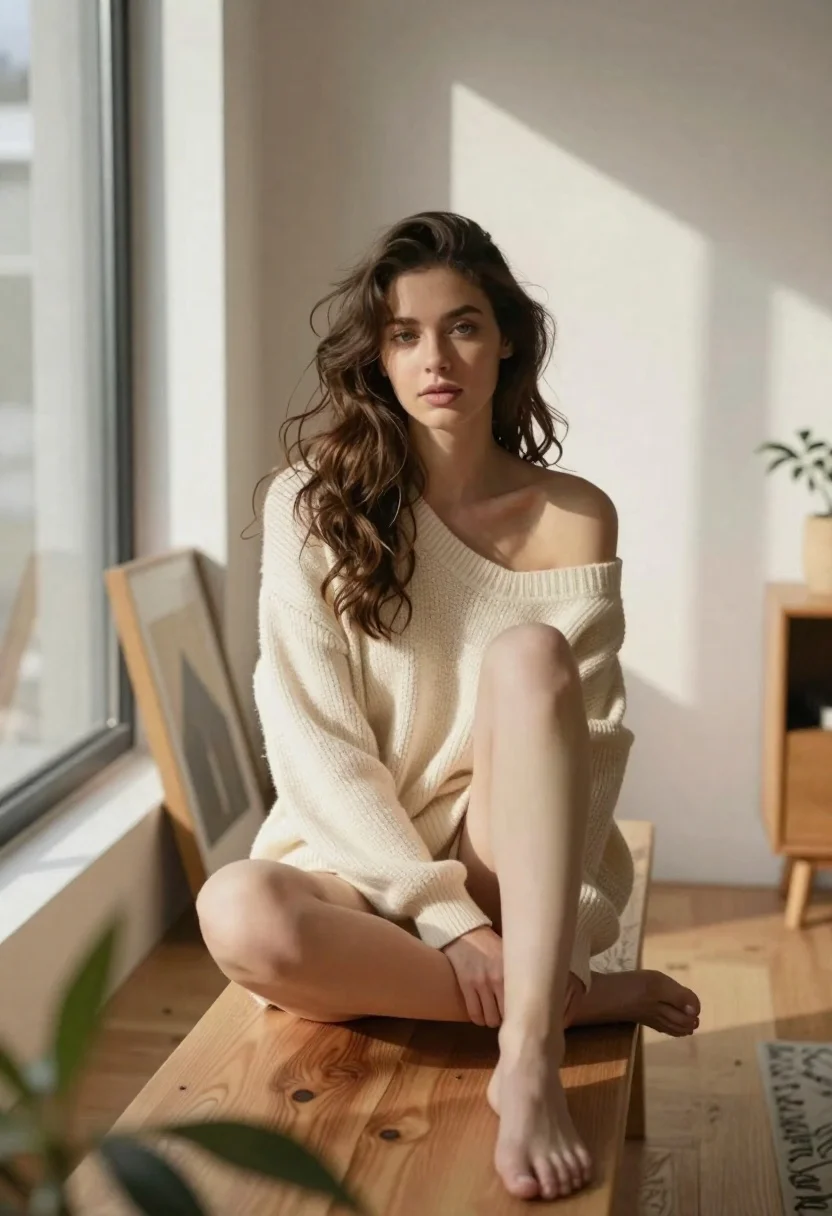
Woman in cream sweater seated on wooden bench in sunlit room
Prompt
A cinematic portrait of a woman with long wavy brown hair seated on a wooden bench in a sunlit room

Subject: A young woman with fair skin and expressive eyes, gazing directly at the camera

Clothing: An oversized off-the-shoulder cream knit sweater that covers her torso but leaves one shoulder bare, worn without pants or skirt revealing her legs completely while she sits

Action: She is seated on a simple wooden bench with one leg bent upward and resting against the other thigh in a relaxed pose, hands gently placed near her lap

Environment: A minimalist interior space featuring light wood flooring, white walls casting sharp geometric shadows from sunlight streaming through large windows to the left, framed artwork leaning against the wall behind her, blurred greenery partially visible in foreground

Lighting: Warm natural daylight illuminating her face and hair with soft highlights while creating strong directional shadow patterns across the background wall adding depth

Camera: Shot at eye level using a shallow depth of field that keeps focus sharply on the subject while blurring both immediate foreground plant life and distant architectural elements for artistic composition.
Description
This prompt is useful for creating intimate lifestyle portraits, minimalist interior design features, and high-end catalog editorials showcasing natural light. The combination of 'oversized off-the-shoulder cream knit sweater' against the 'light wood flooring' grounds the subject in a specific domestic setting, while the 'strong directional shadow patterns' prevent the scene from feeling flat by adding architectural drama to the background.
Suggestions
- Change 'cream knit sweater' to 'oatmeal cable knit' for more visible texture.
- Adjust 'large windows to the left' to 'skylight overhead' for different shadow angles.
- Swap 'wooden bench' for 'plaster stool' to change the material contrast.
Category
Tags
Brown HairCasual WearFair SkinFemaleFull BodyIndoorsPortrait ShotRealisticStudio
Date added
June 19, 2026
Added by
PromptDexter Team
Related Prompts
More prompts with similar categories and tags.
Portrait of woman in white satin dress near sheer curtains

Fair skinned woman in black sequined outfit sitting elegantly indoors
Photorealistic portrait of young woman with green eyes
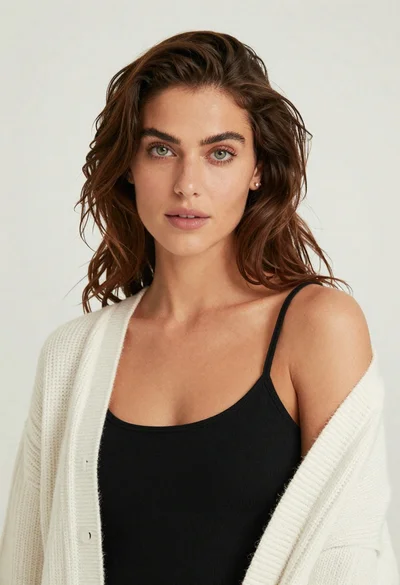
Studio portrait of woman with brown hair and green eyes

Glamorous blonde woman in white sequin gown holding feather boa indoors

Studio portrait of woman in black blazer
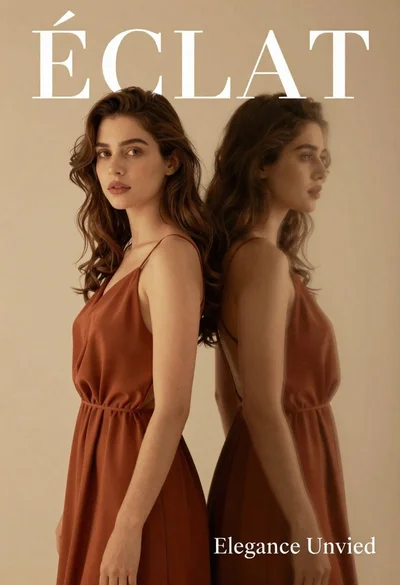
Dual portrait of woman in rust dress against beige studio background

Black and white portrait of confident woman in blazer
