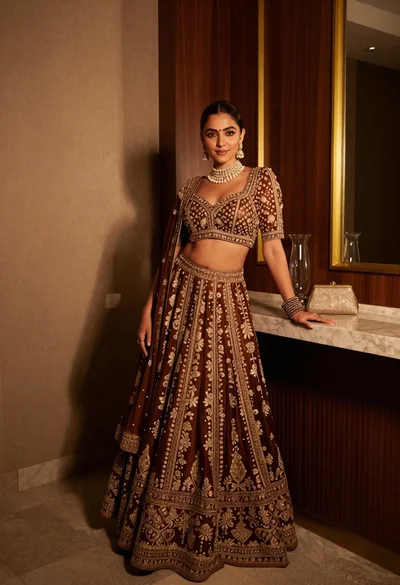
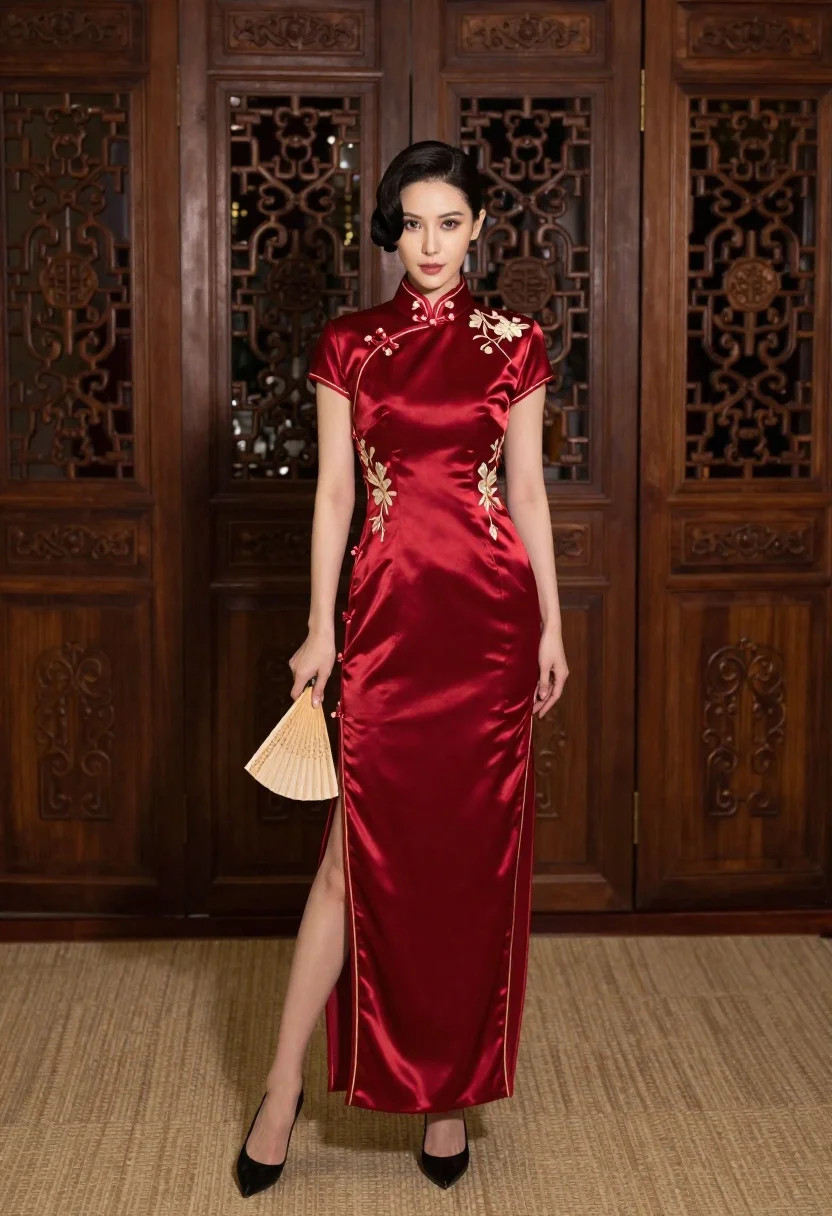
Woman in deep red satin cheongsam standing indoors holding paper fan
Prompt
A full-length portrait of a woman standing confidently in an elegant interior setting.

Subject: An attractive woman with dark hair styled in a sophisticated updo, featuring a high cheekbone structure and a poised expression.

Clothing: She wears a luxurious, deep red satin cheongsam (qipao) with gold piping along the collar and hem, intricate gold floral embroidery on the left side of the bodice, and a high front slit revealing her legs.

Action: She stands in a relaxed pose with one leg slightly forward, holding a traditional folded paper fan in her right hand while her left arm hangs naturally by her side.

Environment: The background consists of tall, dark wooden doors featuring elaborate carved panels, standing on a textured beige carpet.

Camera: Shot from a straight-on eye-level perspective with a medium-full framing that captures the subject from head to toe against the architectural backdrop.

Lighting: Soft, diffused studio lighting illuminates the scene evenly, highlighting the sheen of the satin fabric and casting gentle shadows that define her figure without harsh contrast.

Style Details: High-resolution digital photography with a focus on rich textures and a warm color palette emphasizing deep reds and dark wood tones.
Description
This prompt is useful for creating historical costume editorials, formal portraiture for luxury brands, and concept art depicting traditional elegance. The combination of 'deep red satin cheongsam' with 'gold piping' ensures the fabric catches light beautifully, while the 'soft, diffused studio lighting' prevents harsh reflections that would obscure the intricate gold embroidery against the dark wood backdrop.
Suggestions
- Change 'dark hair styled in a sophisticated updo' to 'braided hairstyle adorned with jade pins' for more cultural detail.
- Swap 'textured beige carpet' for 'polished black marble floor' to increase contrast.
- Adjust 'medium-full framing' to 'three-quarter length' to emphasize the fan and hands.
Category
Tags
Digital ArtFemaleFormal WearFull BodyIndoorsMedium ShotPortrait ShotRealistic
Date added
June 23, 2026
Added by
PromptDexter Team
Related Prompts
More prompts with similar categories and tags.
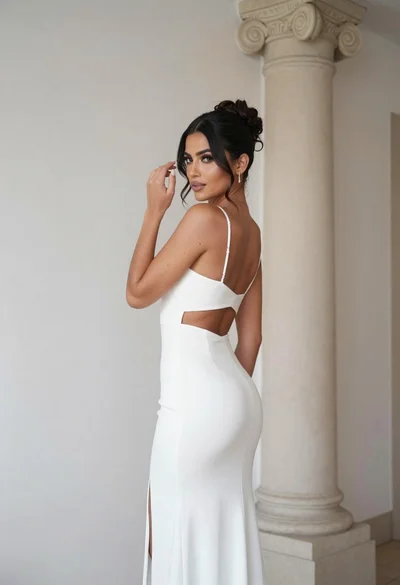
Woman in white gown posing near classical column interior setting
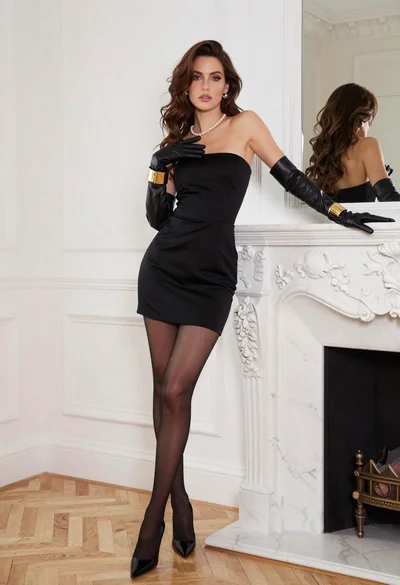
Woman in black strapless dress posing near white marble fireplace indoors
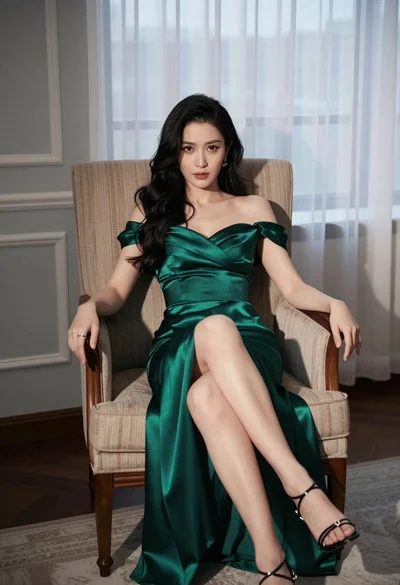
Woman in emerald green satin gown seated in an armchair indoors
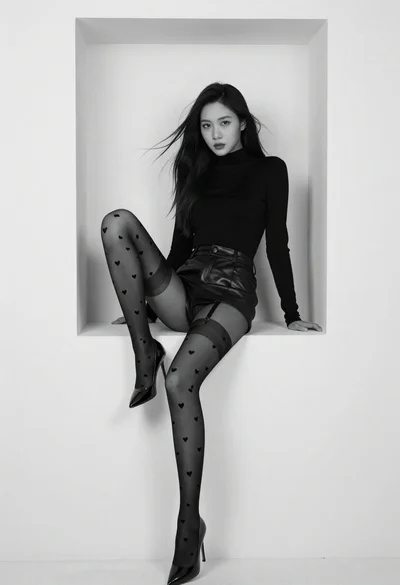
Black and white portrait of woman in minimalist niche
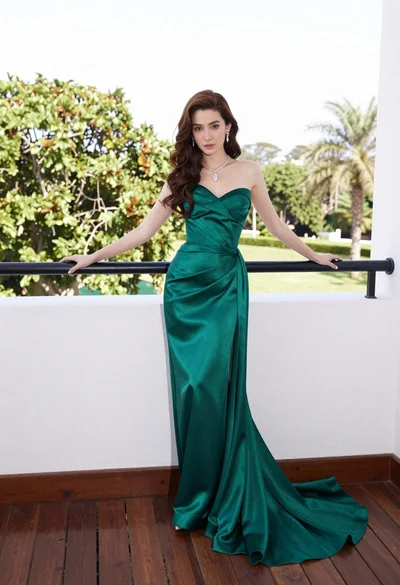
Woman in emerald green gown standing on an outdoor balcony overlooking trees
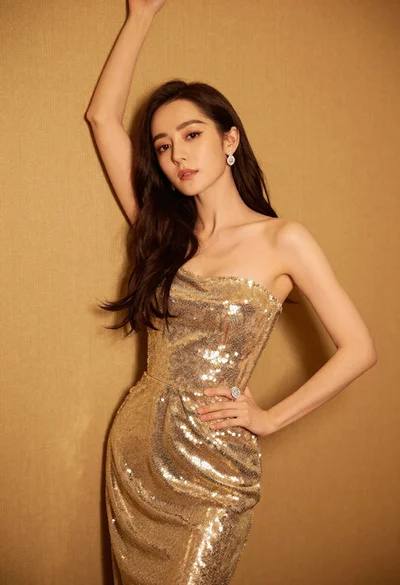
Glamorous woman in shimmering gold gown posing against warm textured wall
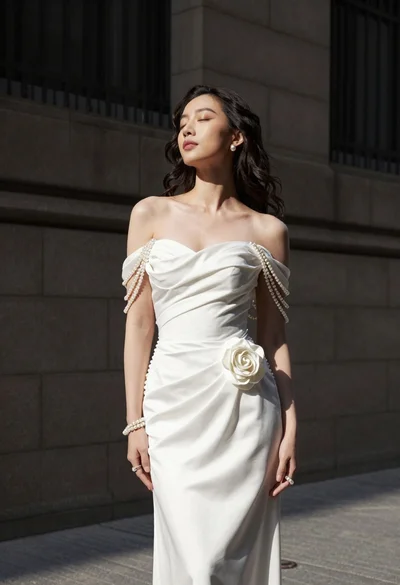
Woman in white gown standing against dark stone architectural wall outdoors

Full length shot of woman in dusty pink lace gown at indoor
