
Woman in emerald gown on balcony overlooking calm blue ocean sea
Prompt
A woman stands elegantly against a white wall on a balcony overlooking the ocean.

Subject: A woman with dark hair styled in a high bun, featuring loose strands framing her face and a confident expression.

Clothing: She wears a floor-length emerald green gown made of shimmering sequins that transition into long fringe at the hem, paired with a delicate necklace featuring a large teal pendant and rings on her fingers.

Action: She leans back against the wall with one hand resting near her hip and the other by her side, looking directly at the camera.

Environment: The setting is an outdoor balcony with white walls and a glass railing, with a calm blue sea visible in the background under a soft sky.

Lighting: Soft natural daylight illuminates the scene from the right, casting gentle shadows and highlighting the texture of the dress.

Camera: A medium full-body shot taken at eye level with a shallow depth of field that keeps the subject sharp while slightly blurring the ocean background.

Style Details: The image has a polished, high-fashion aesthetic with rich color saturation and a smooth, cinematic finish.
Description
This prompt is useful for creating luxury resort advertisements, formal portraiture editorials, and high-end catalog imagery. The combination of 'emerald green gown' sequins against the 'calm blue sea' background, coupled with 'soft natural daylight' highlighting texture, ensures the subject remains the focal point while the shallow depth of field prevents the ocean from becoming a distracting visual element.
Suggestions
- Change 'shimmering sequins' to 'liquid silk' for a more matte finish.
- Adjust 'calm blue sea' to 'stormy turquoise water' for higher contrast.
- Swap 'medium full-body shot' for 'full body, low angle' to emphasize the gown's length.
Category
Tags
BrunetteFemaleFormal WearFull BodyMedium ShotOutdoorsRealistic
Date added
June 19, 2026
Added by
PromptDexter Team
Related Prompts
More prompts with similar categories and tags.
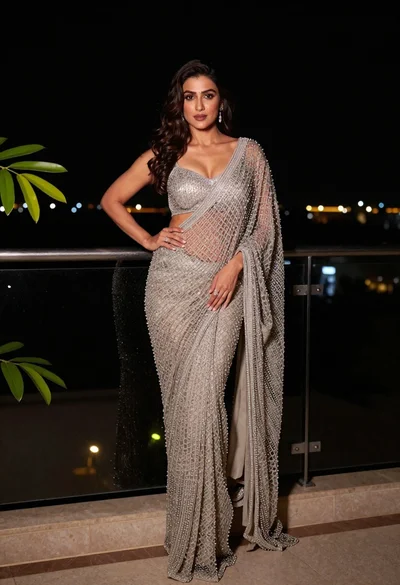
Confident woman in silver beaded saree on a night balcony setting
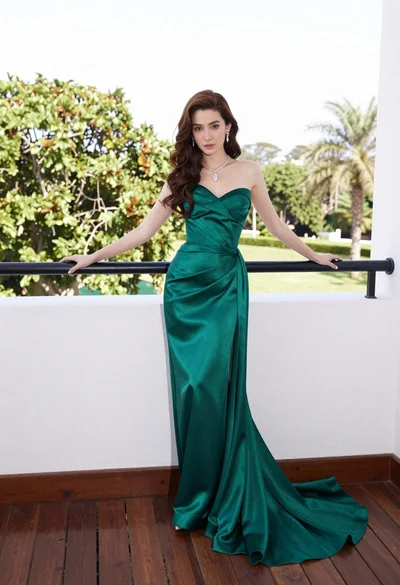
Woman in emerald green gown standing on an outdoor balcony overlooking trees
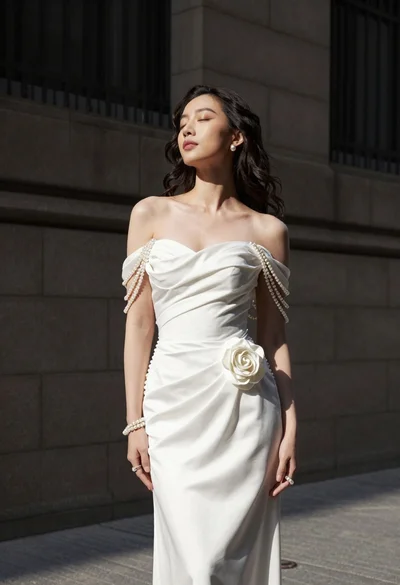
Woman in white gown standing against dark stone architectural wall outdoors
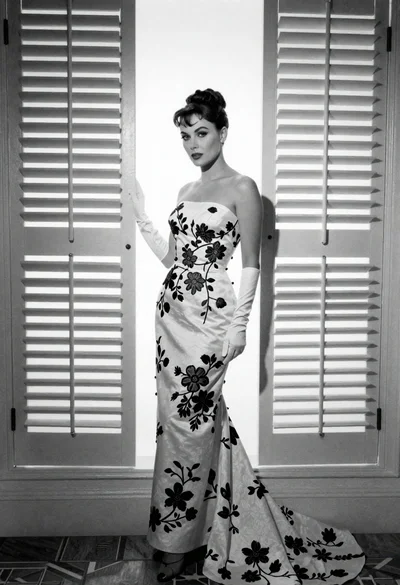
Full length portrait of woman in gown near tall window shutters
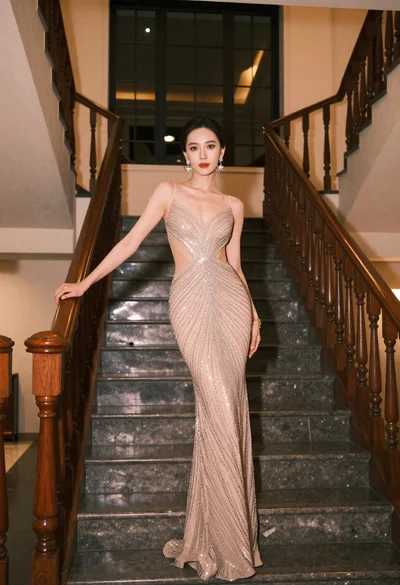
Woman in champagne evening gown posing on grand indoor staircase
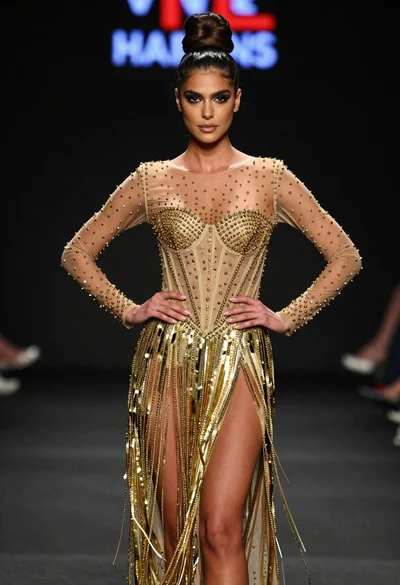
Poised woman in elaborate gold gown on dark runway under spotlight

Glamorous woman in black sequined romper standing before dusty rose velvet curtains
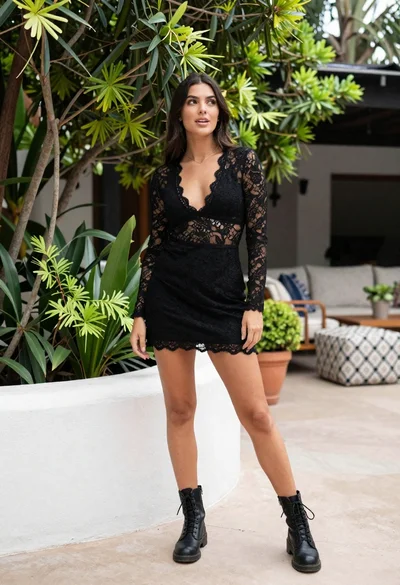
Young woman in black lace outfit standing in lush garden courtyard

Young woman in pink embroidered dress on white stone staircase outdoors

Smiling woman with red hair in floral twotoned dress outdoors