
Woman in light blue ballgown waving indoors with colorful fabric flowers
Prompt
A woman with short blonde hair waves enthusiastically while wearing an elaborate light blue ballgown adorned with large colorful fabric flowers.

Subject: A woman with short, spiky blonde hair and a warm smile, standing confidently in a full-length pose.

Clothing: An off-the-shoulder, floor-sweeping ballgown made of sheer light blue tulle, heavily embellished with large, three-dimensional fabric flowers in shades of white, red, pink, and purple attached to the bodice and skirt.

Action: The woman is raising her right arm high in a waving gesture, looking forward with an engaging expression.

Environment: A warm-toned indoor setting featuring tall vertical architectural columns and soft golden lighting in the background.

Lighting: Warm ambient lighting that highlights the subject against a slightly blurred background, creating a soft glow around the edges of the dress.

Style Details: High-fashion photography style with a focus on elegance and texture, capturing the intricate details of the gown's floral embellishments.
Description
This prompt is useful for creating high-end bridal editorials, theatrical costume concept art, and luxury catalog spreads featuring voluminous gowns. The combination of 'sheer light blue tulle' with 'large, three-dimensional fabric flowers' ensures the gown remains visually complex even under 'warm ambient lighting,' preventing the delicate material from looking flat against the backdrop of architectural columns.
Suggestions
- Change 'spiky blonde hair' to 'soft wavy blonde hair' for a more romantic feel.
- Swap 'red, pink, and purple' for 'gold and ivory' to match the warm tones.
- Adjust 'full-length pose' to 'three-quarter view' to better showcase the bodice embellishments.
Category
Tags
BlondeFemaleFormal WearFull BodyHigh AngleIndoorsRealisticStudio
Date added
June 19, 2026
Added by
PromptDexter Team
Related Prompts
More prompts with similar categories and tags.
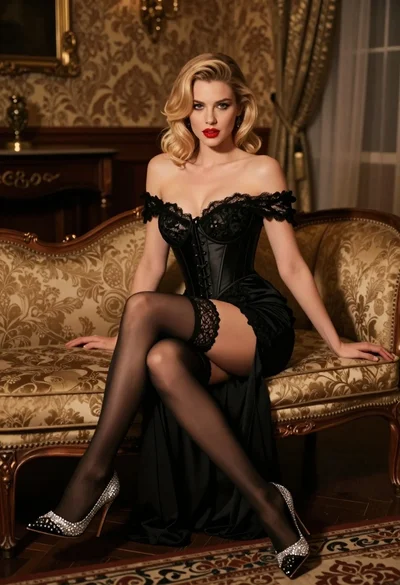
Glamorous blonde woman in black lace gown seated on vintage chaise lounge

Blonde woman in black slip dress posing on red carpet at formal
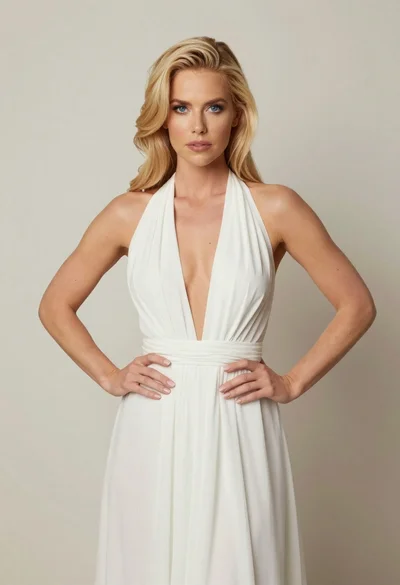
Blonde woman in white halter gown standing against a neutral studio wall

Smiling blonde woman in boutique wearing navy blouse and black skirt

Full length shot of woman in dusty pink lace gown at indoor
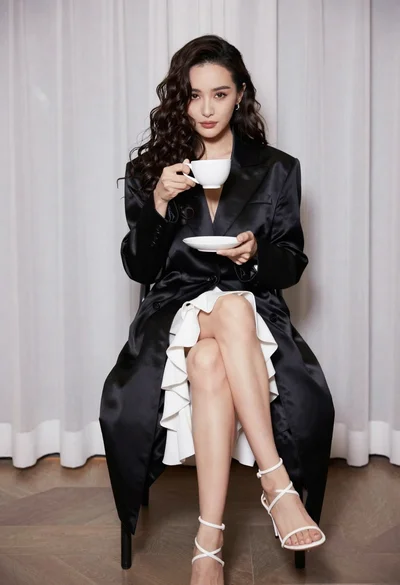
Woman in black coat seated holding teacup against sheer white curtains
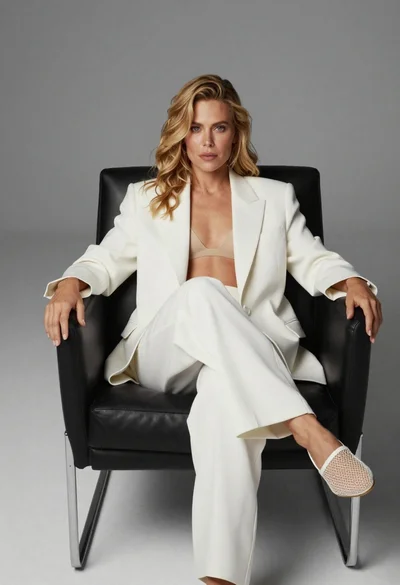
Blonde woman sitting in black leather chair against plain grey background
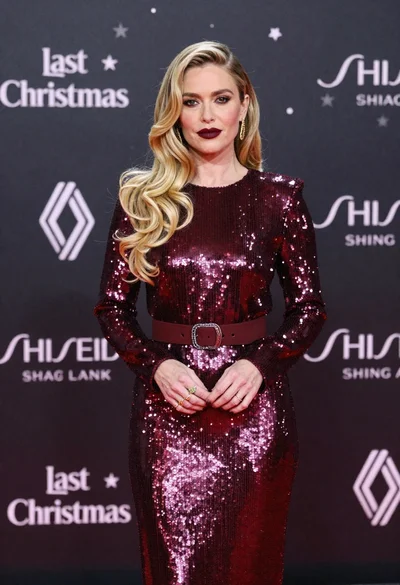
Glamorous blonde woman in burgundy sequin dress on red carpet
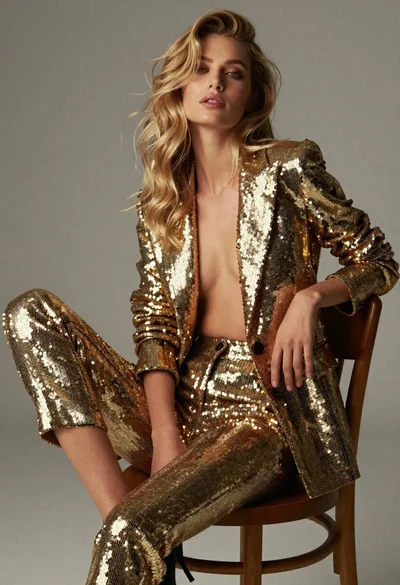
Glamorous blonde woman in gold blazer seated portrait
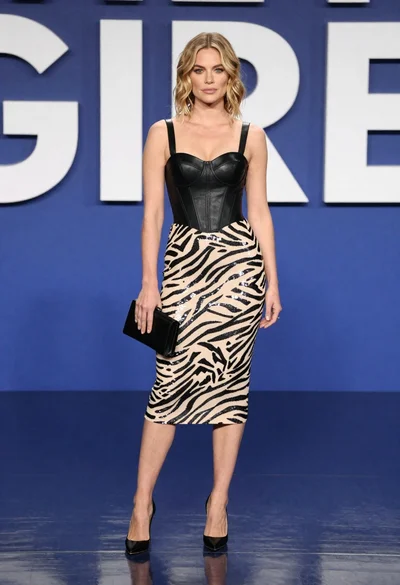
Blonde woman in zebra print midi dress on blue stage