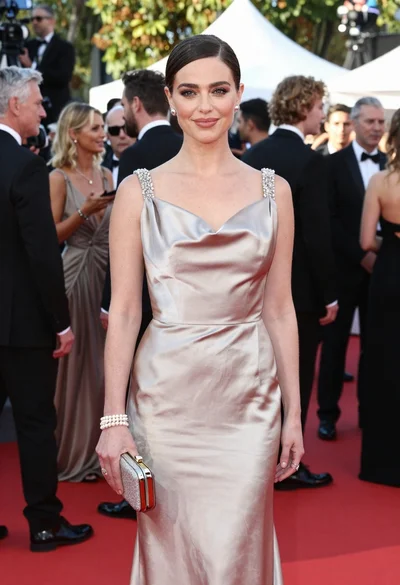
Blonde woman posing on red carpet in burgundy gown at event
Prompt
A full-length shot of a blonde woman posing confidently on a red carpet, wearing a floor-length burgundy gown with a high slit and sparkling heels.

Subject: A smiling blonde woman with her hair pulled back, looking directly at the camera with a bright expression.

Clothing: She wears an elegant, sleeveless burgundy evening gown featuring a halter neckline, a fitted bodice, and a flowing pleated skirt with a high thigh slit. She is accessorized with sparkling diamond-style heels, a wide bracelet on her right wrist, and dangling earrings.

Action: The woman stands with her left hand resting on her hip and her right arm hanging by her side, striking a classic red carpet pose.

Environment: The setting is a vibrant red carpet event, likely a film festival, with a crowd of photographers in formal wear holding cameras in the background behind a barrier.

Camera: A medium-wide shot capturing the full length of the subject from head to toe, utilizing a shallow depth of field that keeps the woman sharp while softly blurring the busy background.

Lighting: Bright, professional flash photography illuminates the scene evenly, creating high contrast against the dark suits in the background and highlighting the texture of the gown.

Style Details: High-gloss photographic finish with vivid color saturation, emphasizing the rich reds of the carpet and dress.
Description
This prompt is useful for generating red carpet event photography, high-end fashion editorials, and promotional material for gala events. The combination of 'bright, professional flash photography' ensuring even illumination and 'high contrast against the dark suits in the background' directs all focus onto the subject while using the 'shallow depth of field' to manage the visual chaos of a crowd.
Suggestions
- Change 'burgundy gown' to 'emerald green velvet gown' for an alternative rich color.
- Replace 'sparkling diamond-style heels' with 'metallic gold stilettos' to shift the accent metal.
- Adjust 'medium-wide shot' to 'full body, low angle' to make the subject appear more imposing.
Category
Tags
BlondeFemaleFormal WearFull BodyMedium ShotRealisticStudio
Date added
June 19, 2026
Added by
PromptDexter Team
Related Prompts
More prompts with similar categories and tags.
Blonde woman in navy dress on red carpet at formal event
Glamorous blonde woman in sequined gown posing at an event

Blonde woman in burgundy velvet gown holding flower in white studio

Poised woman in elegant white gown on blurred red carpet steps

Fair blonde woman in slip dress seated in minimalist studio setting
Blonde woman in white halter gown standing against a neutral studio wall

Woman in rust gown posing on white step and repeat backdrop
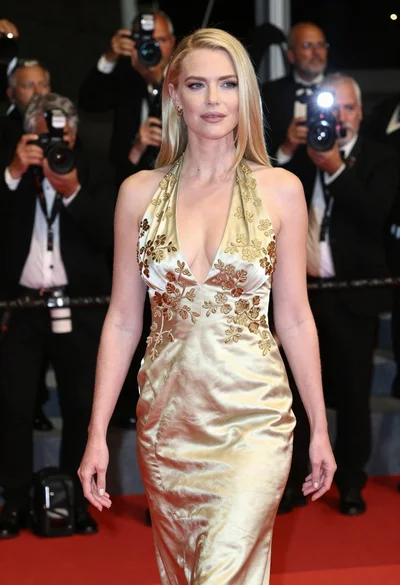
Blonde woman in gold satin gown walking at a red carpet event

Smiling blonde woman in boutique wearing navy blouse and black skirt
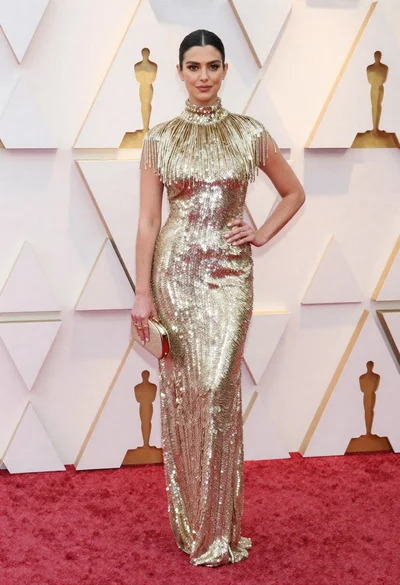
Woman in shimmering gold gown posing on a red carpet event