
Woman in mint green satin slip dress posing inside luxurious hotel suite
Prompt
A woman with a sleek dark bob haircut and winged eyeliner poses in a luxurious hotel room wearing a satin mint green slip dress with gold Medusa head clasps on the straps.

Subject: A woman with a sharp, chin-length dark brown bob haircut, defined eyebrows, and glossy lips looking directly at the camera.

Clothing: She wears a shiny, light teal satin slip dress featuring deep V-neckline draping and distinctive gold metal clasps shaped like Medusa heads on the spaghetti straps.

Action: Her right hand is raised slightly with fingers curled near her shoulder, displaying manicured nails and rings, while her left arm rests by her side revealing a tattoo on her upper arm.

Environment: The background shows a high-end hotel suite interior with a large bed featuring a curved headboard, textured beige walls, and a glimpse of a yellow sofa.

Lighting: Soft, warm ambient lighting illuminates the scene from the side, highlighting the sheen of the satin fabric and creating gentle shadows on her skin.

Camera: A medium close-up shot taken at eye level with a shallow depth of field that keeps the subject in sharp focus while blurring the background details.

Style Details: The image has a high-definition, polished aesthetic typical of professional portrait photography or social media influencer content.
Description
This prompt is useful for creating editorial fashion moodboards, luxury lifestyle advertisements, and personal branding portraits for beauty influencers. The combination of 'satin mint green slip dress' with 'gold Medusa head clasps' ensures the fabric catches light beautifully, while the 'soft, warm ambient lighting' prevents harsh reflections that would distract from the subject’s defined features.
Suggestions
- Change 'mint green' to 'emerald green' for a richer jewel tone.
- Swap 'Medusa head clasps' for 'pearl baroque clasp' for a different metallic feel.
- Adjust 'medium close-up shot' to 'full body shot' to better showcase the room.
Category
Tags
BrunetteFemaleIndoorsRealistic
Date added
June 19, 2026
Added by
PromptDexter Team
Related Prompts
More prompts with similar categories and tags.

Blonde woman in striped swimsuit seated on sofa indoors studio shot
Full length portrait of woman in gown near tall window shutters
Woman with dark hair in offtheshoulder dress indoors portrait
Woman with brown hair in black dress indoors soft focus portrait

Young woman in black graphic tshirt against white paneled wall
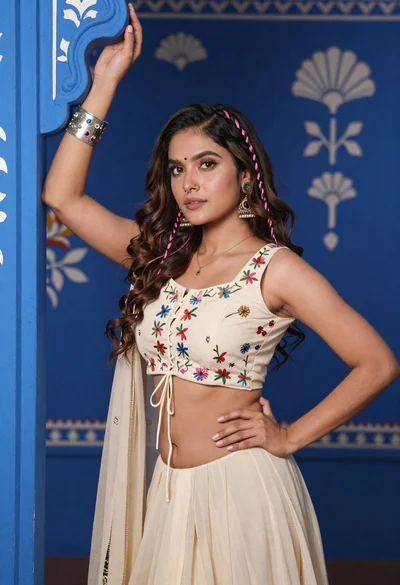
Young woman with brown hair posing by blue floral patterned wall
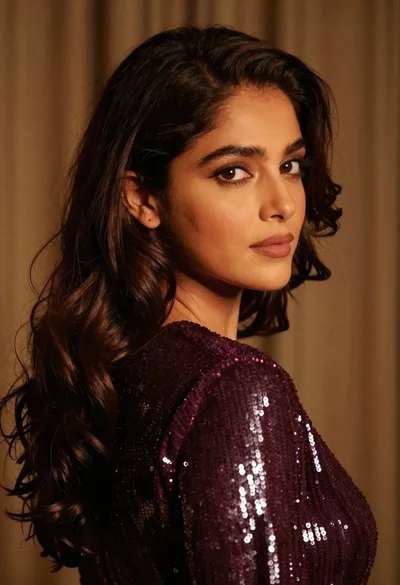
Close up portrait of woman with dark brown hair looking over shoulder

Poised woman in black gown posing indoors with dramatic low key lighting
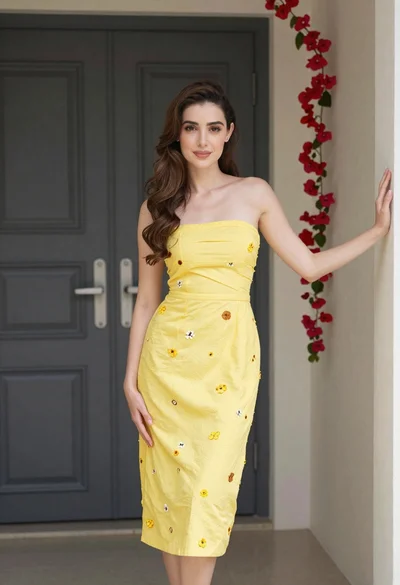
Young woman in yellow embroidered dress standing indoors near red flowers
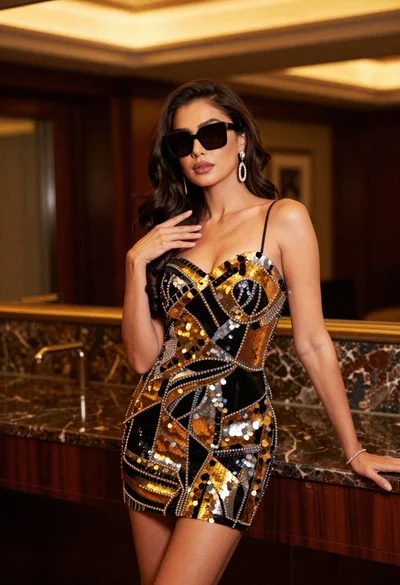
Confident woman in black and gold sequined mini dress indoors
