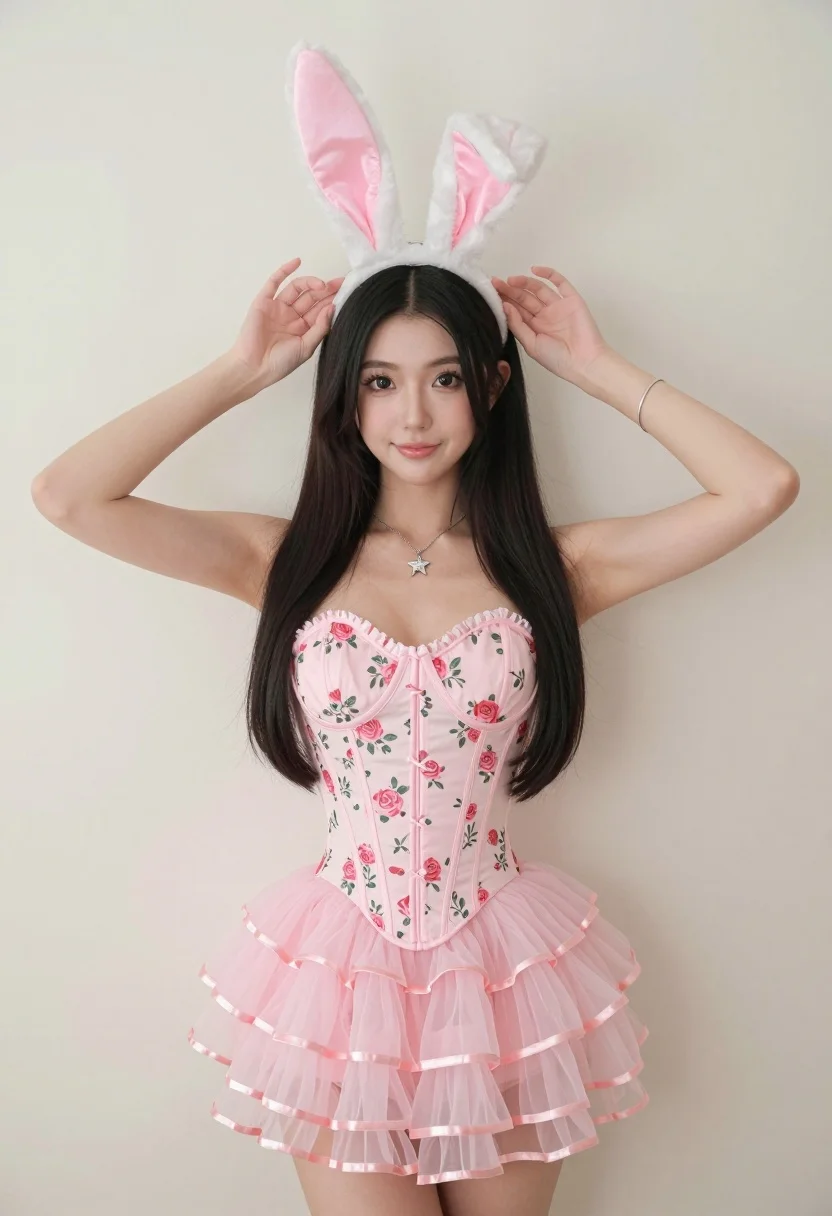
Woman in pink floral corset dress with bunny ears against cream wall
Prompt
A woman with long dark hair stands against a plain off-white wall wearing white fluffy bunny ears and a pink floral corset dress.

Subject: A woman with long straight black hair, dark eyes, and light skin tone.

Clothing: She wears a strapless pink corset top featuring a rose floral pattern with vertical lacing details, paired with a matching tiered tulle skirt that has satin ribbon trim at the hem. She also wears white plush bunny ears with pink interiors on her head, a silver star-shaped pendant necklace, and a thin silver bracelet on her left wrist.

Action: Her arms are raised with both hands gently touching the sides of her bunny ears as she looks directly at the camera with a soft smile.

Environment: The background is a simple, featureless cream-colored wall that fills the frame behind her.

Camera: A medium shot captures the subject from the thighs up, framed vertically with a shallow depth of field that keeps the focus sharp on her face and upper body.

Lighting: Soft, diffused lighting illuminates the scene evenly from the front, creating gentle shadows and highlighting the texture of the dress and fur ears without harsh contrast.

Style Details: High-resolution photography with a clean aesthetic, vibrant pastel color palette, and smooth skin texture rendering.
Description
This prompt is useful for creating whimsical editorial portraits, themed costume shoots, and sweet character concept art. The combination of 'soft, diffused lighting' and the 'plain off-white wall' ensures that the vibrant pastel color palette of the pink floral corset dress remains the primary focus without harsh shadows distracting from the delicate textures of the tulle skirt and plush bunny ears.
Suggestions
- Change 'pink floral corset dress' to 'deep burgundy floral corset dress' for a moodier tone.
- Add 'bokeh background' to enhance the shallow depth of field effect.
- Swap 'soft smile' for 'playful smirk' to adjust the overall character expression.
Category
Tags
Black HairBrunetteFemaleLight SkinMedium ShotOutdoorsPortrait ShotStudio
Date added
August 5, 2026
Added by
PromptDexter Team
Related Prompts
More prompts with similar categories and tags.
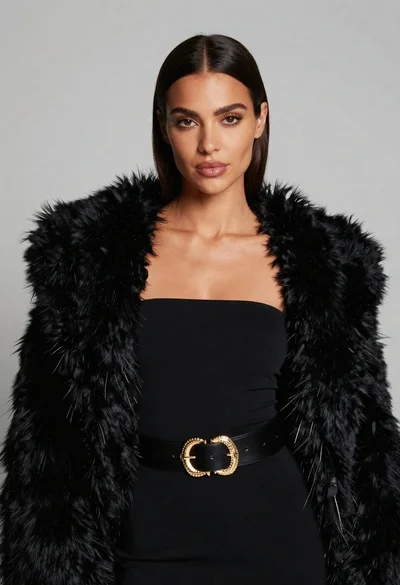
Poised woman in black fur stole against a plain light grey studio
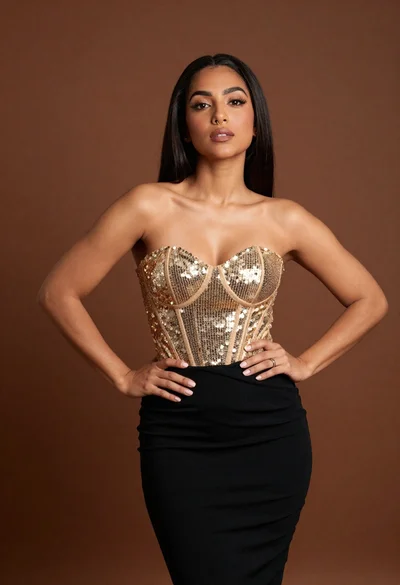
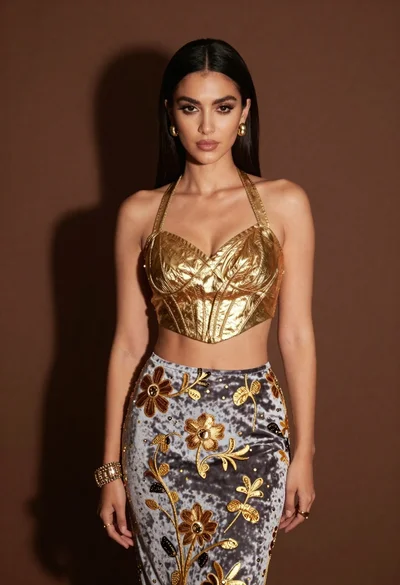
Confident woman in gold sequin top and black skirt against brown backdrop
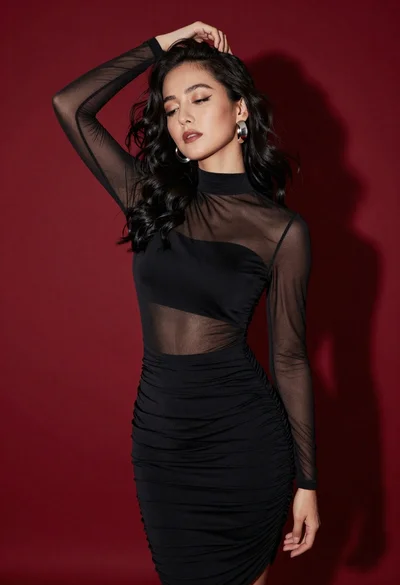
Confident woman in black dress posing against deep red studio backdrop
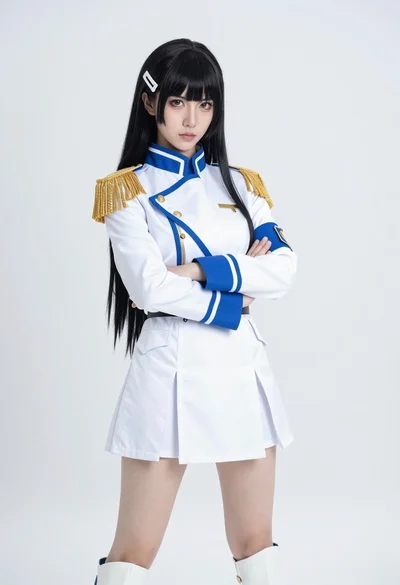
Cosplay portrait of woman in white military uniform against white studio background
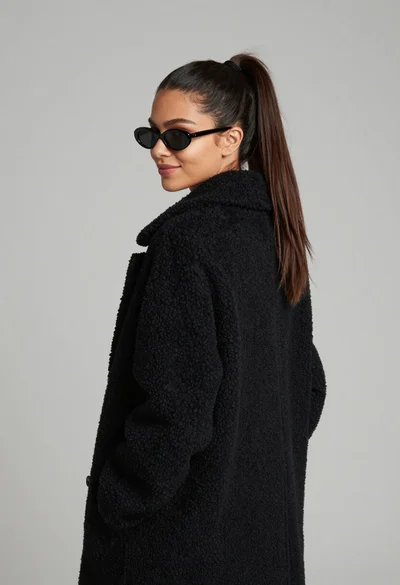
Young woman in black boucle coat looking back over shoulder profile shot
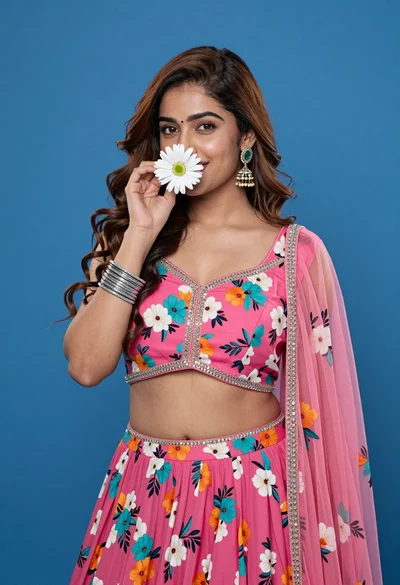
Young woman in pink floral lehenga holding daisy against solid blue background
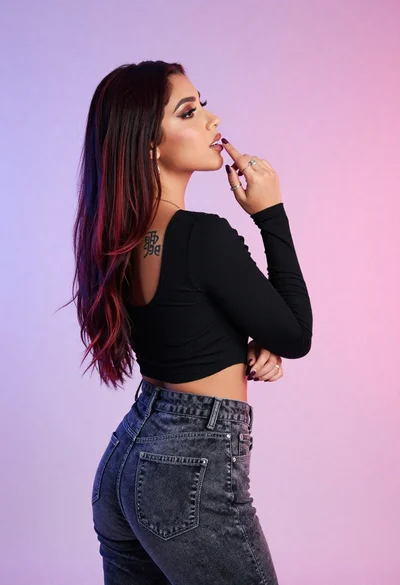
Woman in black crop top posing against purple pink gradient background
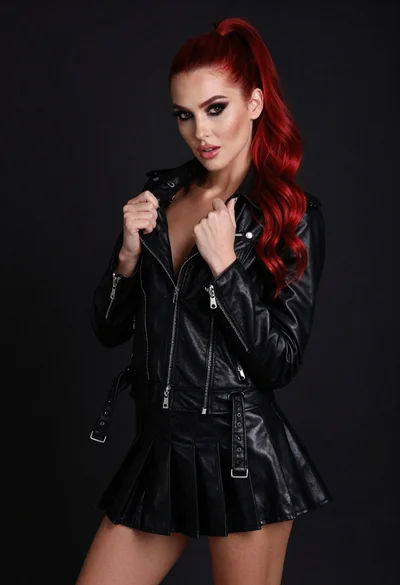
High fashion portrait of woman with red hair in black jacket

Portrait of woman with red hair in navy blouse and green skirt

Young woman in blue denim jacket posing against pale pink seamless background