
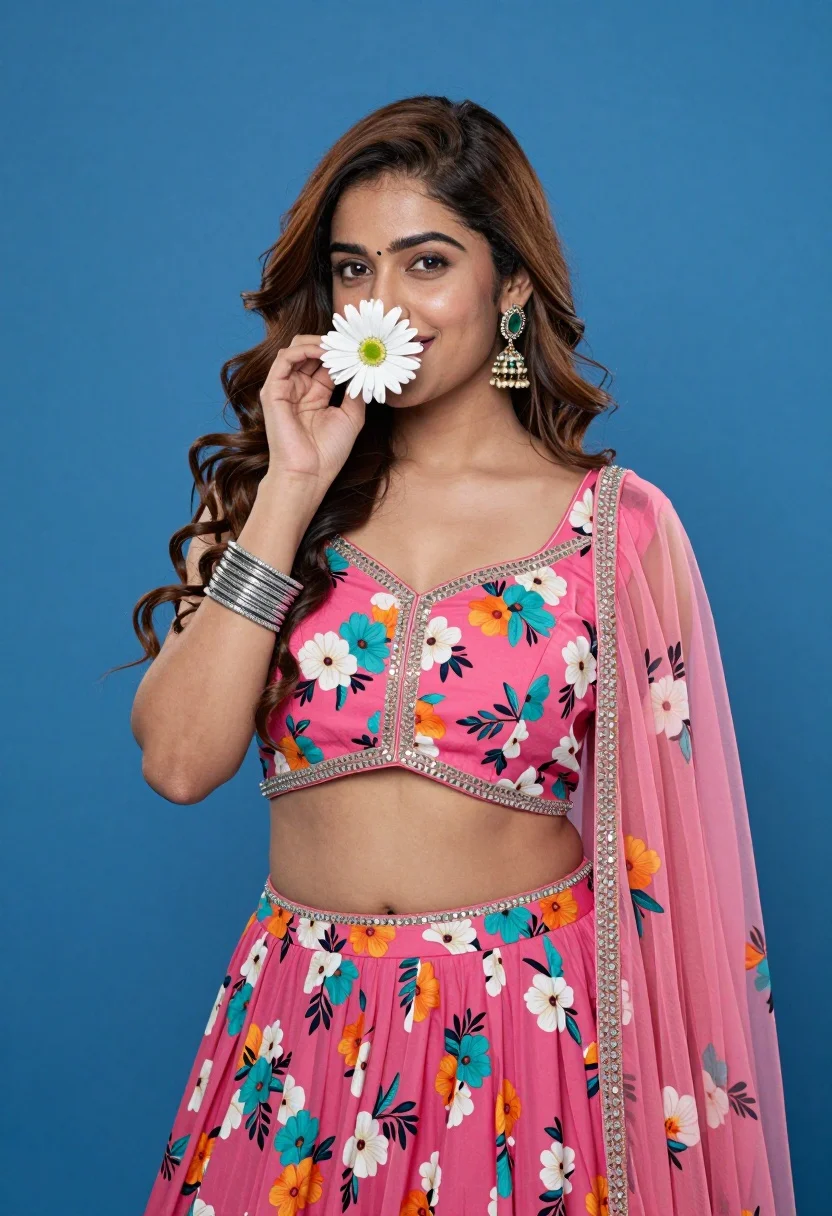
Young woman in pink floral lehenga holding daisy against solid blue background
Prompt
A young woman with long wavy brown hair holds a white daisy near her face against a solid blue background.

Subject: A young woman with fair skin, dark expressive eyes, and long voluminous wavy brown hair cascading over her shoulders. She has a small bindi on her forehead and a nose ring in her left nostril.

Clothing: She wears a vibrant pink floral lehenga set featuring a crop top and skirt with a busy pattern of teal, orange, and white flowers. The outfit is embellished with sparkling sequins along the neckline and waistline. She wears a matching sheer dupatta draped over her shoulders. Her accessories include a stack of silver bangles on her right wrist and large ornate jhumka earrings with green stones.

Action: She holds a single white daisy in her right hand, positioning it near her nose as if smelling it or hiding behind it playfully. She looks directly at the camera with a soft, gentle smile.

Environment: A solid, vibrant blue background that fills the entire frame behind the subject.

Camera: Medium shot framing the subject from the thighs up, utilizing a shallow depth of field to keep the focus sharp on her face and upper body while slightly softening the edges.

Lighting: Bright, even studio lighting illuminating the subject from the front, creating soft shadows that define her features without harsh contrast.

Style Details: High-resolution digital photography with vibrant color saturation and a clean, polished aesthetic.
Description
This prompt is useful for creating cultural portraiture, bridal fashion editorials, and stylized e-commerce lookbooks featuring ethnic wear. The combination of 'vibrant pink floral lehenga' against the 'solid, vibrant blue background' maximizes color contrast, ensuring the intricate details like the 'sparkling sequins' remain visible without being lost in harsh shadows from the 'Bright, even studio lighting'.
Suggestions
- Change 'white daisy' to 'yellow sunflower' for a brighter focal point.
- Swap 'vibrant pink floral lehenga' for 'deep emerald green lehenga' for an alternative color story.
- Adjust 'Medium shot framing the subject from the thighs up' to 'close-up portrait' to emphasize facial details.
Category
Tags
Brown HairBrunetteFair SkinFemaleMedium ShotOutdoorsPortrait ShotRealisticStudio
Date added
August 5, 2026
Added by
PromptDexter Team
Related Prompts
More prompts with similar categories and tags.

Young woman in black graphic tshirt against white paneled wall

Portrait of woman in elaborate red feathered gown against vivid blue background

Glamorous woman posing in shimmering two piece outfit against green backdrop
Medium close up portrait of woman with brown wavy hair in magenta

Fair skinned woman in black blazer against white studio wall
Woman in fuchsia saree posing against textured beige stone wall

Young woman with braided hair in misty woodland setting
High fashion portrait of woman in navy velvet crop top studio setting
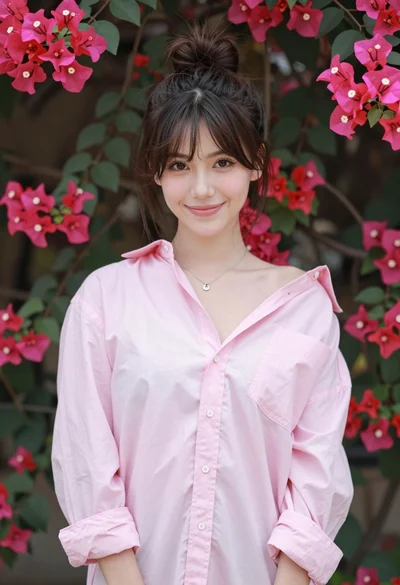
Young woman in pink shirt against vibrant bougainvillea flowers portrait

Young woman leaning against white wall with beige handbag under bright sunlight
