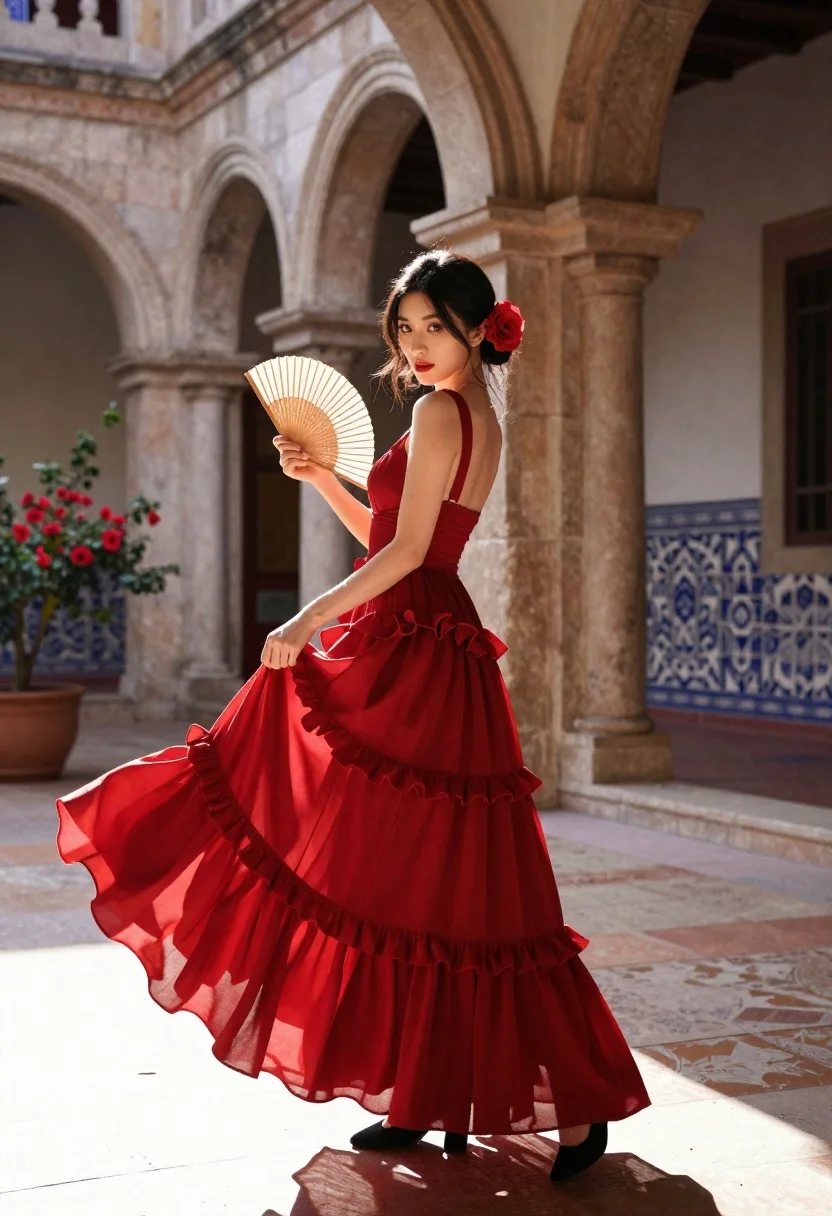
Woman in red gown holding fan in sunlit arched courtyard
Prompt
A woman in a flowing red dress stands gracefully in an arched courtyard holding a fan.

Subject: A poised woman with dark hair styled back and adorned with a large red flower behind her ear, featuring defined facial features and red lipstick.

Clothing: She wears a sleeveless, deep red gown with a fitted bodice and a voluminous skirt composed of multiple tiered ruffles that flare out as she moves, paired with black shoes.

Action: She holds a traditional fan in one hand while lifting the hem of her dress with the other, looking over her shoulder with a confident expression.

Environment: The setting is a sunlit courtyard featuring stone arches and columns, potted plants with red flowers, and walls decorated with intricate blue and white patterned tiles.

Camera: Shot from a low angle to emphasize the height of the subject and the architecture, utilizing a shallow depth of field that keeps the woman sharp while softly blurring the background.

Lighting: Warm, golden sunlight streams in from the left side, casting soft shadows and highlighting the texture of the dress and the architectural details.

Style Details: The image has a cinematic quality with rich color saturation and a smooth, polished finish reminiscent of high-end fashion photography.
Description
This prompt is useful for creating editorial fashion moodboards, historical costume concept art, and luxury brand campaign visuals. The combination of 'low angle' perspective emphasizing height against the 'arched courtyard' structure, coupled with 'warm, golden sunlight' highlighting the 'deep red gown', directs the viewer's eye upward while ensuring the rich color saturation keeps the focus squarely on the subject.
Suggestions
- Change 'red flower' to 'white orchid' for a contrasting pop of color.
- Swap 'voluminous skirt composed of multiple tiered ruffles' for 'silk bias-cut skirt' for a different movement quality.
- Adjust 'low angle' to 'eye level' if you want a more intimate portrait feel.
Category
Tags
Casual WearFemaleFull BodyLow AngleOutdoorsRealistic
Date added
June 23, 2026
Added by
PromptDexter Team
Related Prompts
More prompts with similar categories and tags.
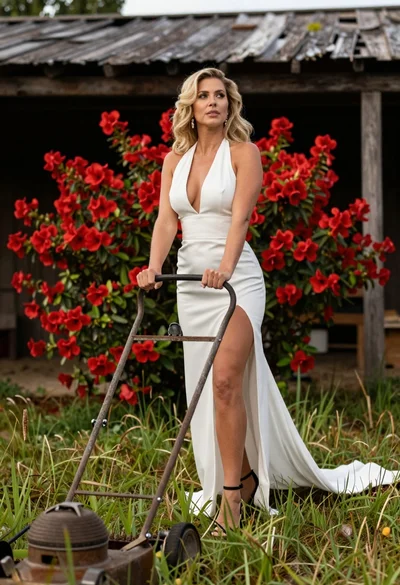
Blonde woman in white dress holding lawn mower in grassy field
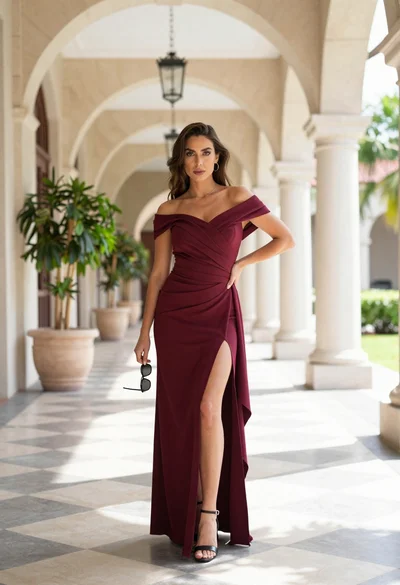
Woman in maroon dress standing in luxurious stone corridor outdoors
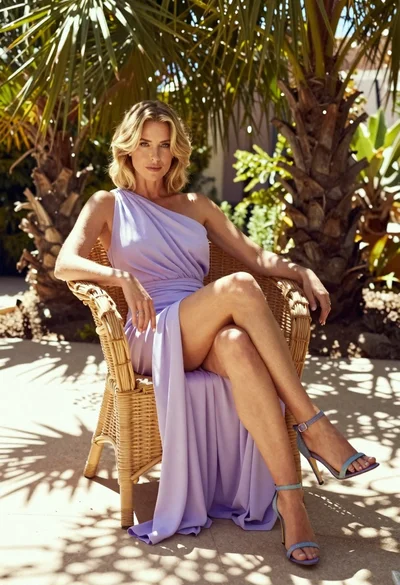
Blonde woman in lavender gown seated on wicker chair in sunlit garden
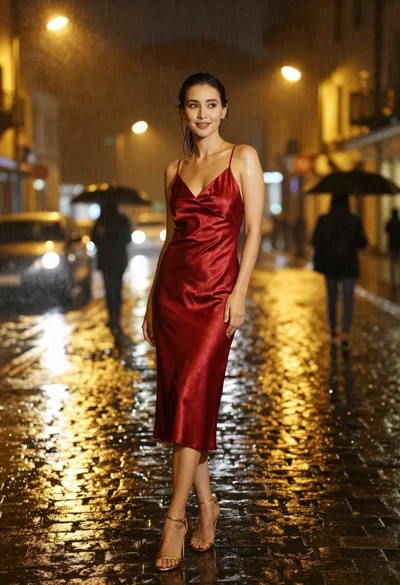
Woman in wet red dress standing on cobblestone street at night during
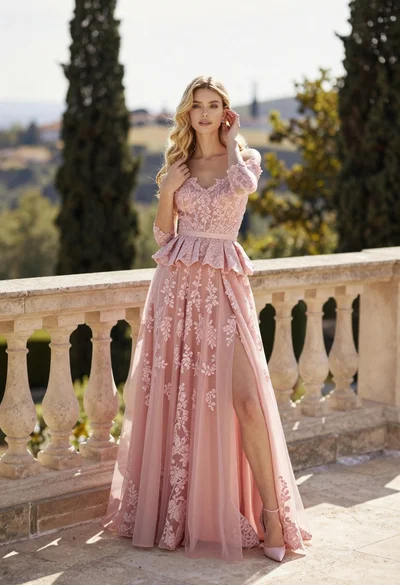
Fair skinned woman in pink ballgown on stone terrace outdoors
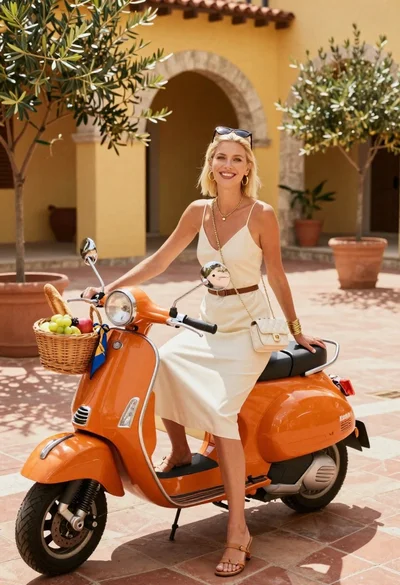
Smiling blonde woman in cream slip dress sitting on vintage orange scooter
Stylish young woman in white crop top leaning against stone wall at

Woman in brown corduroy sitting in golden dry grass at sunset
