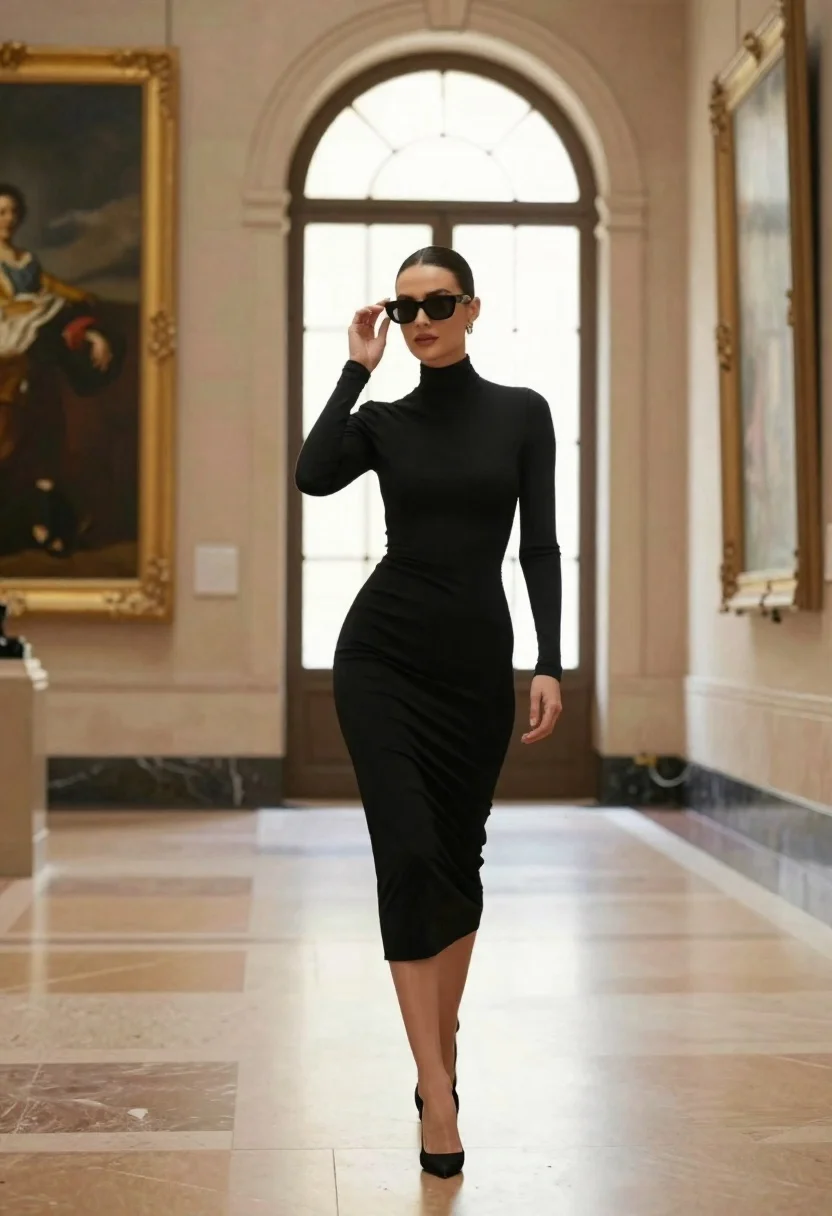
Confident woman in black dress walks through elegant museum hallway adjusting sunglasses
Prompt
A confident woman in a black dress walks through an elegant museum hallway while adjusting her sunglasses.

Subject: A stylish woman with dark hair pulled back into a sleek bun and wearing large dark sunglasses.

Clothing: She wears a form-fitting, high-necked black midi dress with long sleeves and black stiletto heels.

Action: She is captured mid-stride walking forward, lifting her right hand to adjust the frame of her sunglasses while looking slightly to the side.

Environment: The setting is a grand museum gallery featuring tall arched windows, beige stone walls, large framed classical paintings in gold frames, and polished marble floors.

Camera: A full-body shot taken from a low angle that emphasizes the subject's height and elegance against the architectural backdrop.

Lighting: Soft natural light streams through the tall arched windows, creating a bright but diffused atmosphere with gentle shadows on the floor.

Style Details: High-fashion editorial aesthetic with a polished, cinematic color palette and sharp focus on the subject.
Description
This prompt is useful for creating high-end fashion editorials, architectural lifestyle photography, and movie stills showcasing character entrances. The combination of 'low angle' perspective and 'polished, cinematic color palette' ensures the subject dominates the frame while the 'beige stone walls' provide a rich, textured backdrop that prevents the scene from looking flat despite the soft natural light.
Suggestions
- Change 'black midi dress' to 'velvet midi dress' for more dramatic texture.
- Add 'anamorphic lens flare' to enhance the cinematic feel.
- Specify 'ornate gold detailing' on the marble floors for richer foreground interest.
Category
Tags
Black HairCasual WearDark SkinFemaleFull BodyIndoorsLow AngleOutdoorsPortrait ShotRealistic
Date added
June 23, 2026
Added by
PromptDexter Team
Related Prompts
More prompts with similar categories and tags.

Woman in brown corduroy sitting in golden dry grass at sunset
Blonde woman in black lace corset top against dark green wall
Woman in red ballgown spinning in elegant museum hall
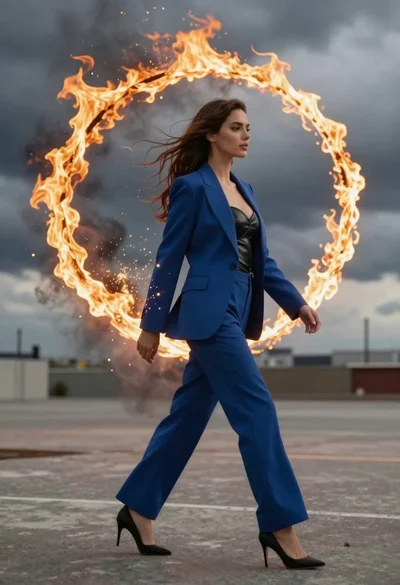
Young woman in blue blazer walking forward in profile against a ring
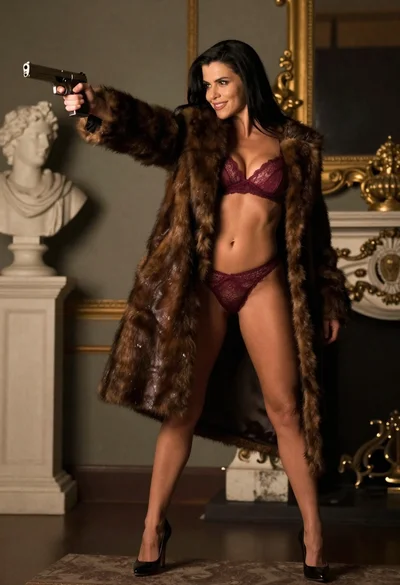
Woman in fur coat holding handgun in luxurious interior setting
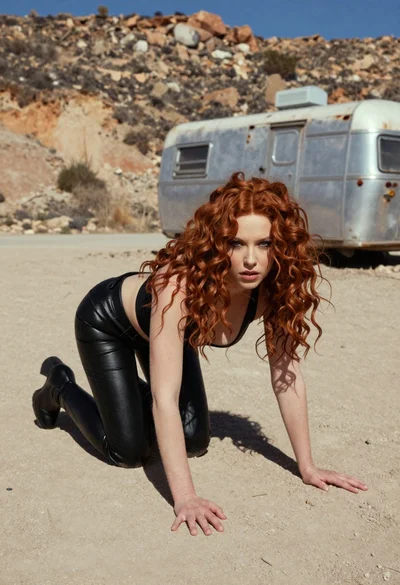
Woman crawling on dusty hillside in black leather outfit low angle
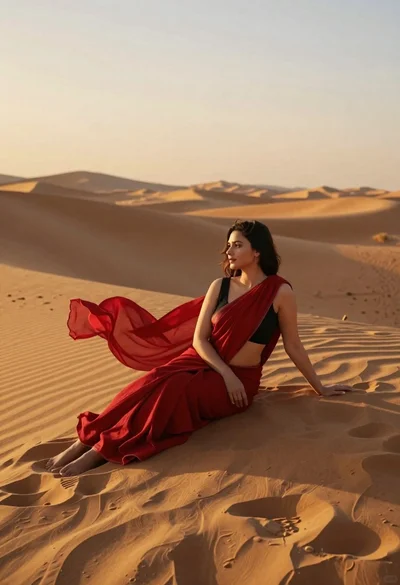
Young woman in red sari sitting on sand dunes at golden hour
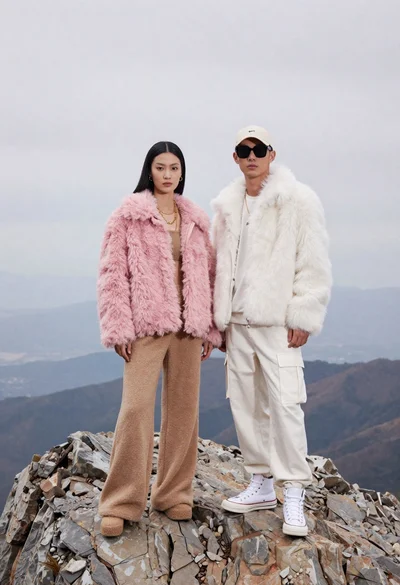
Two models on a rocky mountain peak under overcast sky