Woman in red lingerie standing against draped beige curtains in studio
Prompt
A confident woman stands with her arms crossed against a backdrop of draped beige curtains.

Subject: A woman with dark hair styled in an updo and loose tendrils framing her face, featuring defined eyebrows, red lipstick, and a direct gaze.

Clothing: She wears a matching red lingerie set consisting of a lace bra with heart patterns and a scalloped edge, high-waisted panties with white bows and garter straps, and sheer red thigh-high stockings.

Environment: The background consists of soft, draped beige curtains that create a warm, enclosed atmosphere, with the partial view of an ornate, patterned chair visible in the lower left corner.

Lighting: Warm, directional lighting highlights her skin and the texture of the fabric, casting soft shadows that accentuate her form.

Camera: A medium shot captures the subject from the thighs up, utilizing a shallow depth of field to keep the focus sharp on her while softly blurring the background curtains.

Style Details: The image features a polished studio photography aesthetic with rich color saturation and a smooth, high-quality finish.
Description
This prompt is useful for creating boudoir editorial spreads, intimate portraiture for lingerie brands, and fine art fashion editorials. The combination of 'warm, directional lighting' and the 'shallow depth of field' ensures that the focus remains intensely sharp on the subject while allowing the 'draped beige curtains' to provide a rich, non-distracting backdrop texture.
Suggestions
- Change 'red lipstick' to 'deep burgundy lipstick' for a more dramatic effect.
- Swap 'heart patterns' for 'geometric lace' to modernize the lingerie look.
- Adjust 'medium shot' to 'close up portrait' to emphasize the gaze.
Category
Tags
BrunetteFemaleIndoorsLingerieMedium ShotRealisticStudio
Date added
June 19, 2026
Added by
PromptDexter Team
Related Prompts
More prompts with similar categories and tags.

Young woman in black lingerie with grey cardigan on stool
Woman with red hair sitting on dresser before ornate gold mirror
Blonde woman in black lace lingerie and robe in a theater aisle

Blonde woman in striped swimsuit seated on sofa indoors studio shot
Full length portrait of woman in gown near tall window shutters
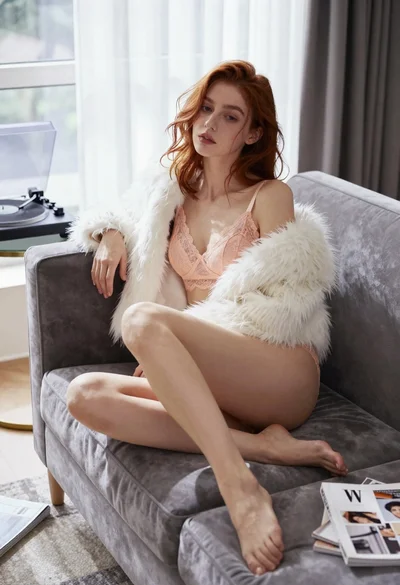
Young woman in lace lingerie seated on grey velvet sofa indoors

Young woman in black graphic tshirt against white paneled wall
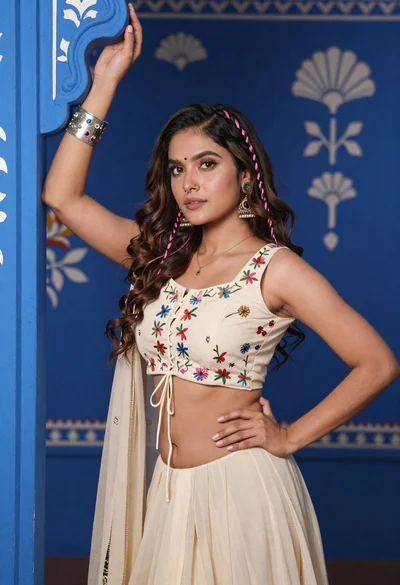
Young woman with brown hair posing by blue floral patterned wall
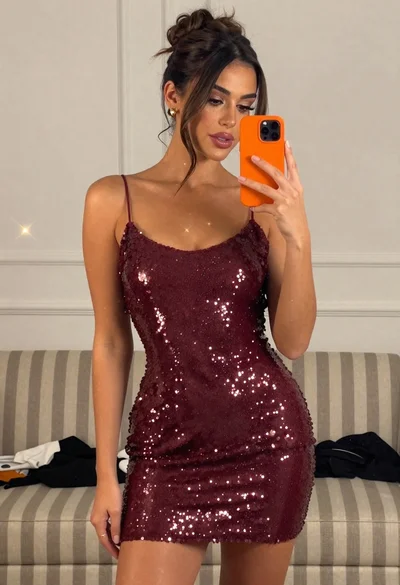
Woman taking mirror selfie in sparkly maroon mini dress indoors
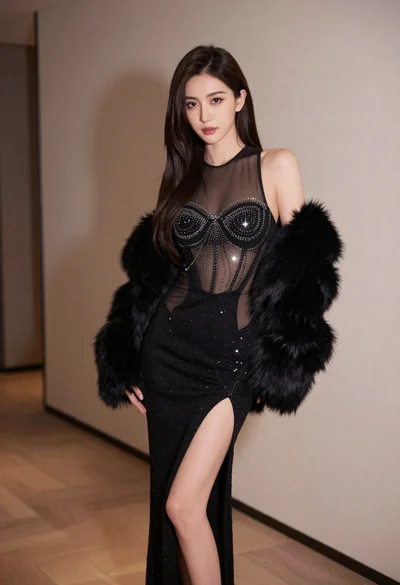
Glamorous woman in black mesh dress with fur stole indoors