
Medium close up portrait of woman holding makeup compact in studio
Prompt
A woman with long dark hair holds a black makeup compact near her face while looking directly at the camera.

Subject: A woman with long, straight, dark brown hair and fair skin holding a round black cosmetic product in her right hand.

Clothing: She wears a black off-the-shoulder top featuring sheer mesh sleeves on one arm and a solid fabric bodice with a strap detail across the chest.

Action: Her gaze is direct and steady, her left hand rests flat on a surface below, and she holds the product up near her cheek with her right hand.

Environment: The background is a seamless, plain white studio backdrop that creates a clean, minimalist setting.

Camera: The shot is a medium close-up framed from the chest up, utilizing a soft depth of field to keep the subject sharp while blurring the background slightly.

Lighting: Soft, diffused lighting illuminates the scene evenly from the front, creating gentle shadows and highlighting the texture of her skin and hair without harsh contrast.

Objects: A black round makeup compact with white text reading "LOREAL PARIS" is held in her right hand.

Style Details: The image features high commercial quality with a polished, professional aesthetic typical of beauty advertising photography.
Description
This prompt is useful for creating beauty advertisement campaigns, e-commerce product showcases, and editorial portraiture featuring cosmetics. The combination of 'soft, diffused lighting' and the 'seamless, plain white studio backdrop' ensures that all focus remains on the subject and the object, preventing distracting environmental elements while allowing the 'black makeup compact' to maintain high contrast against the skin.
Suggestions
- Change 'black makeup compact' to a specific product name like 'Chanel lipstick case' for brand consistency.
- Adjust 'soft, diffused lighting' to 'rim light from the side' to add more dimension.
- Modify 'medium close-up framed from the chest up' to 'head and shoulders portrait' for a tighter focus.
Category
Tags
Brown HairBrunetteCasual WearFair SkinFemaleMedium ShotRealisticStudio
Date added
June 19, 2026
Added by
PromptDexter Team
Related Prompts
More prompts with similar categories and tags.
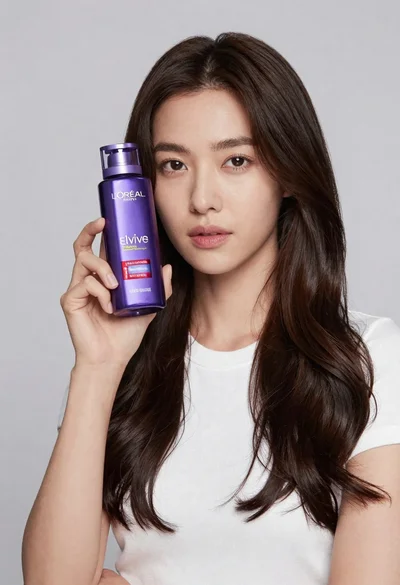
Woman holding purple hair product against cheek in studio setting

Young woman in red sweatshirt holding pepperoni pizza box against collage background
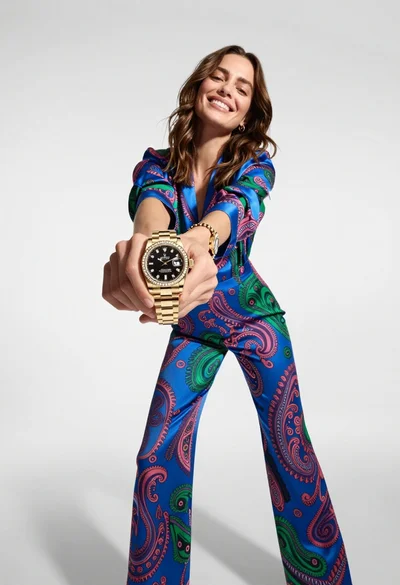
Woman in blue paisley jumpsuit presenting diamond wristwatch against white studio backdrop
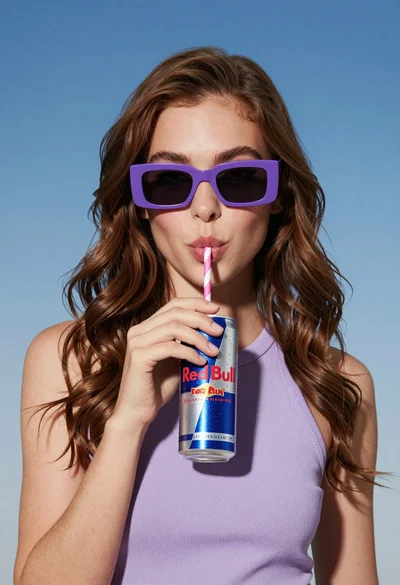
Stylish woman with brown hair sipping energy drink in light purple top
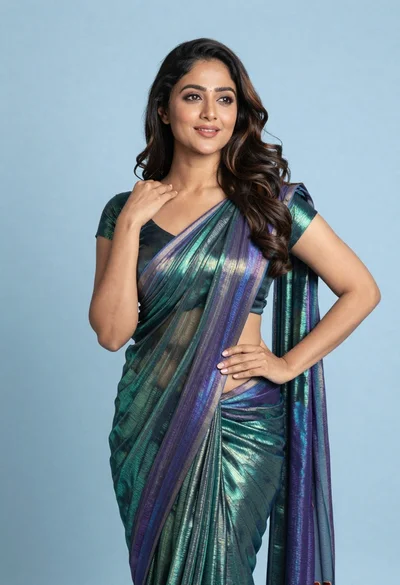
Woman in shimmering green saree posing confidently against soft blue studio backdrop
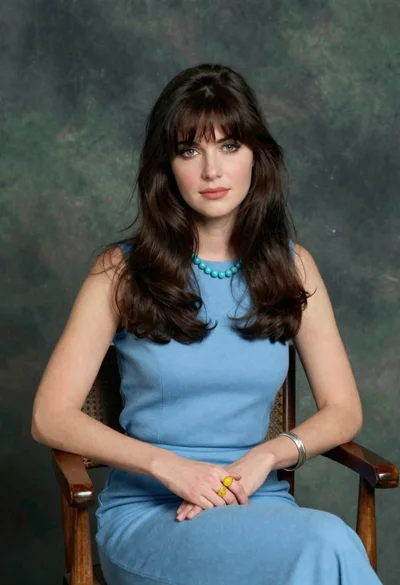
Woman with dark brown hair seated in wooden chair against green backdrop

Close up portrait of young woman making heart shape over chest

Woman with brown hair forming heart shape in white strapless dress

Photorealistic portrait of woman in red gold armor holding shield studio shot
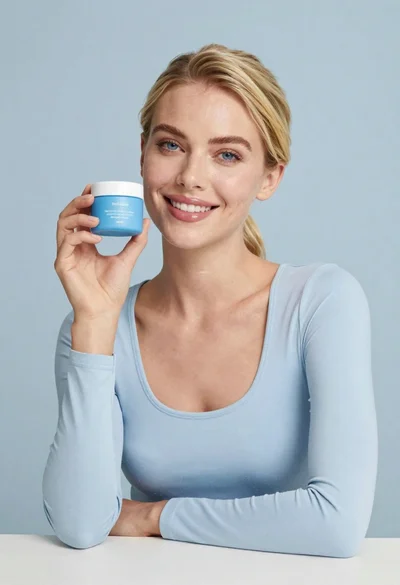
Smiling blonde woman holding a blue jar in a minimalist studio setting