
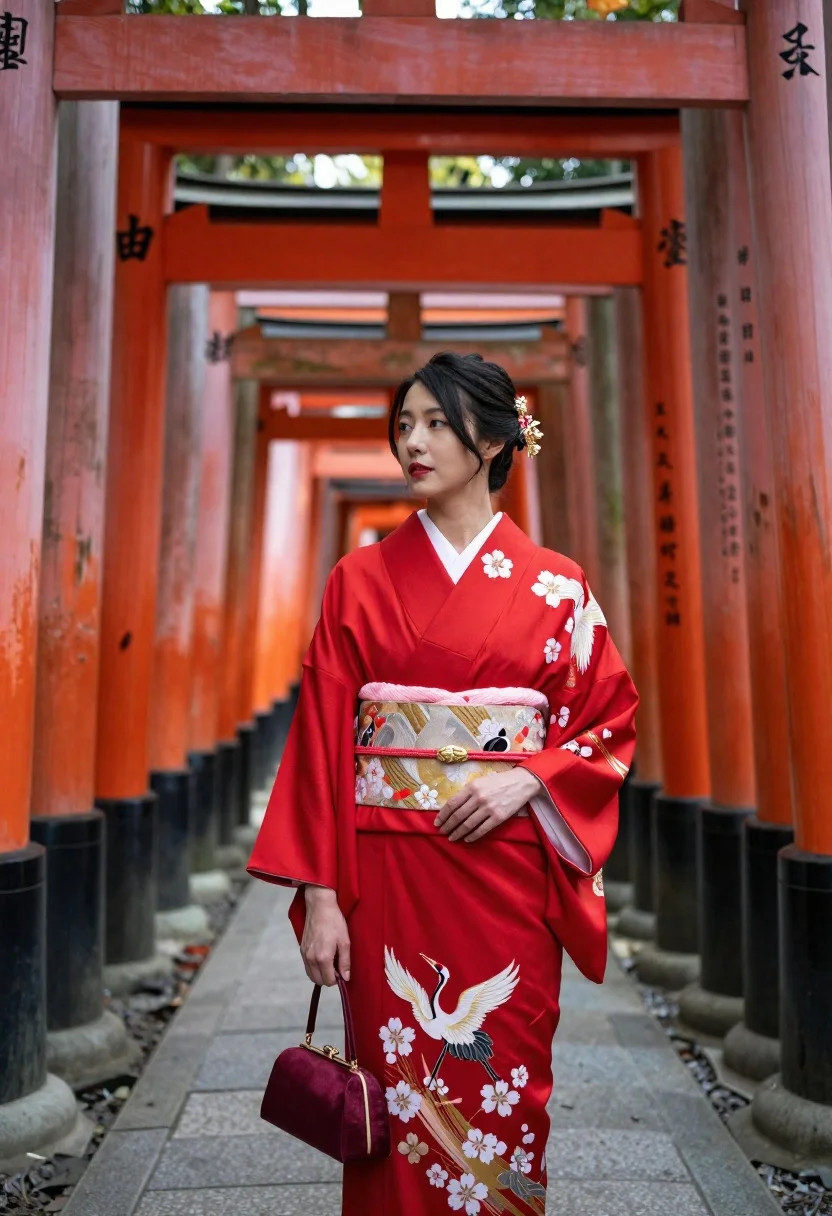
Woman in red silk kimono standing among vermilion torii gates at shrine
Prompt
A woman stands in a vibrant red kimono adorned with white crane and cherry blossom embroidery against a backdrop of towering vermilion torii gates.

Subject: A poised woman with dark hair styled in an elegant updo, featuring delicate gold floral hairpins, looking off to the side with a calm expression.

Clothing: She wears a bright red silk kimono with wide sleeves and a matching obi sash, holding a small maroon handbag in one hand while the other rests gently on her hip.

Action: Standing upright with a serene posture, her gaze directed slightly upward and away from the camera.

Environment: A traditional Japanese shrine setting featuring a long tunnel of vermilion torii gates receding into the distance, stone pavement underfoot, and wooden plaques hanging to the left.

Camera: Medium shot capturing the subject from the waist up, framed centrally within the archway of the torii gates with shallow depth of field blurring the distant pillars.

Lighting: Soft natural daylight illuminating the scene evenly, casting gentle shadows that highlight the texture of the kimono and the rich red tones of the architecture.

Style Details: High-resolution photographic realism with vivid color saturation, sharp focus on the subject, and a cinematic composition emphasizing cultural heritage and elegance.
Description
This prompt is useful for creating editorial travel features, historical costume concept art, and high-end cultural advertising campaigns. The combination of 'vibrant red kimono' against the 'vermilion torii gates' maximizes chromatic harmony while the 'shallow depth of field blurring the distant pillars' ensures the subject remains the sharp focal point, preventing visual competition from the architectural background.
Suggestions
- Change 'white crane and cherry blossom embroidery' to 'gold phoenix embroidery' for a more regal feel.
- Adjust 'Soft natural daylight' to 'overcast diffused light' to minimize harsh shadows on the silk.
- Modify 'Medium shot capturing the subject from the waist up' to 'full body shot' to better showcase the kimono's drape.
Category
Tags
FemaleFormal WearFull BodyIndoorsMedium ShotOutdoorsRealisticTraditional Wear
Date added
June 23, 2026
Added by
PromptDexter Team
Related Prompts
More prompts with similar categories and tags.

Young woman in denim dress standing on balcony before hawa mahal

Woman in traditional thai dress standing before a grand golden temple

Young woman shielding eyes on japanese street with traditional buildings

Fair blonde woman sitting on sandy beach looking at camera
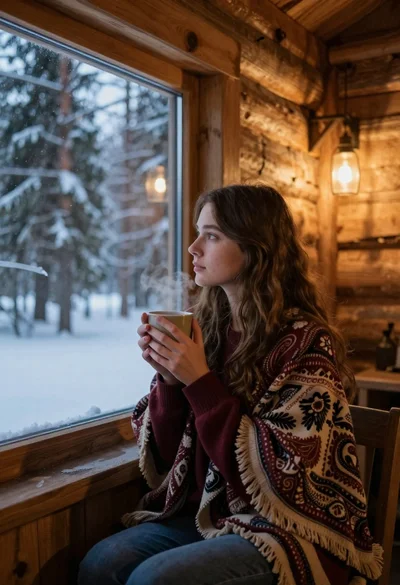
Young woman in maroon sweater by cabin window overlooking snowy forest
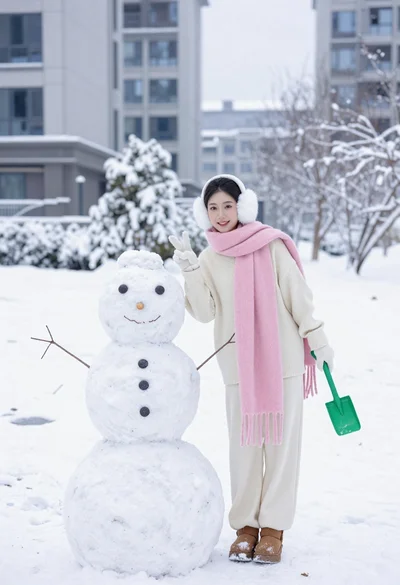
Cheerful woman in knit sweater making peace sign next to snowman
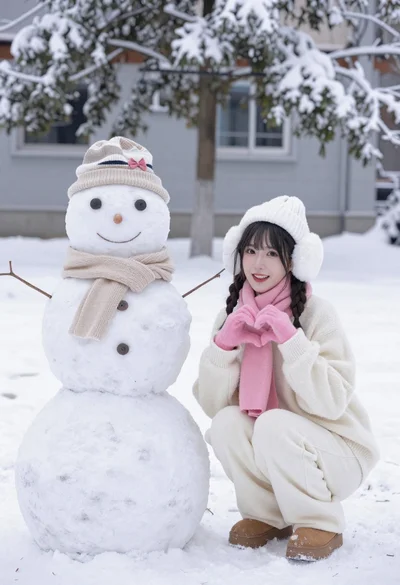
Smiling young woman in winter clothes crouching by a snowman in snow

Woman in cream pantsuit on private jet with wine
