

Woman in satin slip dress sitting elegantly indoors under dramatic studio lighting
Prompt
A woman with dark wavy hair sits elegantly on a high-backed chair in a dimly lit interior setting.

Subject: A woman with voluminous dark brown wavy hair styled away from her face, fair skin, and a calm, direct gaze toward the camera.

Clothing: She wears a light silver or pale lavender satin slip dress with thin spaghetti straps and a draped neckline that flows down to the floor; she is accessorized with dangling earrings, a bracelet, rings, and strappy red high-heeled sandals.

Action: She sits with her legs crossed at the knee, leaning slightly forward with her arms resting on her knees in a poised posture.

Environment: The setting features a dark wall behind her, a heavy red curtain to the right, a white column or door frame, and a dark floor with small spotlights illuminating the scene from above.

Camera: Medium shot capturing the subject from the waist up, framed slightly to the side with a shallow depth of field that keeps the focus sharp on the woman while softening the background elements.

Lighting: Dramatic studio lighting with a strong key light source visible in the upper right creating highlights on her hair and shoulder, casting deep shadows against the dark wall and floor for high contrast.

Style Details: Cinematic portrait photography with a polished, glossy finish, rich color saturation, and a sophisticated mood emphasizing elegance and texture.
Description
This prompt is useful for creating editorial fashion editorials, luxury brand lookbooks, and dramatic character portraits requiring high contrast. The combination of 'dramatic studio lighting' with a visible key light source sculpts the subject by casting deep shadows against the dark wall, which accentuates the sheen and texture of the 'light silver or pale lavender satin slip dress' while keeping the focus sharp on her face.
Suggestions
- Change 'pale lavender' to 'icy blue' for a cooler overall tone.
- Swap 'high-backed chair' for 'velvet chaise lounge' to change the seating material.
- Adjust 'dangling earrings' to 'diamond chandelier earrings' for increased sparkle.
Category
Tags
BrunetteFair SkinFemaleIndoorsMedium ShotRealisticStudio
Date added
June 19, 2026
Added by
PromptDexter Team
Related Prompts
More prompts with similar categories and tags.

Young woman in black graphic tshirt against white paneled wall

Fair skinned woman in black blazer against white studio wall

Portrait of woman with red hair in navy blouse and green skirt
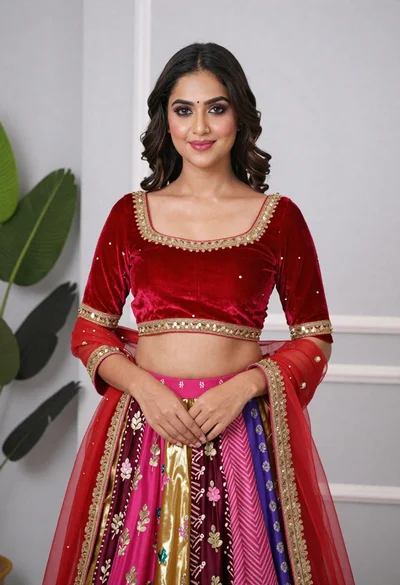
Young woman in elaborate red and pink traditional indian attire indoors

Young woman in blue denim jacket posing against pale pink seamless background
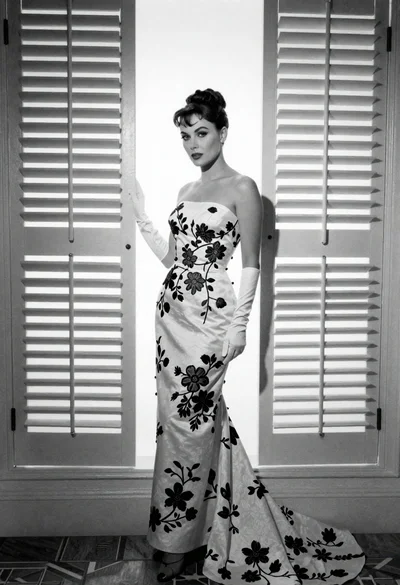
Full length portrait of woman in gown near tall window shutters
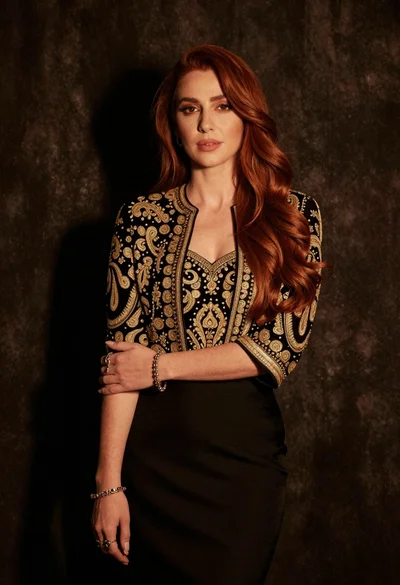
Medium close up portrait of woman in black embroidered jacket studio

Fair blonde woman in black corset and denim shorts studio portrait
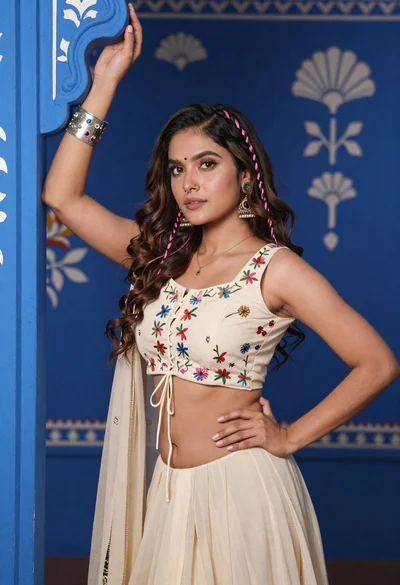
Young woman with brown hair posing by blue floral patterned wall
Close up portrait of woman with dark brown hair looking over shoulder
