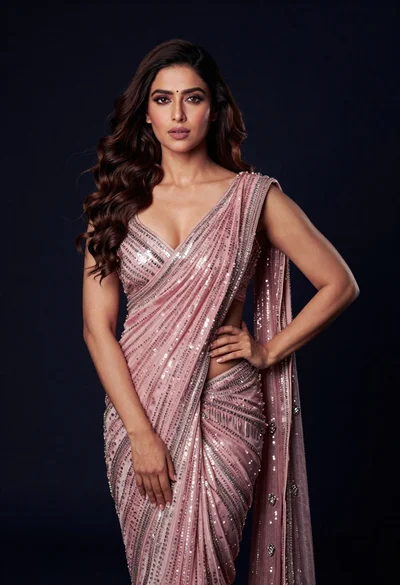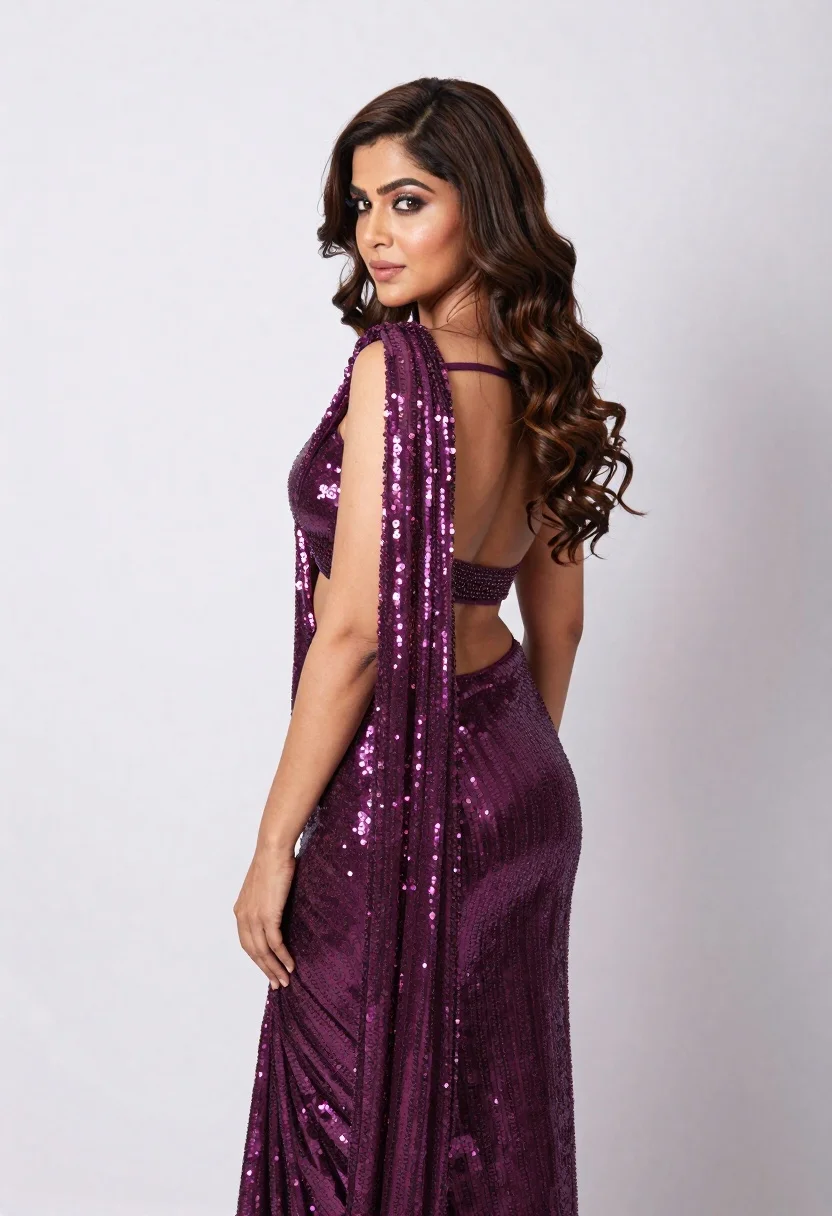
Woman in sparkling purple saree looking back over shoulder studio portrait
Prompt
A woman with long wavy brown hair stands in profile looking back over her shoulder at the camera.

Subject: A woman with a fair complexion and long, voluminous dark brown hair styled in loose waves cascading down her back. Her face is turned to look directly at the viewer with a soft, confident expression and defined makeup featuring shimmering eyeshadow.

Clothing: She wears a luxurious deep purple or magenta saree entirely covered in dense, sparkling sequins that catch the light. The garment features an open-back design with thin matching straps crossing over her upper back and a wide band cinching her waist, revealing her midriff. A sheer, sequined panel drapes elegantly over one shoulder like a cape.

Action: She stands in a relaxed pose with her body angled away from the camera while her head turns to face forward, creating an engaging profile view. Her posture is upright and poised.

Environment: The background is a seamless, plain white studio backdrop that provides a clean, high-key setting without distraction.

Camera: The shot is a medium-full length portrait taken at eye level with a shallow depth of field that keeps the subject sharp while softly blurring the edges of the frame.

Lighting: Soft, diffused studio lighting illuminates the scene from the front and side, creating gentle highlights on her skin and causing the sequins to sparkle intensely without harsh shadows.

Style Details: High-fashion editorial photography with a polished, glamorous aesthetic emphasizing texture and shine.
Description
This prompt is useful for creating high-end bridal lookbooks, dramatic costume concept art, and glossy magazine editorials focusing on intricate textiles. The combination of 'deep purple or magenta saree entirely covered in dense, sparkling sequins' against a 'seamless, plain white studio backdrop' ensures that the intense sparkle remains the focal point, preventing any background elements from competing with the garment's texture under the soft, diffused studio lighting.
Suggestions
- Change 'deep purple or magenta' to 'emerald green' for an alternative jewel tone.
- Swap 'sequins' for 'beading and embroidery' to alter the reflective quality.
- Adjust 'medium-full length portrait' to 'close-up headshot' for a more intimate focus.
Category
Tags
3/4 AngleBrown HairBrunetteFair SkinFemaleFormal WearMedium ShotRealisticStudio
Date added
June 19, 2026
Added by
PromptDexter Team
Related Prompts
More prompts with similar categories and tags.
Young woman in black lingerie with grey cardigan on stool

Young woman in blue denim jacket posing against pale pink seamless background
Glamorous woman posing in gold sequins against a white studio wall
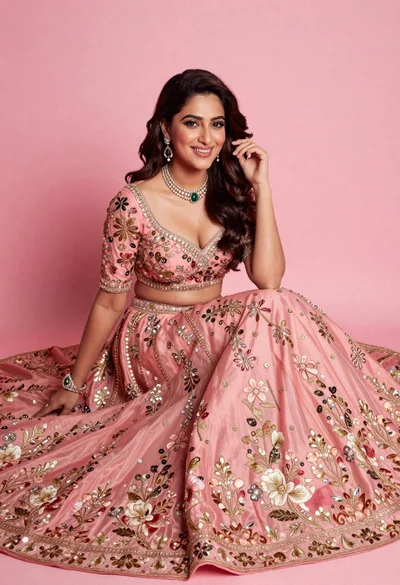
Smiling woman in elaborate pink lehenga choli against solid studio backdrop
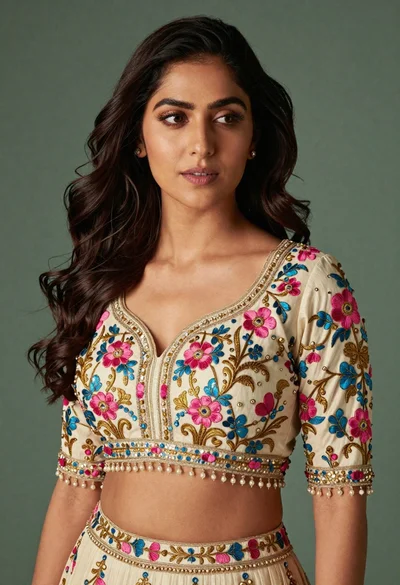
Medium close up portrait of woman in ornate cream lehenga choli

Young woman in black graphic tshirt against white paneled wall
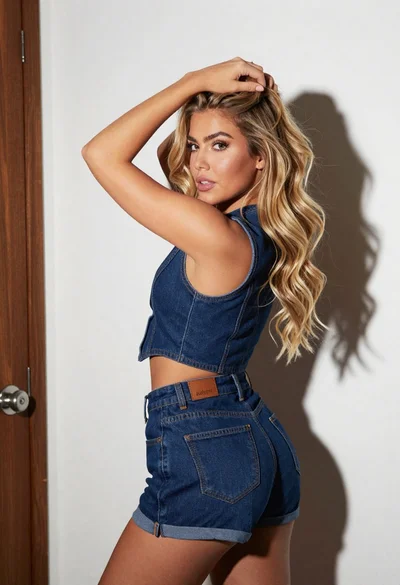
Blonde woman in denim vest looking back over shoulder by white door

Glamorous woman posing in shimmering two piece outfit against green backdrop
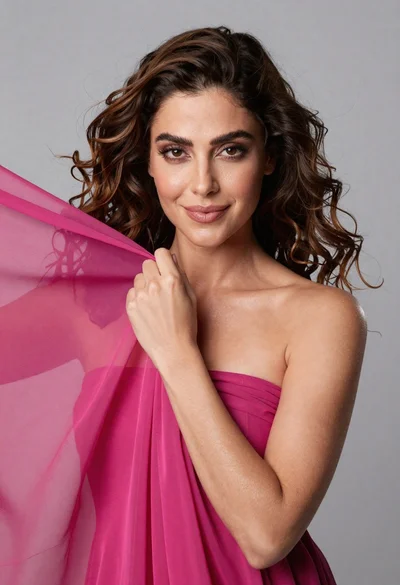
Medium close up portrait of woman with brown wavy hair in magenta
Fair skinned woman in black blazer against white studio wall