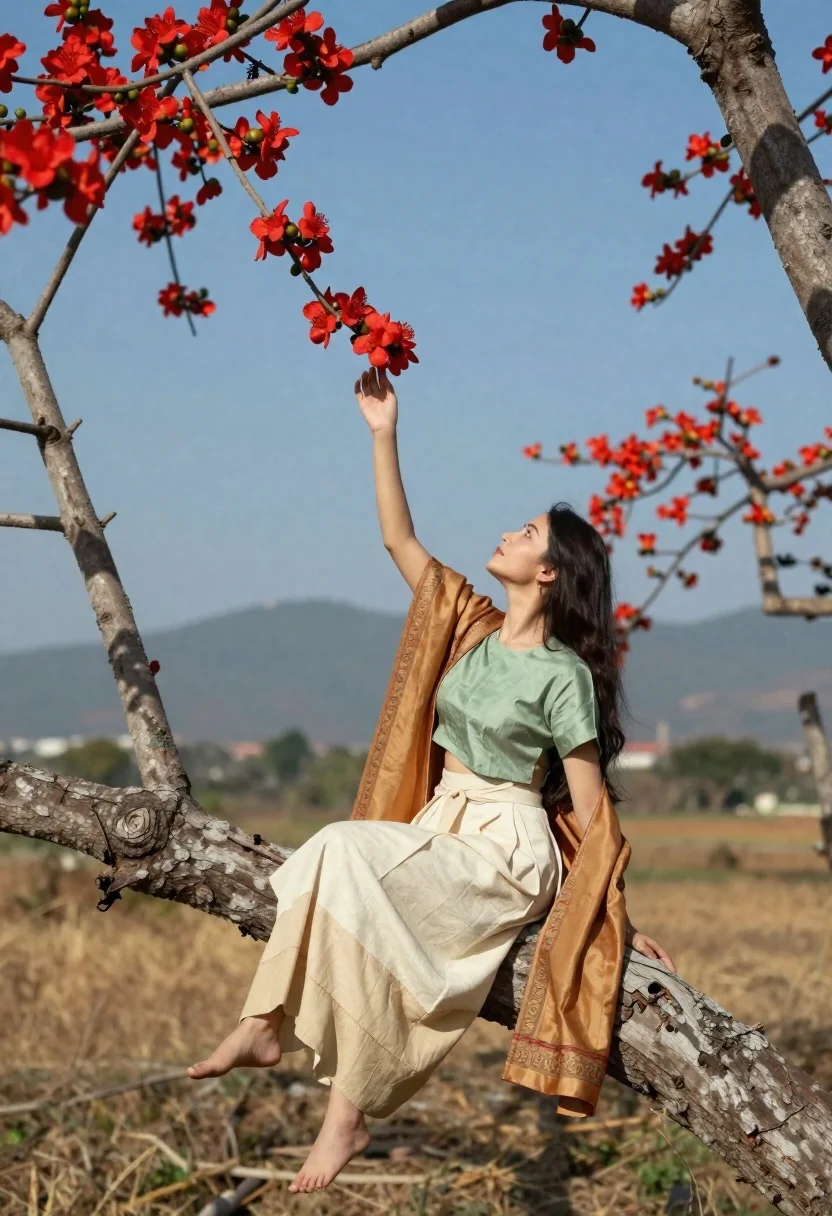
Woman in traditional attire reaching for red flowers on a tree branch
Prompt
A graceful woman in traditional attire sits perched on a thick tree branch, reaching up to touch vibrant red flowers against a clear blue sky.

Subject: A young woman with long dark hair and a serene expression is the central focus, seated comfortably on a large, gnarled tree limb.

Clothing: She wears a light green short-sleeved blouse paired with a flowing cream-colored skirt featuring subtle patterns, draped with a golden-brown shawl that has an ornate border.

Action: The woman leans back against the tree trunk while extending her right arm upward to gently touch or pluck a cluster of red blossoms from the branches above.

Environment: The setting is a dry, grassy field under bright daylight, framed by two trees with clusters of red flowers and distant hazy mountains in the background.

Camera: The shot is taken at eye level with a medium framing that captures the full length of the woman on the branch, utilizing a shallow depth of field to blur the distant landscape.

Lighting: Bright natural sunlight illuminates the scene from above, casting soft shadows and highlighting the textures of her clothing and the tree bark.

Style Details: The image has a warm, cinematic quality with rich colors and a slightly dreamy atmosphere that emphasizes the harmony between nature and fashion.
Description
This prompt is useful for creating editorial fashion moodboards, cultural portraiture, and romantic storybook illustrations. The combination of 'light green short-sleeved blouse' with the 'golden-brown shawl' grounds the subject in specific textile aesthetics, while the 'shallow depth of field' ensures that the vibrant red flowers remain the primary focal point against the blurred background.
Suggestions
- Change 'dry, grassy field' to 'mossy forest floor' for a different ground texture.
- Swap 'bright natural sunlight' for 'soft overcast light' to minimize harsh shadows.
- Adjust 'vibrant red flowers' to 'deep crimson peonies' for more specific floral detail.
Category
Tags
Black HairFemaleMedium ShotNatureOutdoorsPortrait ShotRealisticTraditional Wear
Date added
June 21, 2026
Added by
PromptDexter Team
Related Prompts
More prompts with similar categories and tags.

Woman in black dress by window overlooking ocean at golden hour
Woman seated on chair outdoors with blurred green water background
Woman in sequined gown standing waist deep in calm water outdoors
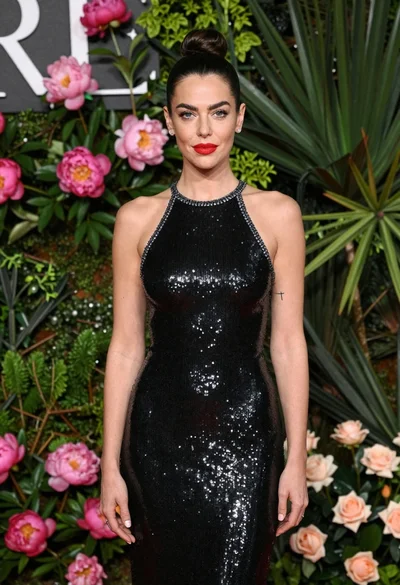
Glamorous woman in black sequin dress with peonies and roses
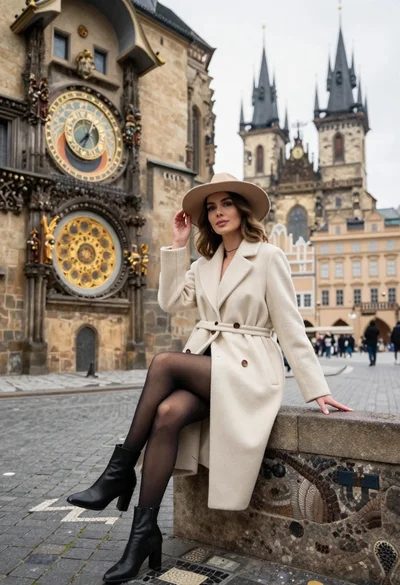
Stylish woman in cream coat sitting by prague astronomical clock
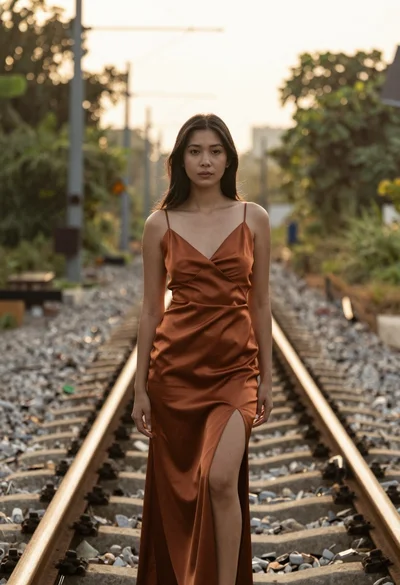
Woman in rust colored satin dress standing on overgrown railway track
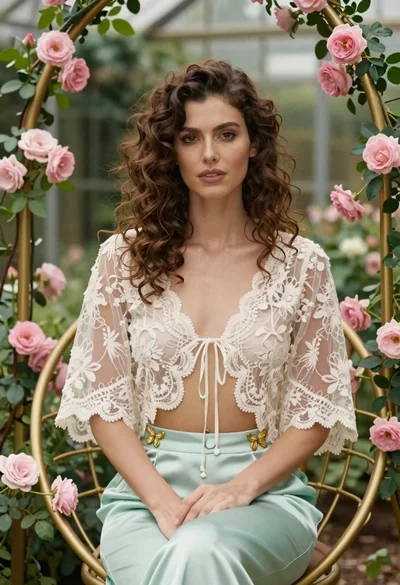
Woman with wavy brown hair in lace jacket sitting among pink roses
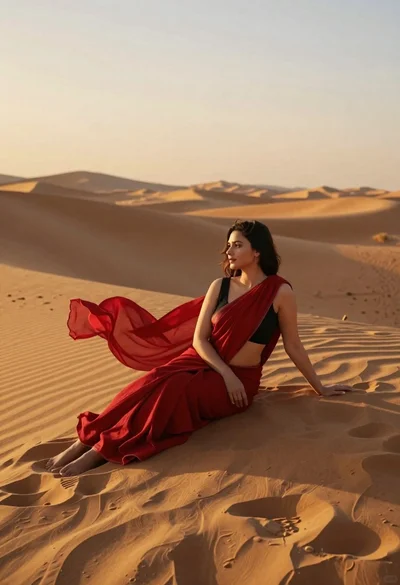
Young woman in red sari sitting on sand dunes at golden hour
