
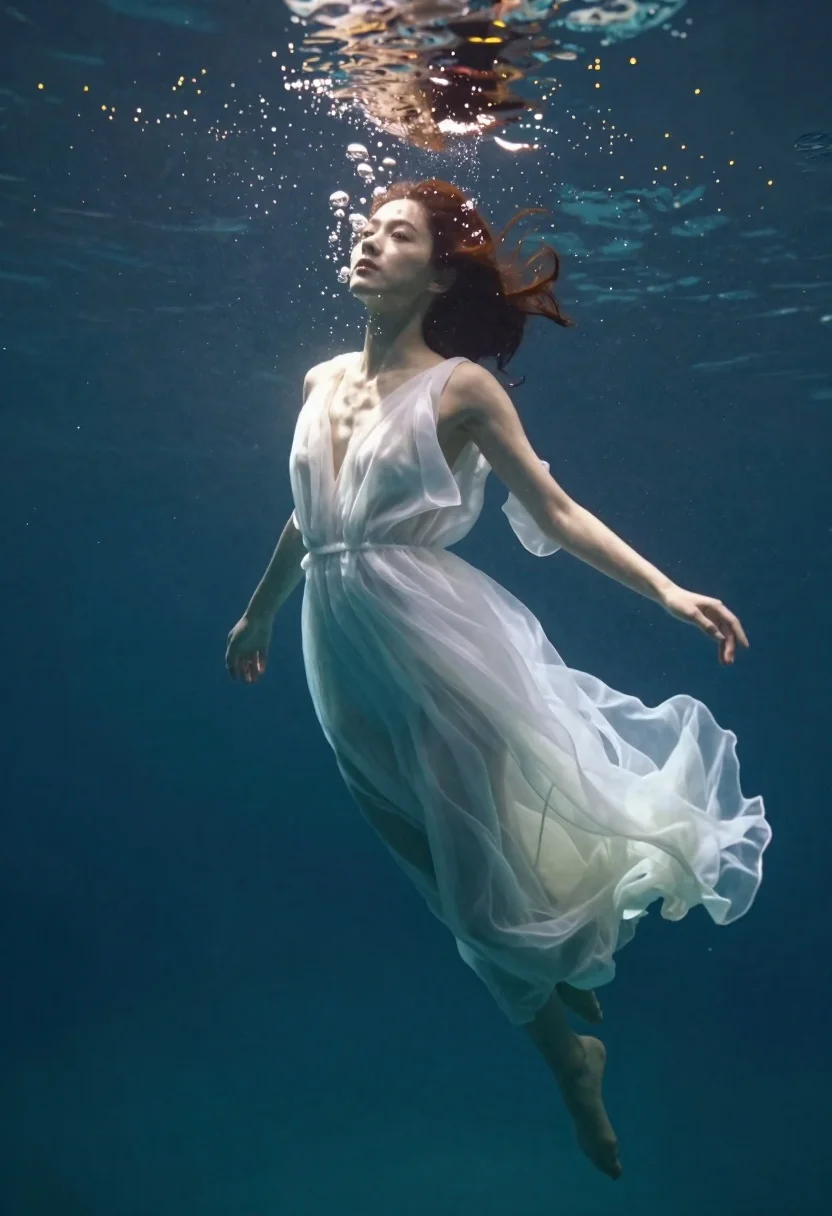
Woman in white dress floating underwater cinematic portrait
Prompt
Photorealistic underwater portrait of a woman in a flowing white dress suspended gently beneath the surface

Subject: graceful young woman with soft facial features and wet hair floating upward toward the light, calm serene expression gazing forward slightly upwards

Clothing: sheer translucent white gown clinging to her form while billowing around legs like liquid silk

Action: arms relaxed by sides, body angled diagonally ascending through water column bubbles rising from mouth creating dreamlike atmosphere above head

Environment: deep blue ocean floor visible below scattered golden glowing particles floating throughout scene mimicking bioluminescence or sun rays piercing surface.

Lighting: dramatic backlighting filtering down from top casting soft glow on upper torso and face while lower body fades into shadows enhancing ethereal quality of moment.

Style Details: cinematic composition with shallow depth-of-field emphasizing subject against dark aquatic backdrop rich teal tones contrasting luminous white fabric creating magical realism aesthetic reminiscent of fantasy film stills or high-end fashion photography underwater concept art style blending naturalism with surreal lighting effects for emotional impact and visual storytelling focus on movement fluidity light interplay texture transparency mood atmosphere rather than literal documentation.
Description
This prompt is useful for creating ethereal fine art prints, conceptual swimwear editorials, and cinematic fantasy storyboarding. The combination of 'dramatic backlighting filtering down from top' against the 'deep blue ocean floor' establishes a high-contrast mood that prevents the luminous white fabric from looking flat, while specifying 'shallow depth-of-field' ensures the viewer focuses on the subject's upward movement rather than distracting background details.
Suggestions
- Change 'liquid silk' to 'wet chiffon' for a different drape quality.
- Add 'caustic light patterns' to enhance the water surface interaction.
- Swap 'rich teal tones' for 'emerald green and sapphire blue' for color variation.
Category
Tags
FemaleFull BodyNaturePortrait ShotRealisticSwimwearUnderwaterWide Shot
Date added
June 19, 2026
Added by
PromptDexter Team
Related Prompts
More prompts with similar categories and tags.
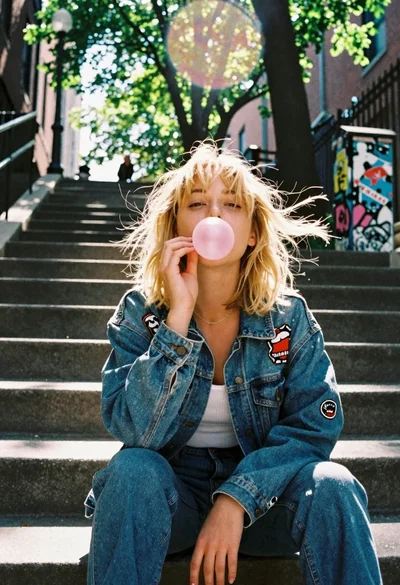
Blonde woman blowing bubblegum on outdoor concrete steps
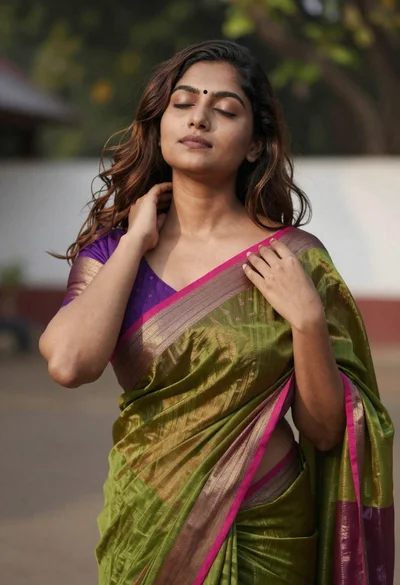
Young woman in olive green saree outdoors with closed eyes

Fair skinned woman taking a high angle selfie on green lawn
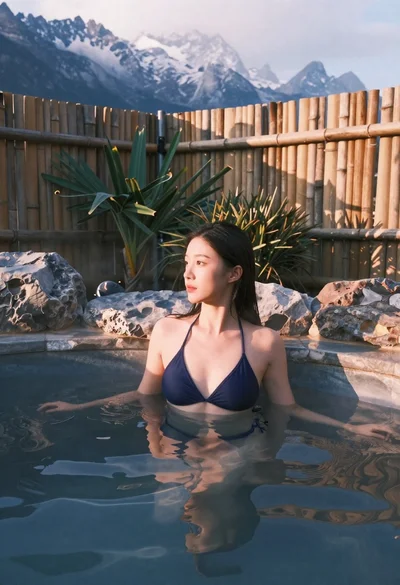
Woman relaxing in hot spring overlooking snow capped mountains
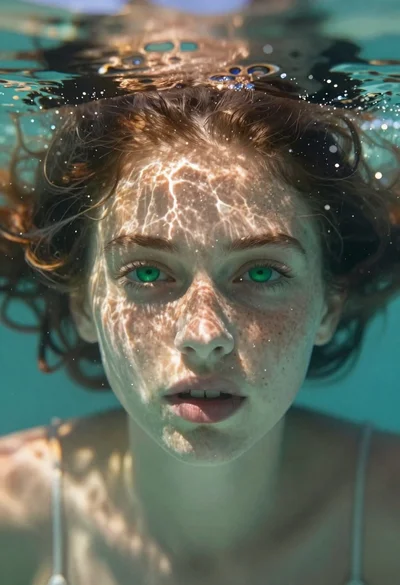
Portrait of a girl submerged underwater with sunlight filtering through
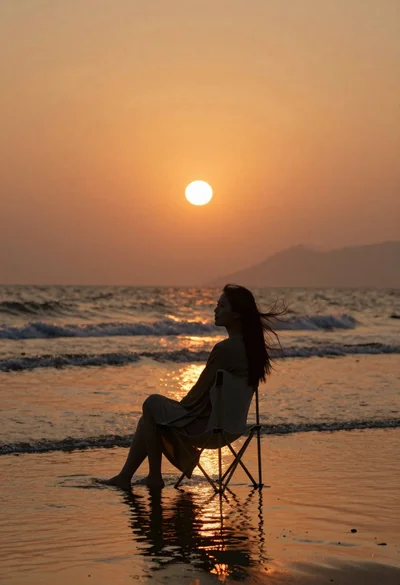
Woman silhouette sitting in shallow ocean water at sunset

Woman in black shirt on urban street at sunset

Woman with red hair standing among orange marigolds
