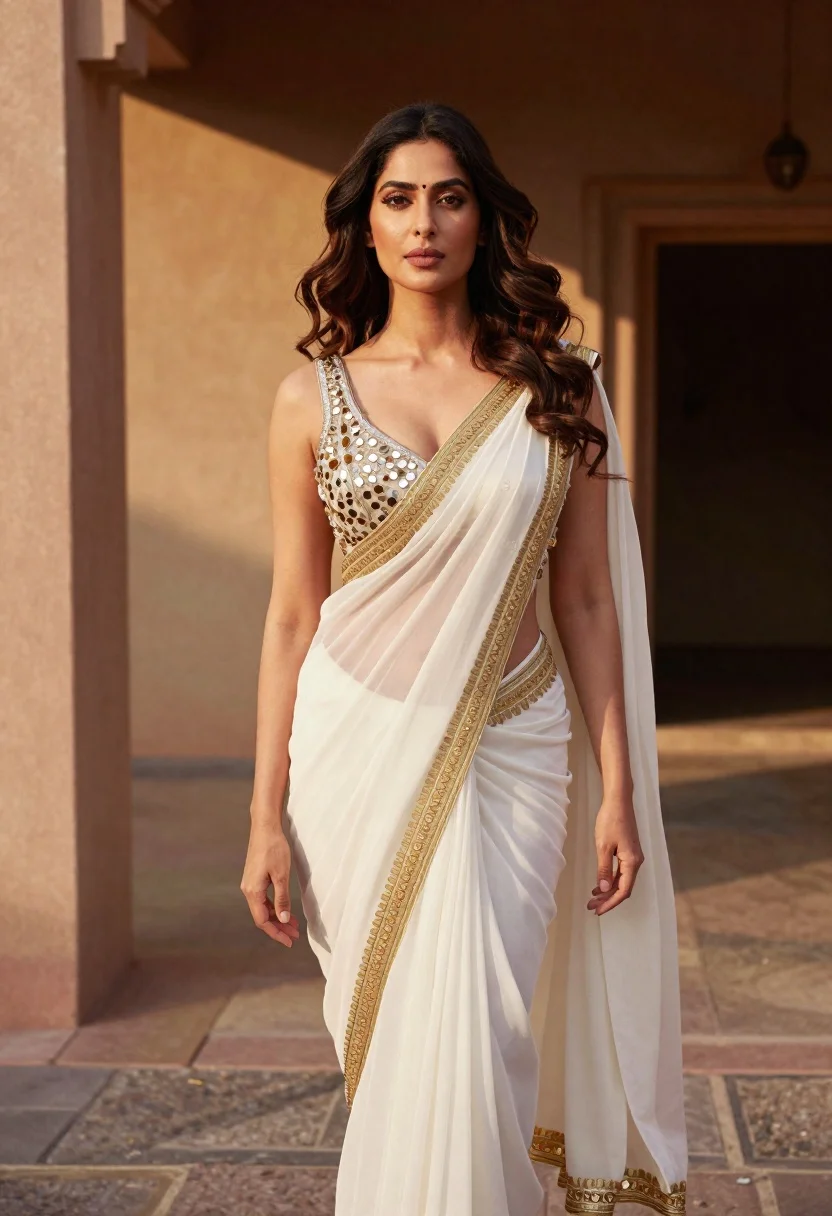
Woman in white embroidered saree standing in sunlit architectural space
Prompt
A confident woman with voluminous wavy dark hair stands in a sunlit architectural space wearing an elegant white saree with heavy gold embroidery and a mirror-work blouse.

Subject: A poised woman with long, wavy dark brown hair that flows loosely around her shoulders and face. She has a fair complexion and is looking directly at the camera with a calm, confident expression. Her lips are slightly parted in a neutral pose.

Clothing: She wears a traditional white saree featuring vertical pleats and a prominent gold embroidered border along the edge. The blouse is sleeveless with a deep V-neckline and is heavily embellished with silver and gold mirror work and sequins. The fabric appears to be a lightweight, possibly silk or chiffon material that catches the light.

Action: She stands facing forward with her body angled slightly to the left. Her arms hang loosely by her sides, and she maintains a relaxed but poised posture.

Environment: The setting is an outdoor architectural area with rough-textured beige walls and a paved stone floor. A dark shadowed doorway or passage is visible in the background on the right side.

Lighting: Warm, directional sunlight illuminates the scene from the left, casting soft shadows on the wall behind her and highlighting the texture of her saree and hair. The lighting creates a golden-hour feel with high contrast between the lit areas and the darker background.

Camera: A medium shot captures the subject from the waist up, framed slightly off-center to include the architectural background. The depth of field is shallow, keeping the subject sharp while softly blurring the background elements.

Style Details: High-resolution photography with a cinematic color palette emphasizing warm skin tones and golden light against neutral beige backgrounds. The image has a polished, editorial fashion aesthetic with a focus on texture and detail in the clothing.
Description
This prompt is useful for creating high-end bridal editorials, architectural lifestyle shoots, and cultural fashion lookbooks. The combination of 'warm, directional sunlight' casting soft shadows against 'rough-textured beige walls' ensures that the intricate details of the 'heavy gold embroidery' remain visible while the shallow depth of field isolates the subject, preventing the background from competing with the garment's craftsmanship.
Suggestions
- Change 'voluminous wavy dark hair' to 'sleek braided hairstyle' for a more structured look.
- Swap 'gold embroidered border' for 'silver zari work' to shift the metallic tone.
- Adjust 'medium shot' to 'full body shot' to better showcase the saree's drape.
Category
Tags
Brown HairFair SkinFemaleMedium ShotOutdoorsRealisticTraditional Wear
Date added
June 19, 2026
Added by
PromptDexter Team
Related Prompts
More prompts with similar categories and tags.

Woman in gold sequin slip dress looking over shoulder in forest
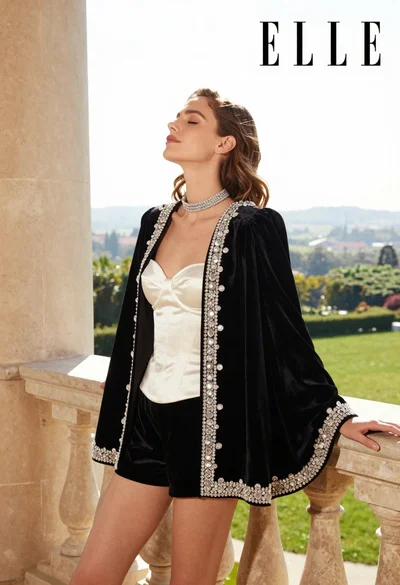
Woman in black velvet jacket on stone balcony against green hills

Woman in black dress by window overlooking ocean at golden hour

Young woman sitting among colorful clothes in minimalist studio setting
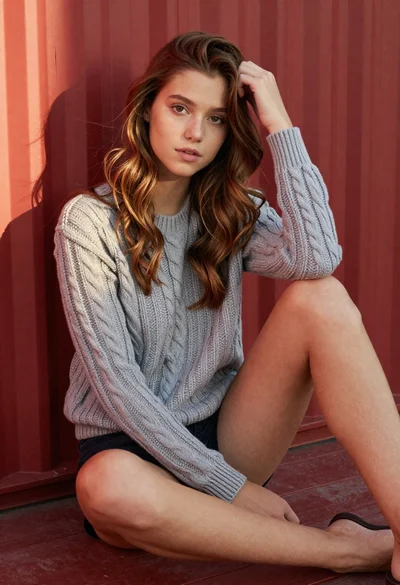
Young woman in grey knit sweater sitting against red corrugated metal wall
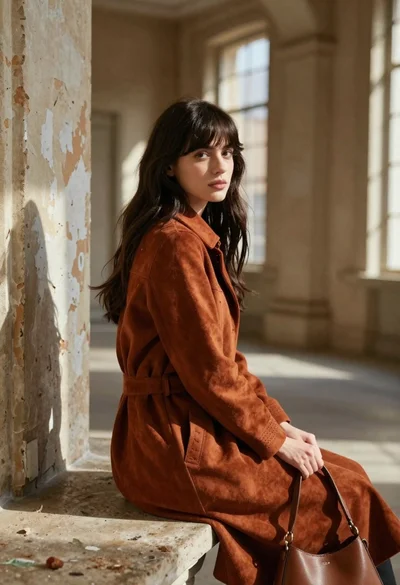
Young woman in rust suede coat seated in weathered architectural corridor
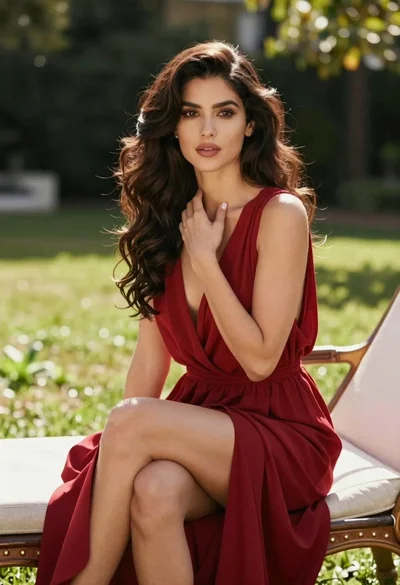
Woman in deep red dress seated elegantly outdoors on grassy lawn

Blonde woman reading at a cafe table with roses
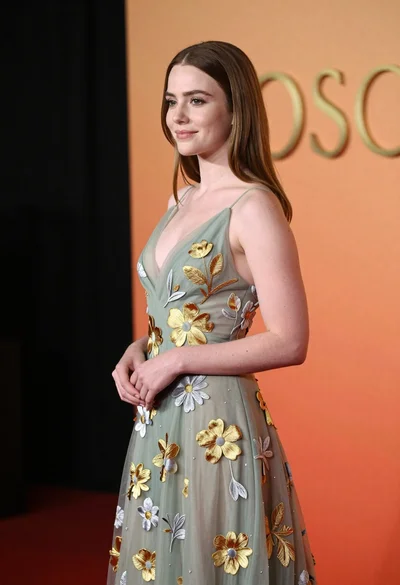
Young woman in sage green embroidered gown against orange backdrop
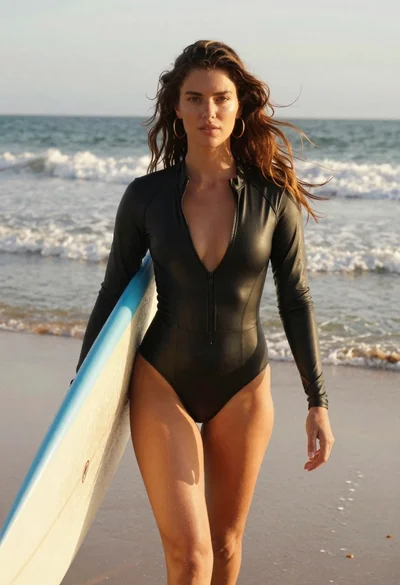
Woman walking on beach with surfboard at golden hour