
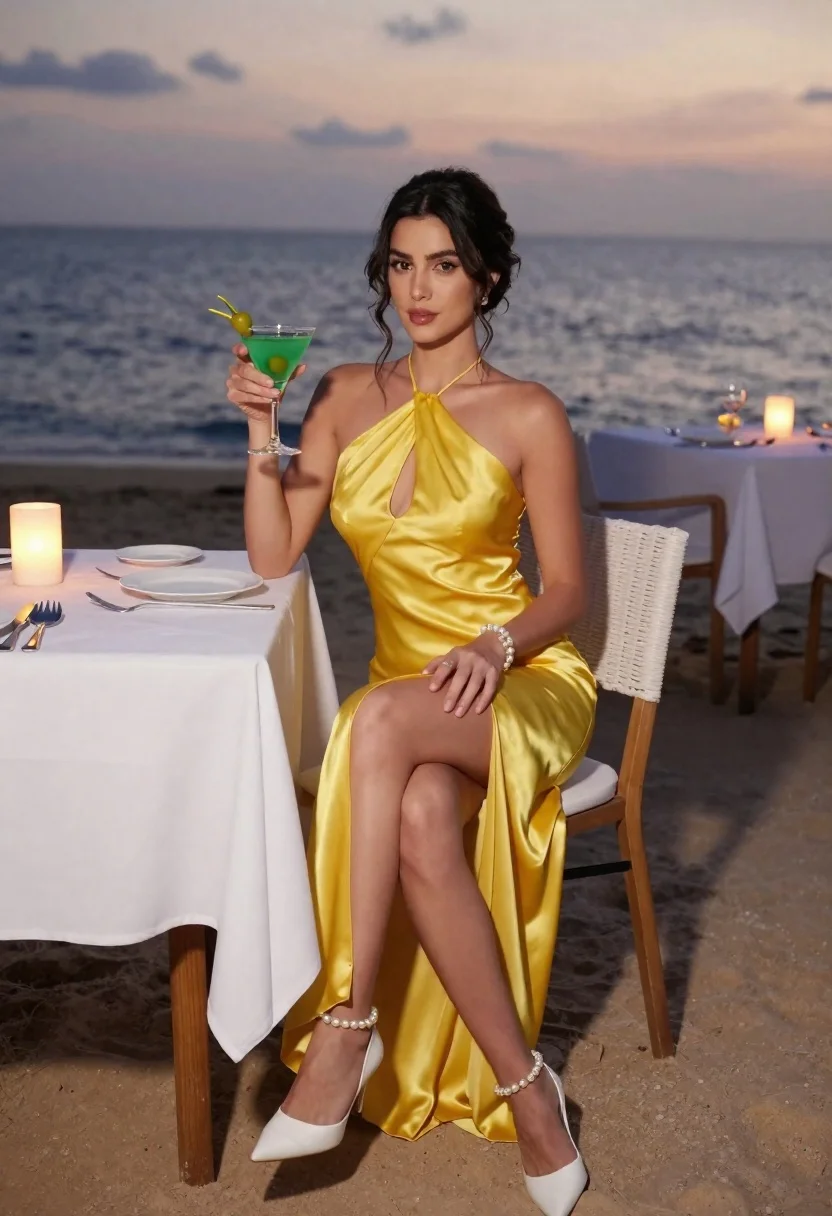
Woman in yellow satin gown holding cocktail glass at beach table during
Prompt
A woman sits at a dining table on a beach during sunset, holding a cocktail glass.

Subject: A woman with dark hair styled in an elegant updo and loose tendrils framing her face.

Clothing: She wears a shimmering yellow satin halter-neck gown featuring a plunging keyhole cutout at the chest and a high-low hemline. Her footwear consists of white pointed-toe heels adorned with pearl embellishments around the ankles, complemented by a pearl bracelet on her wrist.

Action: She holds a stemmed glass containing a green cocktail garnished with an olive in her right hand while resting her left hand on her thigh, looking directly at the camera with a soft expression.

Environment: The setting is a beachside dinner table covered with a white tablecloth, set with silverware and plates. In the background, there is a calm ocean horizon under a twilight sky, with other tables and chairs visible along the shoreline.

Camera: The shot is framed at eye level with a medium-full length perspective that captures the subject from head to toe, utilizing a shallow depth of field to keep the foreground sharp while softly blurring the distant ocean.

Lighting: The scene is illuminated by the warm, golden glow of the setting sun and ambient candlelight on the table, creating soft shadows and highlighting the satin texture of the dress.

Style Details: The image features a photorealistic aesthetic with high-end fashion photography quality, emphasizing rich color saturation and smooth skin textures.
Description
This prompt is useful for creating luxury resort advertising, editorial bridal spreads, and sophisticated destination lifestyle content. The combination of 'shimmering yellow satin' against the 'warm, golden glow of the setting sun' ensures the fabric catches light dramatically, while the 'shallow depth of field' isolates the subject from the background clutter of other tables, keeping focus on the fashion elements.
Suggestions
- Change 'yellow satin' to 'emerald silk' for a richer color pop.
- Swap 'cocktail glass containing a green cocktail' for 'champagne flute with bubbles' for a more celebratory feel.
- Adjust 'medium-full length perspective' to 'three-quarter body shot' to emphasize the gown's silhouette.
Category
Tags
BeachCasual WearFemaleFull BodyMedium ShotOutdoorsRealistic
Date added
June 23, 2026
Added by
PromptDexter Team
Related Prompts
More prompts with similar categories and tags.

Smiling woman in white floral dress standing next to bicycle on cobblestone
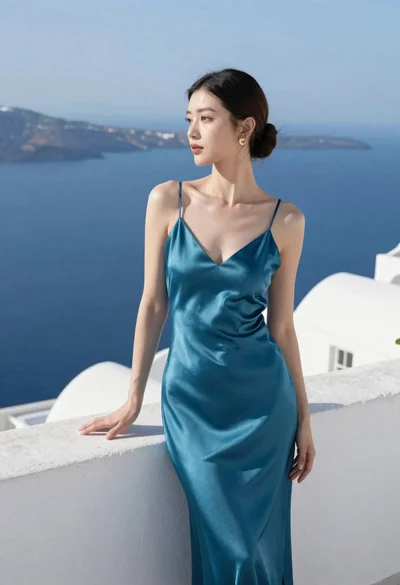
Woman in teal satin slip dress standing on terrace overlooking blue sea
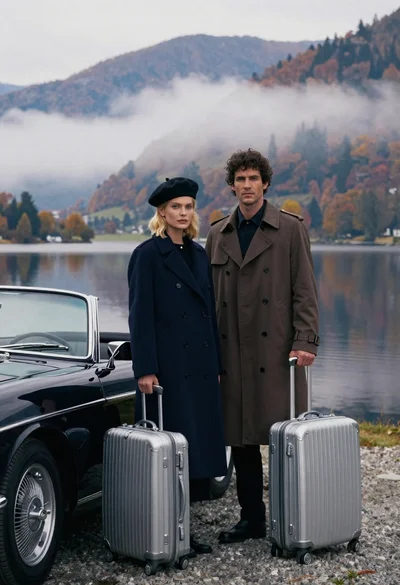
Cinematic portrait of stylish couple standing beside classic black convertible car at

Young woman in red santa dress by open car trunk in snowy

Woman in black dress by window overlooking ocean at golden hour
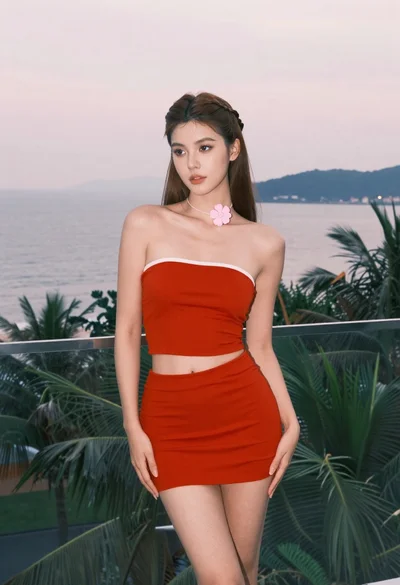
Young woman in red outfit on balcony overlooking water and hills

Young woman with ice cream beside vintage blue convertible on sunny street
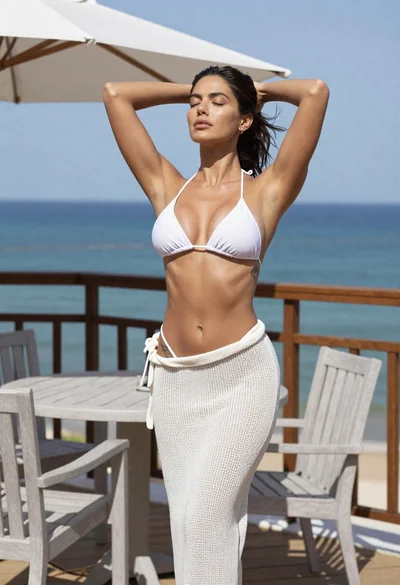
Fit woman in white bikini top on seaside patio overlooking ocean
