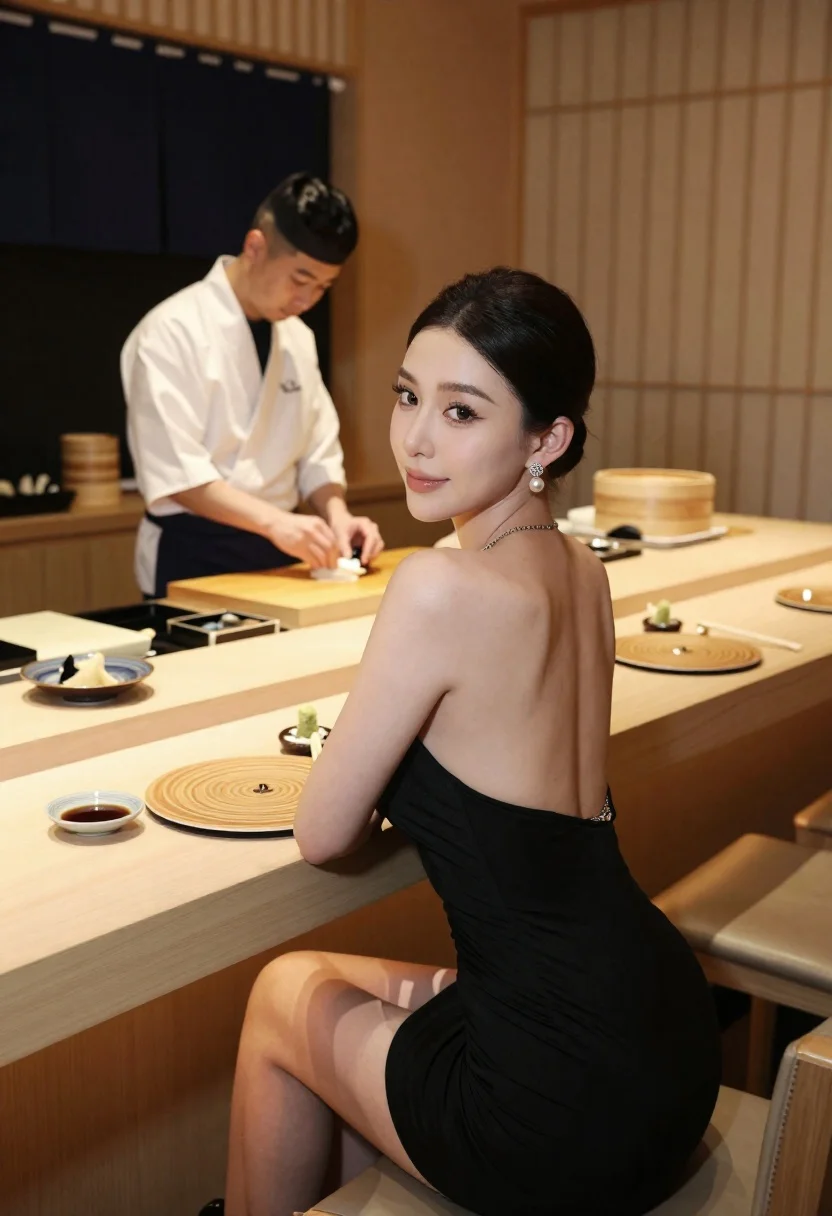
Woman looking back over shoulder at sushi bar counter with chef
Prompt
A woman sits at a sushi bar counter looking back over her shoulder with a subtle smile while a chef prepares food in the background.

Subject: A woman with dark hair pulled back into a sleek low bun and prominent pearl drop earrings, featuring a smooth complexion and defined facial features.

Clothing: She wears a black backless dress with a thin chain strap visible on one shoulder, paired with black sandals.

Action: The woman is seated facing away from the camera but turning her head to look directly at the viewer, while the chef in the background is focused on preparing sushi with his hands.

Environment: A warm and intimate Japanese sushi restaurant interior featuring polished wooden counters, a dark window with a noren curtain, and shelves holding bamboo steamers.

Camera: The shot is taken from behind the seated woman at eye level, utilizing a medium framing that captures her upper body and the chef in the background depth.

Lighting: Soft ambient lighting creates a warm atmosphere, highlighting the subject's skin tones and casting gentle shadows within the restaurant setting.

Objects: Wooden sushi plates with spiral patterns, small bowls of soy sauce and wasabi, chopsticks resting on the counter, and various ingredients arranged in rectangular dishes.

Style Details: The image exhibits a polished, high-end aesthetic with smooth textures and a sophisticated color palette dominated by warm wood tones and black accents.
Description
This prompt is useful for creating intimate restaurant ambiance shots, editorial food photography featuring interaction, and lifestyle content promoting fine dining experiences. The combination of 'soft ambient lighting' with the 'polished wooden counters' ensures that the scene feels warm and inviting while preventing harsh reflections on the glossy surfaces, which supports a sophisticated aesthetic suitable for high-end promotion.
Suggestions
- Change 'black backless dress' to 'silk slip dress' for a different texture contrast.
- Add 'bokeh background' to further separate the subject from the chef.
- Swap 'dark window with a noren curtain' for 'bright open kitchen view' to change the mood.
Category
Tags
FemaleFoodIndoorsMedium ShotOver The ShoulderRealistic
Date added
June 23, 2026
Added by
PromptDexter Team
Related Prompts
More prompts with similar categories and tags.

Young woman in red floral top holding sushi near eye indoors
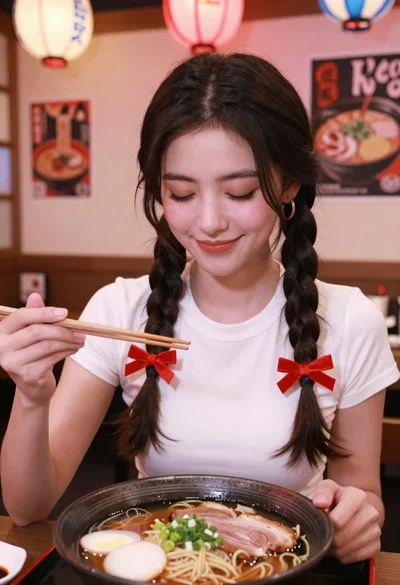
Young woman with braids smiling while holding chopsticks over ramen bowl

Woman with dark hair at marble table holding tomato sauce over spaghetti
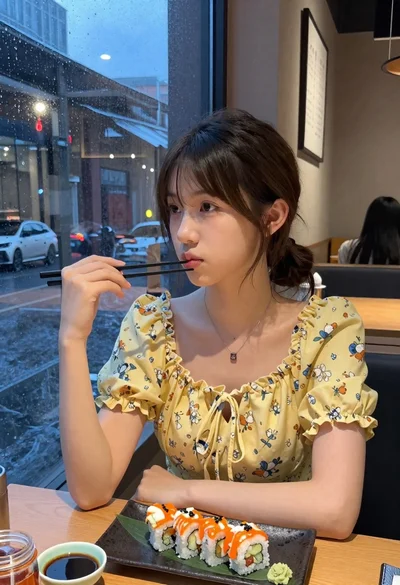
Young woman eating sushi at restaurant window with raindrops visible
Smiling group enjoying dinner at a wooden table in a luxurious city
Laughing blonde woman at wooden table in japanese food alleyway scene

Smiling woman toasting beer in cozy japanese restaurant setting

Joyful woman laughing at restaurant table with bibimbap in foreground