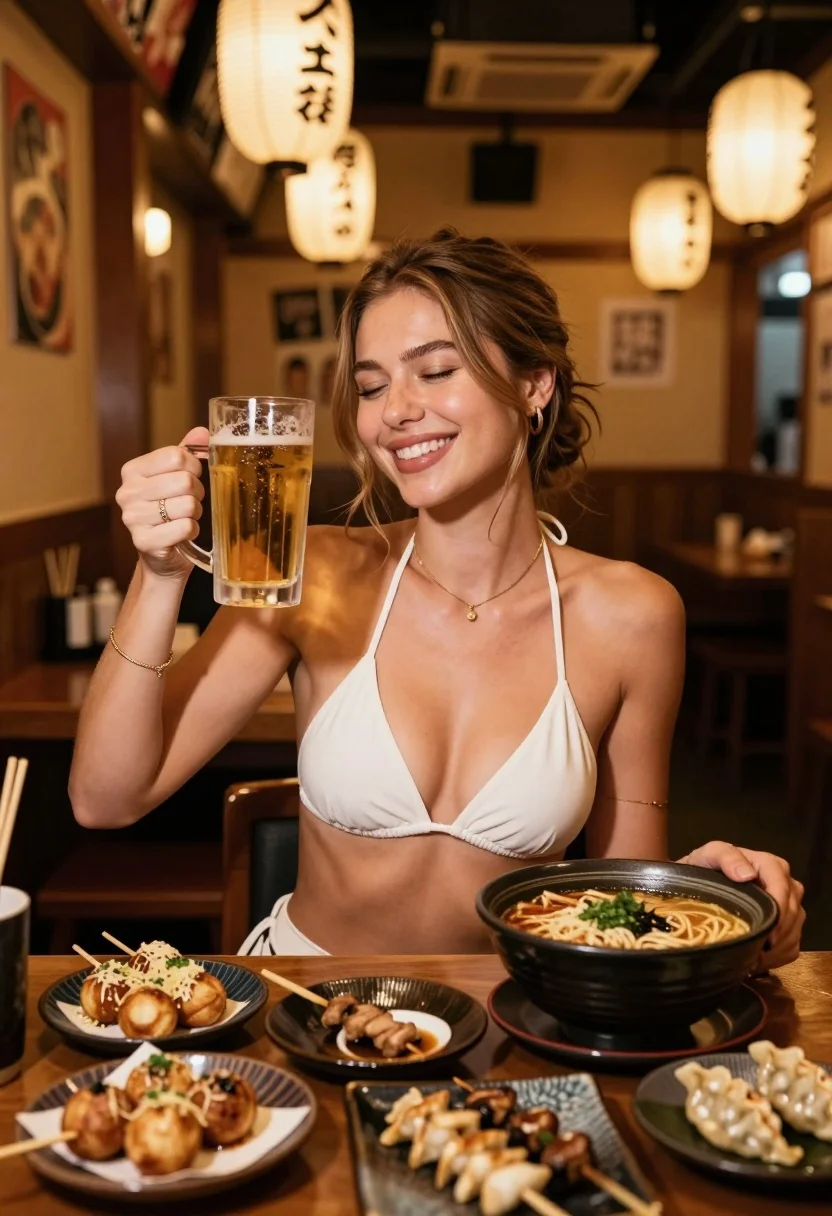
Smiling woman toasting beer in cozy japanese restaurant setting
Prompt
A smiling woman holding a glass of beer in a cozy Japanese restaurant setting.

Subject: A young woman with light brown hair tied back loosely, wearing a white halter-style bikini top and a delicate gold necklace.

Clothing: She wears a simple white halter top that reveals her midriff, accessorized with thin gold bracelets on both wrists and a ring on her finger.

Action: She is smiling broadly with her eyes closed in enjoyment while holding up a glass of beer for a toast, her other hand resting near a bowl of ramen.

Environment: The setting is a dimly lit Japanese restaurant or izakaya with warm wooden walls, hanging paper lanterns with Japanese characters, and a table filled with various dishes including takoyaki, yakitori skewers, dumplings, and a large bowl of ramen.

Camera: Shot from a slightly elevated angle looking down at the table and subject, using a shallow depth of field that keeps the woman in sharp focus while softly blurring the background lanterns and wooden interior.

Lighting: Warm, ambient indoor lighting with soft highlights on her skin and the beer glass, creating a golden-hour glow typical of evening dining scenes.

Style Details: The image has a cinematic, high-quality aesthetic with rich color grading, emphasizing warm tones and textures, resembling a professional lifestyle photography shoot or high-end social media content.
Description
This prompt is useful for creating intimate food blog posts, casual restaurant ambiance promotion, and lifestyle advertising featuring shared meals. The combination of 'dimly lit Japanese restaurant' with 'warm ambient indoor lighting' ensures the background elements like lanterns and wood grain are visible but softened by the shallow depth of field, preventing the scene from looking flat or overly bright for a cozy evening feel.
Suggestions
- Change 'white halter-style bikini top' to 'simple white knit top' for more appropriate casual wear.
- Swap 'golden-hour glow' for 'soft tungsten lighting' to better match an indoor izakaya setting.
- Add 'bokeh effect on lanterns' to enhance the background blur.
Category
Tags
Casual WearFemaleIndoorsMedium ShotRealistic
Date added
July 12, 2026
Added by
PromptDexter Team
Related Prompts
More prompts with similar categories and tags.
Young woman in red floral top holding sushi near eye indoors
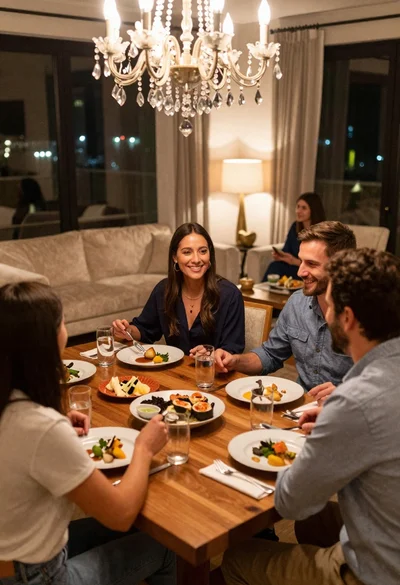
Smiling group enjoying dinner at a wooden table in a luxurious city
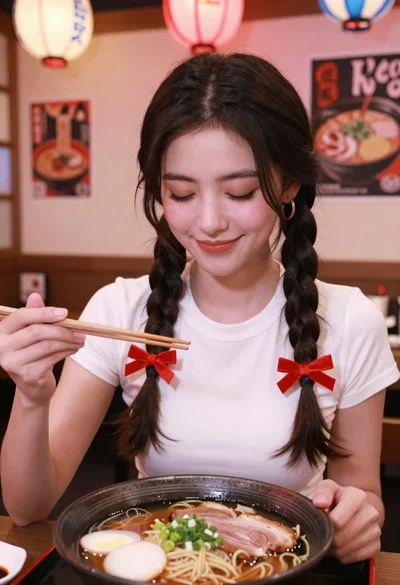
Young woman with braids smiling while holding chopsticks over ramen bowl
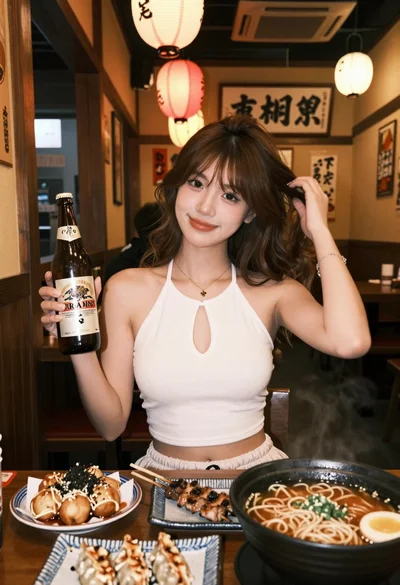
Young woman in white top at japanese restaurant with food and lanterns
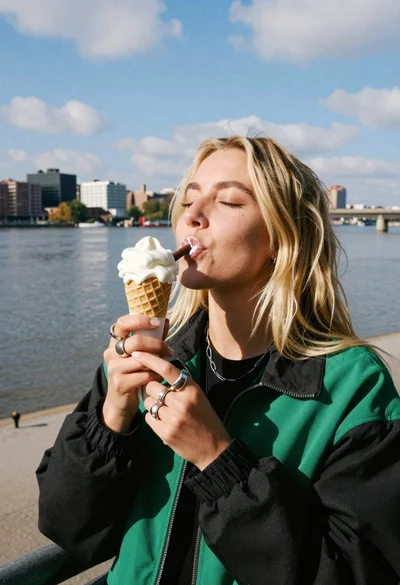
Blonde woman eating ice cream by riverbank with city skyline background
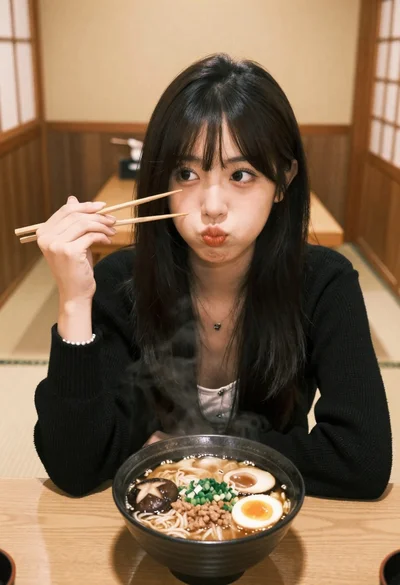
Young east asian woman eating ramen in traditional japanese restaurant setting
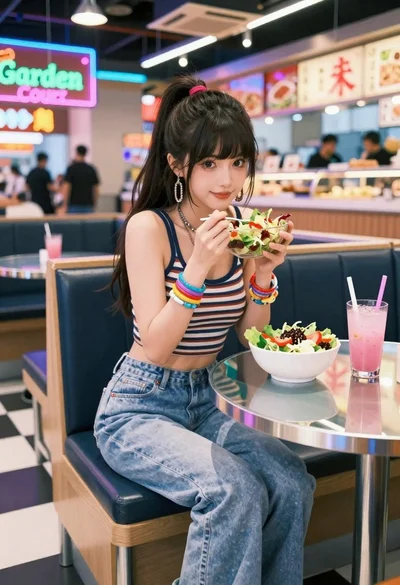
Anime woman in food court eating salad
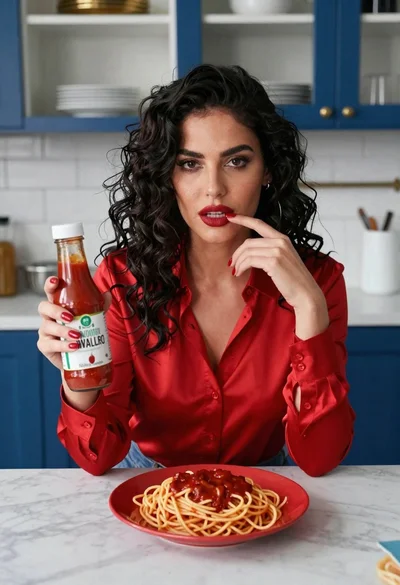
Woman with dark hair at marble table holding tomato sauce over spaghetti
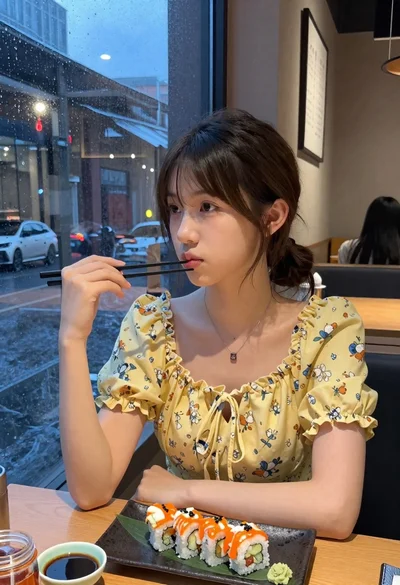
Young woman eating sushi at restaurant window with raindrops visible
Smiling woman in orange dress holding fresh fruit in an outdoor citrus