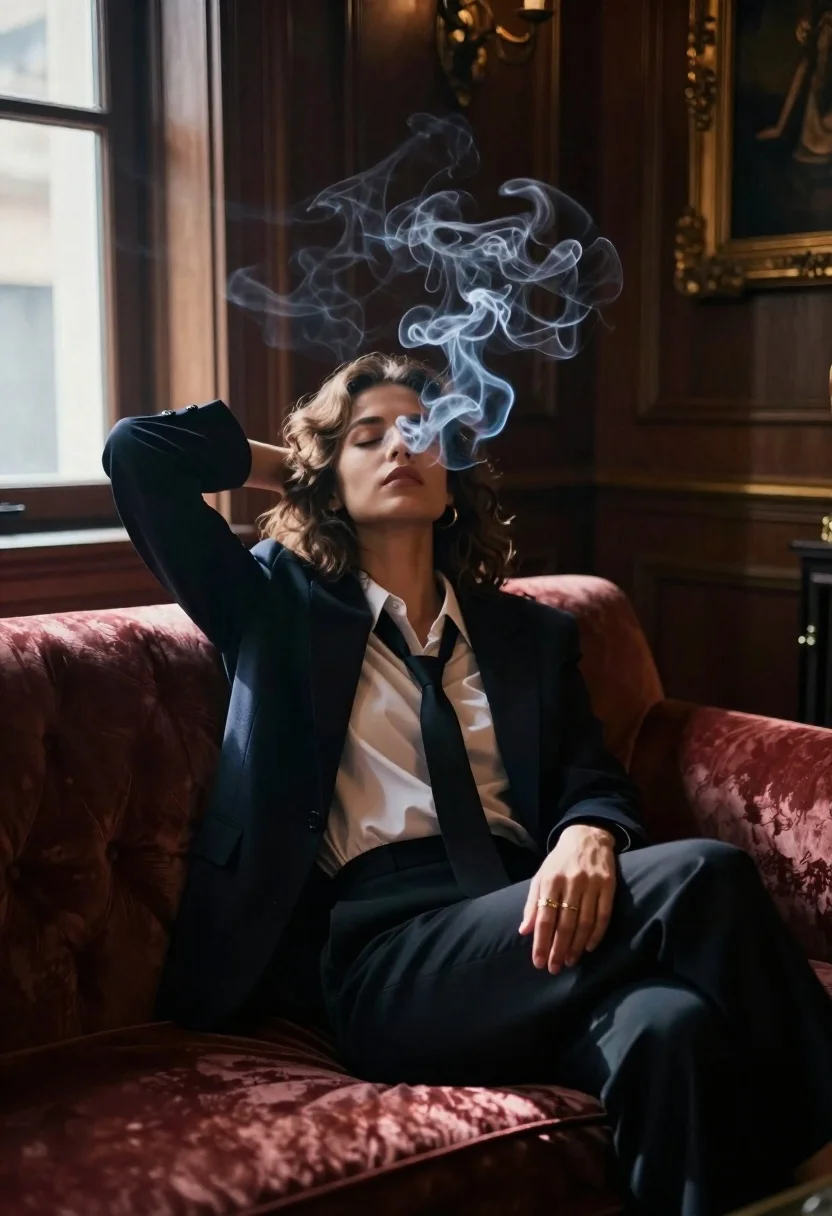
Woman seated in opulent room with swirling smoke
Prompt
A cinematic shot of a woman seated in an opulent room with volumetric smoke swirling around her face and torso.

Subject: A confident-looking young woman with wavy brown hair, eyes closed, head tilted back slightly as she sits on the edge of a plush sofa. She wears a dark blazer over an unbuttoned white shirt with a loose tie hanging down, paired with tailored trousers; a gold ring is visible on her right hand resting near her thigh.

Action: Her body language suggests relaxation and introspection   one arm bent behind her head while the other rests casually beside her leg, exuding quiet power and stillness amidst swirling smoke that partially obscures her features.

Environment: A richly decorated interior with ornate wooden paneling, a large window to the left letting in soft daylight, and warm ambient lighting from unseen sources creating deep shadows and highlights across the scene. The background includes hints of classical art or gilded frames on walls.

Lighting: High-contrast chiaroscuro effect   bright light enters through the window illuminating parts of her face and smoke trails while casting dramatic shadow over much of her body and surroundings, enhancing moodiness and depth. Smoke catches the backlight beautifully, glowing ethereally against darker tones.

Style Details: Filmic aesthetic with shallow depth of field blurring background elements slightly; cinematic color grading emphasizing warm browns, deep reds in upholstery, cool blues from shadows and window light   evoking a noir-inspired elegance mixed with modern sophistication.
Description
This prompt is useful for creating editorial portraiture, dramatic character studies, and high-end perfume or liquor advertisements. The combination of 'high-contrast chiaroscuro effect' and the 'volumetric smoke swirling around her face and torso' sculpts the subject by selectively illuminating features while allowing deep shadows to obscure parts of her body, which is ideal for conveying mystery and introspection.
Suggestions
- Change 'dark blazer' to 'velvet smoking jacket' for a richer texture.
- Swap 'deep reds in upholstery' for 'emerald green' to shift the color palette.
- Adjust 'soft daylight' to 'single spotlight beam' for more focused drama.
Category
Tags
Brown HairBrunetteCasual WearFemaleIndoorsPortrait ShotStudio
Date added
June 19, 2026
Added by
PromptDexter Team
Related Prompts
More prompts with similar categories and tags.
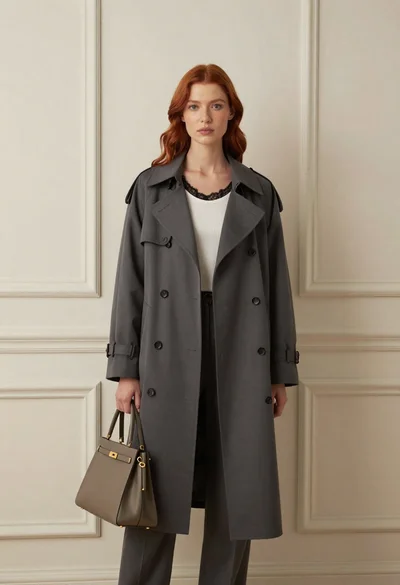
Stylish woman in trench coat against cream paneled wall studio portrait

Woman seated in armchair near large windows with greenery
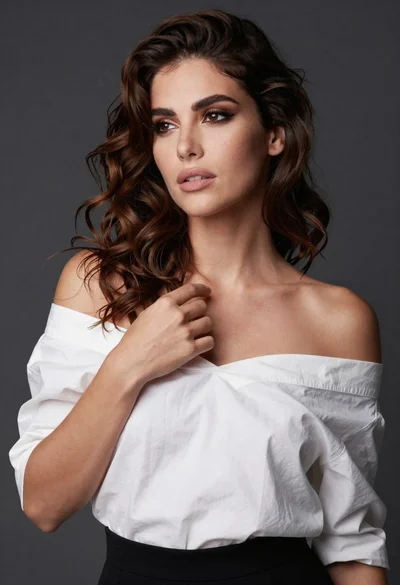
Poised woman in white top touching collarbone against dark studio background
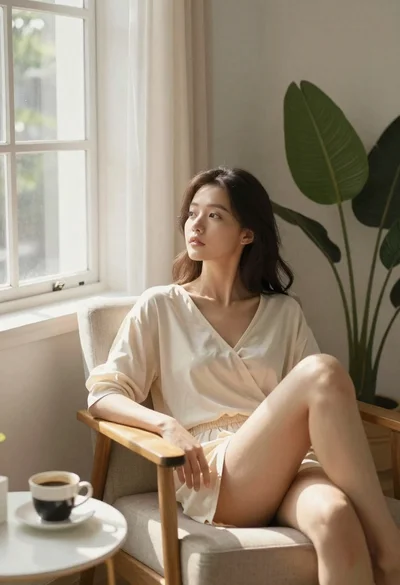
Woman relaxing in armchair by a bright window

Woman seated on mid century chair wearing beige suit
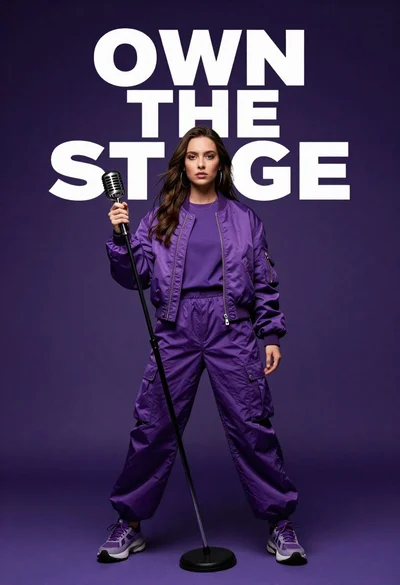
Singer in purple outfit with microphone against violet background
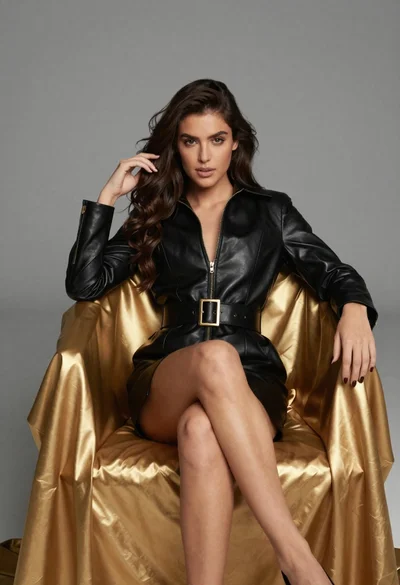
Confident woman in black leather dress sitting on golden chair studio portrait
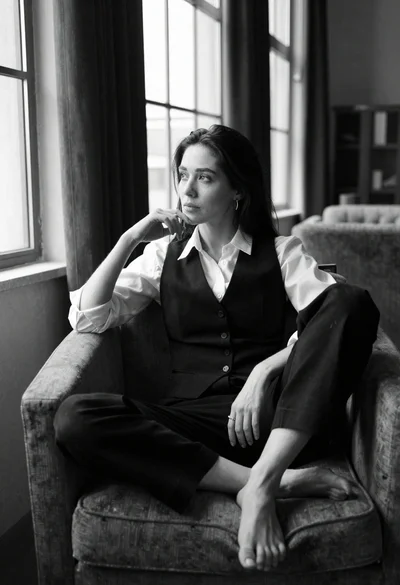
Black and white portrait of contemplative woman by large windows