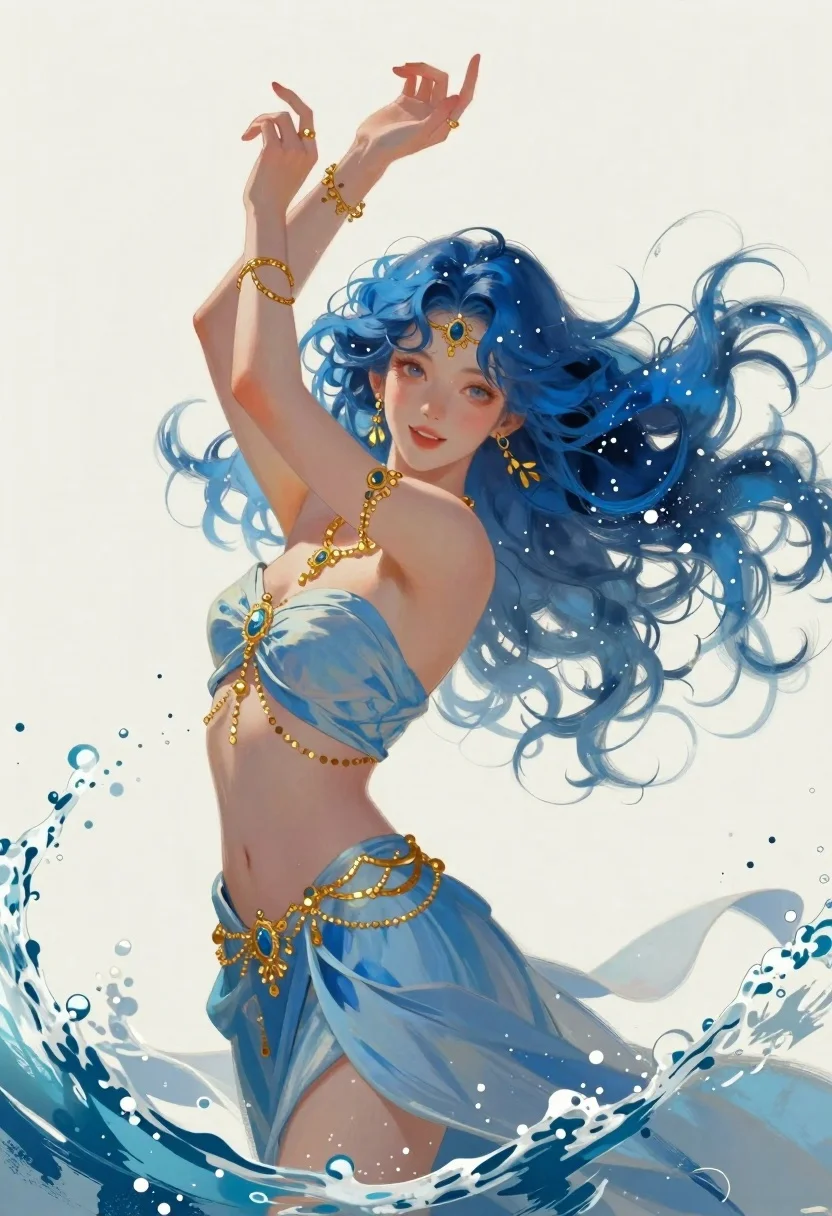
Woman with blue hair surrounded by ocean water painting
Prompt
A digital painting of a graceful woman with flowing blue hair and oceanic energy surrounding her

Subject: A young woman with fair skin, expressive eyes, and voluminous wavy blue hair blending into the sea spray around her head

Clothing: She wears an elegant strapless light blue gown with soft fabric folds, adorned with intricate golden jewelry including a necklace, bracelets, rings, earrings, and decorative bands on her waist and forehead

Action: Her arms are raised above her head in a fluid pose as if summoning or embracing the water, while she gazes gently forward with an open smile

Environment: The background is minimalistic cream-colored space filled with swirling splashes of blue seawater creating dynamic motion around her form

Lighting: Soft diffused lighting highlights her features and hair against the pale backdrop with gentle shadows enhancing depth in the fabric folds

Style Details: Art style combines semi-realistic anime-inspired character design with painterly brushwork textures giving a dreamlike aquatic atmosphere.
Description
This prompt is useful for creating fantasy concept art, ethereal character portraits, and album cover designs for ambient music. The combination of 'semi-realistic anime-inspired character design' with 'painterly brushwork textures' achieves a dreamlike quality that suits these atmospheric pieces, while the 'soft diffused lighting' prevents harsh contrasts, allowing the 'flowing blue hair' to blend seamlessly into the surrounding water.
Suggestions
- Change 'light blue gown' to 'iridescent silk gown' for more visual complexity.
- Add 'volumetric god rays' to the lighting description for dramatic effect.
- Swap 'minimalistic cream-colored space' for 'deep indigo void' to intensify the contrast.
Category
Tags
AnimeDigital ArtFair SkinFemaleFull BodyNatureOutdoors
Date added
June 19, 2026
Added by
PromptDexter Team
Related Prompts
More prompts with similar categories and tags.
Elegant woman in teal hanfu against misty mountains
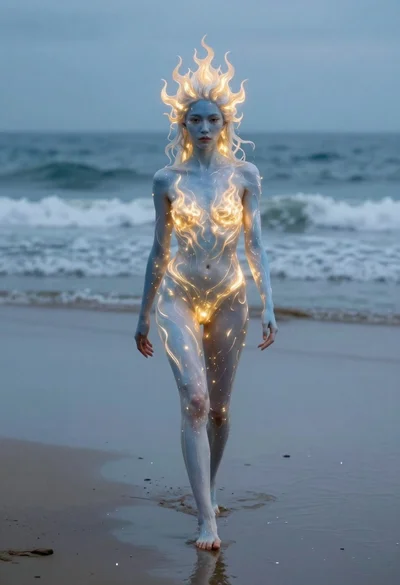
Surreal woman with glowing skin walking on wet beach

Portrait of a witch in black corset and hat
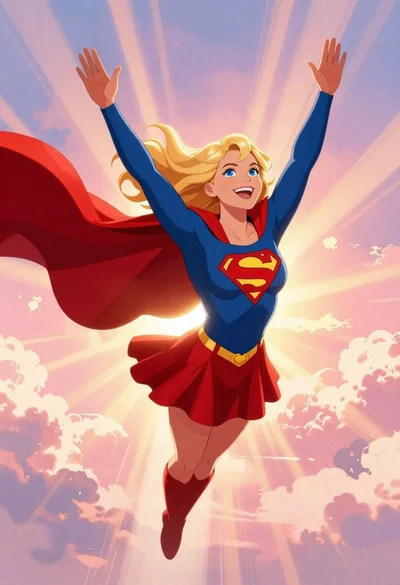
Supergirl flying through pink purple clouds at sunset
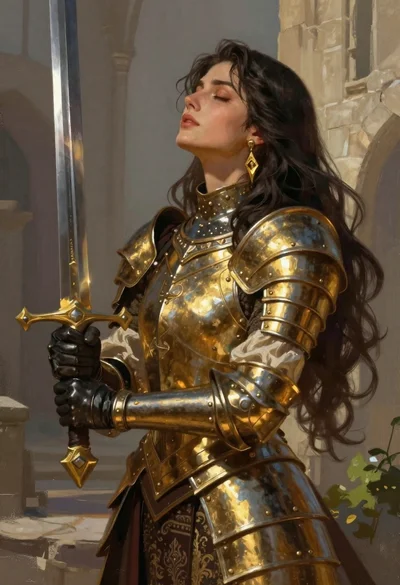
Fantasy warrior woman with ornate sword in stone courtyard
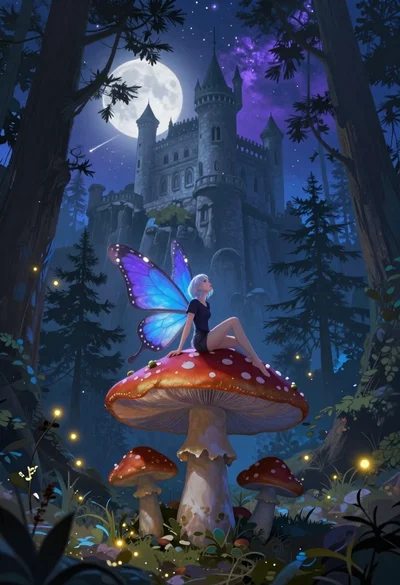
Fairy on mushroom with pine trees and stone castle
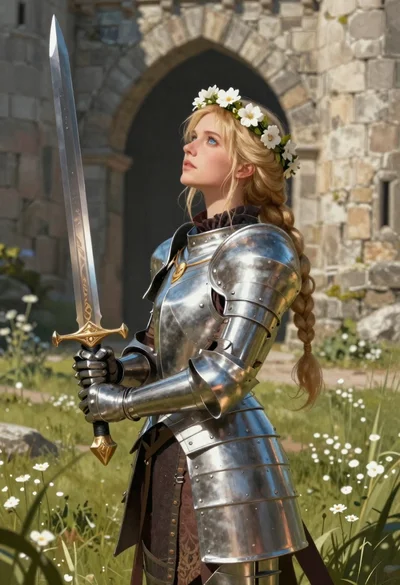
Blonde woman in steel armor before ancient stone castle
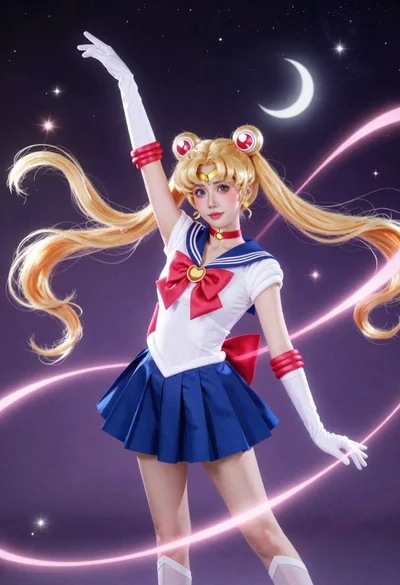
Anime cosplayer in sailor moon costume against outer space