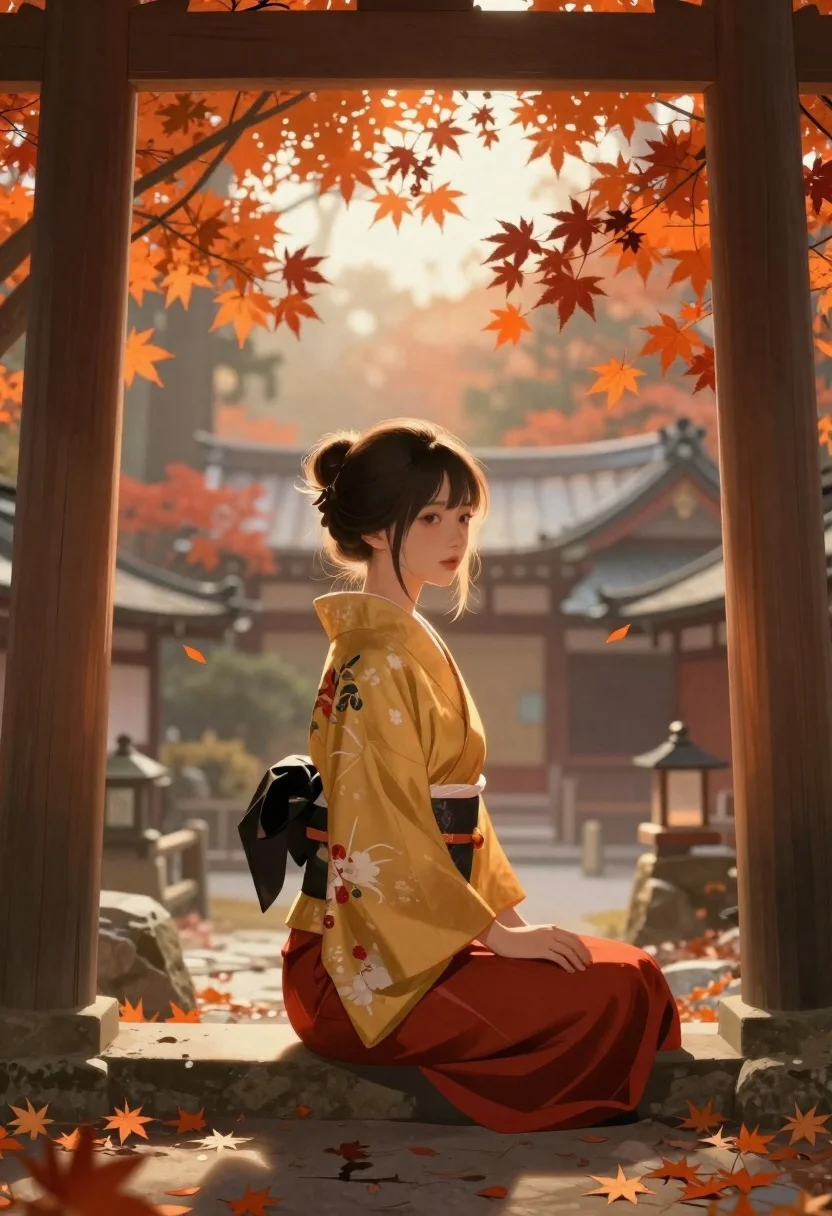
Young woman in kimono under autumnal japanese torii gate
Prompt
Digital illustration of a young woman seated in profile beneath an autumnal torii gate with traditional architecture and falling leaves

Subject: Young East Asian woman with dark hair tied in a high messy bun, fair skin, soft facial features, gazing over her shoulder toward the viewer.

Clothing: Traditional Japanese kimono-style outfit golden-yellow upper robe with subtle floral patterns and deep red lower garment cinched by a wide black obi sash; small pouch or accessory at hip.

Action: Seated sideways on a low stone ledge or bench inside a torii gate frame, one hand resting gently along her thigh, other arm extended outward for balance against the structure behind her.

Environment: Framed view through dark wooden torii gate archway; vibrant orange and red maple leaves surround her some clinging to branches, others mid-fall; misty atmospheric perspective reveals layered traditional buildings with curved eaves in muted tones beyond.

Lighting: Warm golden backlight filtering from above and behind the subject, creating soft glow on hair edges and clothing folds while casting gentle shadows under chin and arms; diffuse haze adds depth and moodiness to distant structures.

Camera: Medium shot framed tightly by torii gate posts slightly elevated angle looking down at seated figure; shallow depth of field blurs background elements subtly but keeps subject sharp.
Description
This prompt is useful for creating concept art for historical dramas, atmospheric character portraits, and Japanese-themed digital book covers. The combination of 'warm golden backlight' with the 'misty atmospheric perspective' ensures that while the foreground remains sharply focused on the subject's profile, the background elements recede softly, preventing the scene from looking flat despite the detailed 'traditional architecture'.
Suggestions
- Change 'golden-yellow upper robe' to 'deep indigo upper robe' for a moodier contrast.
- Adjust 'high messy bun' to 'intricate braided updo' for more formality.
- Swap 'shallow depth of field' for 'bokeh effect' to enhance the background blur.
Category
Tags
AnimeDigital ArtFair SkinFemaleForestHigh AngleMedium ShotOutdoorsSide ProfileTraditional Wear
Date added
June 19, 2026
Added by
PromptDexter Team
Related Prompts
More prompts with similar categories and tags.
Fantasy warrior woman with ornate sword in stone courtyard
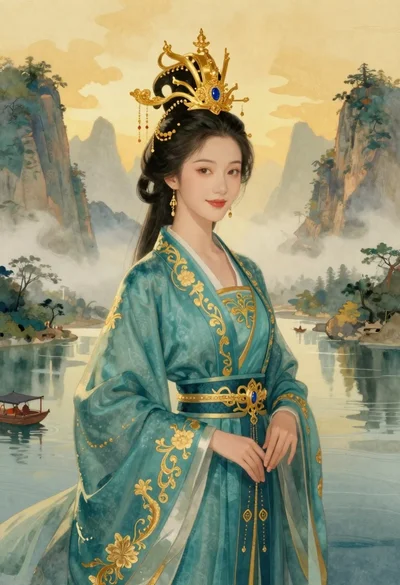
Elegant woman in teal hanfu against misty mountains
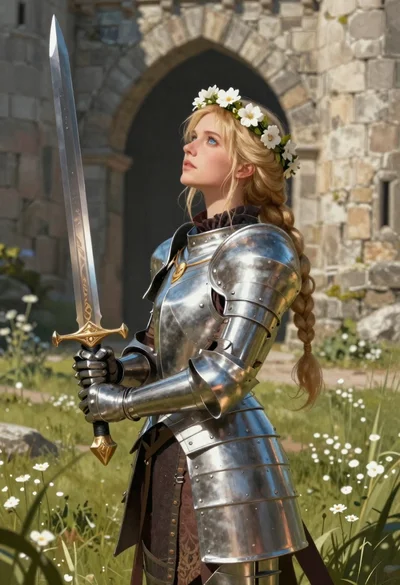
Blonde woman in steel armor before ancient stone castle
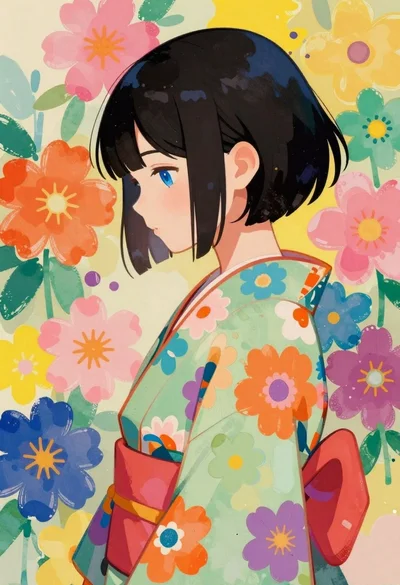
Anime girl with kimono top against abstract floral background

Woman with blue hair surrounded by ocean water painting

Cybernetic android portrait in red scifi setting
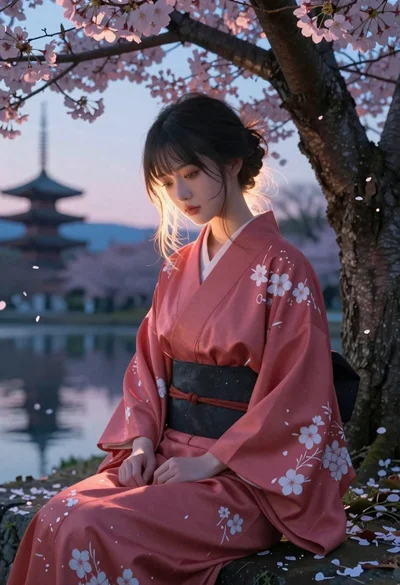
Anime woman in kimono under cherry blossoms

Futuristic android woman in metallic corridor