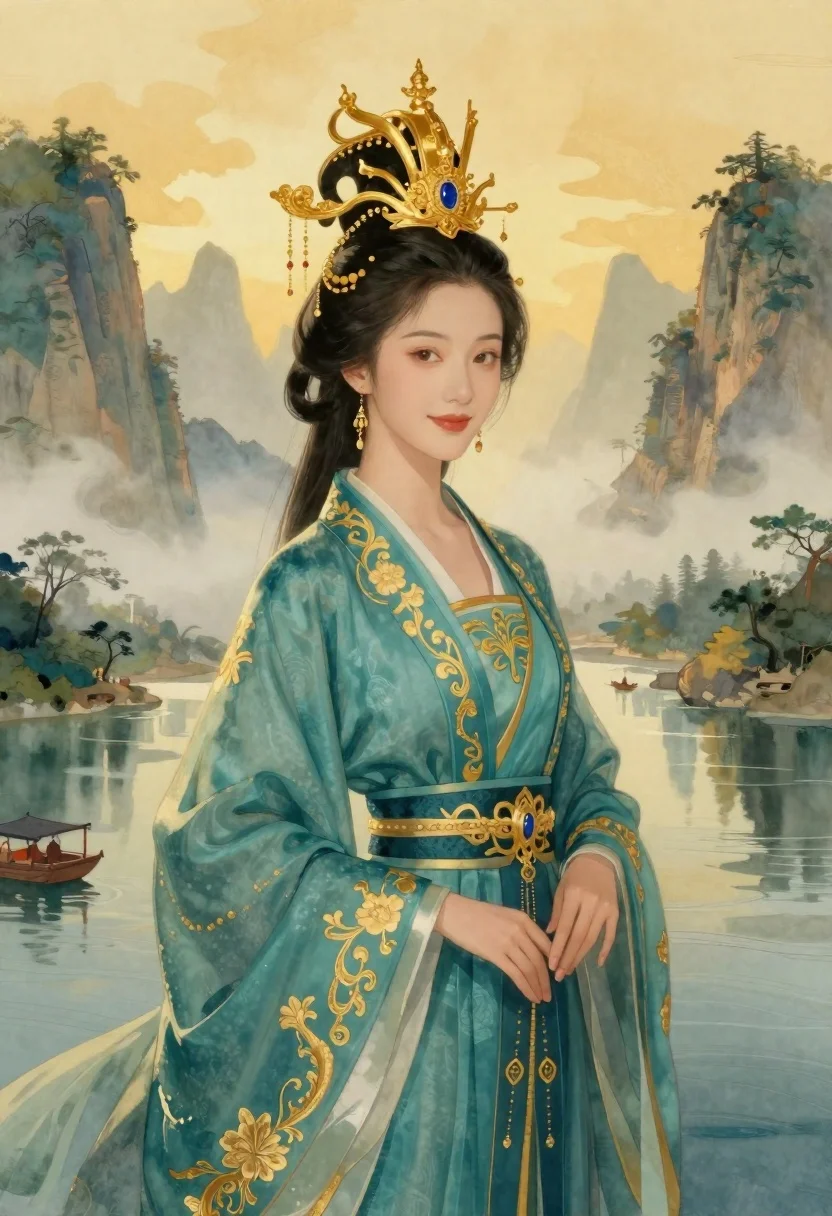
Elegant woman in teal hanfu against misty mountains
Prompt
Portrait of an elegant woman with fair skin and dark wavy hair styled in a traditional updo; golden ornate headdress resembling pagoda architecture adorned with intricate filigree, spires, and a large blue gemstone at the center; delicate dangling earrings matching the jewelry theme.

Clothing: flowing teal hanfu-style robe embroidered with gold floral patterns along hemline and sleeves featuring subtle white accents near collar area layered over black undergarment secured by golden belt buckle detailing around waist section showcasing craftsmanship through fine embroidery work across fabric surface texture resembling silk or brocade material blending elegance with regal appearance while maintaining softness.

Action: poised standing facing slightly rightward gazing directly forward calm expression gentle smile hinting serenity confidence within posture suggesting graceful movement frozen mid-step hand resting lightly against side fingers relaxed conveying tranquility despite grandeur surrounding figure exudes quiet power presence commanding attention without aggression emanating from serene demeanor reflected in facial features and body language.

Environment: misty mountainous landscape bathed warm golden sunlight filtering through clouds casting soft glow over scene distant peaks shrouded fog creating depth mystery atmosphere waterway winding beneath feet reflecting sky hues gently rippling surface small boats floating peacefully adding scale tranquility surrounding environment lush greenery interspersed among rocky cliffs enhancing natural beauty harmony between human figure and nature seamlessly integrated into composition.

Camera: medium close-up shot framing upper body head capturing facial details clothing textures background elements providing context lens choice emphasizes depth field keeping subject sharply focused while allowing gentle blur in distant mountains water bodies creating sense distance separation foreground from backdrop angle slightly elevated offering comprehensive view of attire headdress arrangement highlighting vertical lines architectural motifs without overwhelming visual clutter ensuring balance proportionality throughout frame.

Lighting: diffuse ambient illumination emanating primarily left side bathing face body evenly reducing harsh shadows enhancing smoothness skin tone richness color saturation warmth imparted golden hour light enriching tones golds blues creating harmonious palette interplay between bright highlights darker areas adding dimension volume characterizing subtle gradients transitioning smoothly across surfaces accentuating folds drapery patterns intricate designs without losing clarity contrast maintained low-to-medium levels preserving delicate nuances inherent in traditional attire landscape elements ensuring cohesive aesthetic unity throughout entire image.

Style Details: digital painting style blending realism fantasy aesthetics characterized by hyper-detailed textures vibrant colors smooth brushstrokes mimicking watercolor washes mixed with precise linework capturing fine details like embroidery patterns jewelry reflections atmospheric perspective achieved via layering techniques combining soft edges sharp contrasts creating dreamlike ethereal quality reminiscent of classical Asian art fused modern graphic design principles enhancing overall visual appeal making piece both historically grounded stylistically innovative appealing wide audience interested cultural heritage artistic innovation.
Description
This prompt is useful for creating high-fantasy character portraits, concept art for historical dramas, and digital album covers with an ethereal mood. The combination of 'diffuse ambient illumination' with 'golden hour light' ensures that the intricate details of the 'gold floral patterns' remain visible without harsh shadows, which is crucial for showcasing both the costume's richness and the misty mountain backdrop's mystery.
Suggestions
- Change 'teal hanfu-style robe' to 'deep sapphire hanfu-style robe' for a richer color contrast.
- Swap 'pagoda architecture' for 'celestial cloud motifs' to make the headdress feel less literal.
- Adjust 'medium close-up shot' to 'full body shot' to better capture the 'flowing teal hanfu-style robe'.
Category
Tags
Digital ArtFair SkinFemaleFull BodyMedium ShotMountainsOutdoorsRealisticTraditional Wear
Date added
June 19, 2026
Added by
PromptDexter Team
Related Prompts
More prompts with similar categories and tags.
Fierce female warrior in red robe holding golden fan against dark void
Young woman in pink gown standing in cherry blossom pavilion at golden
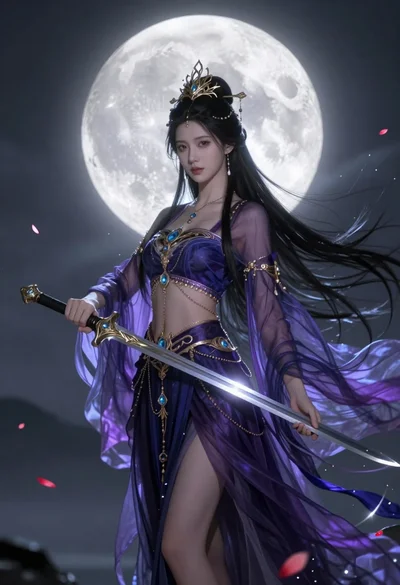
Ethereal warrior in indigo gown holding sword against luminous full moon
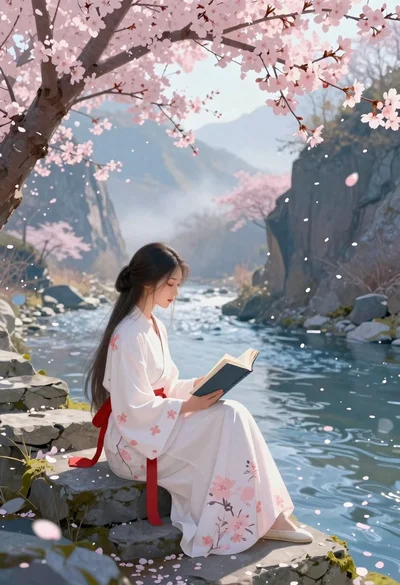
Young woman reading by river under cherry blossoms

Portrait of a witch in black corset and hat
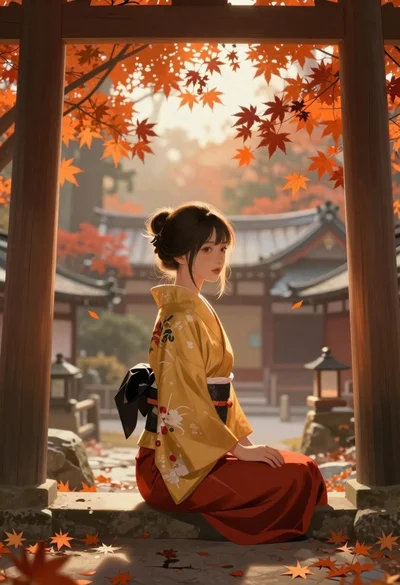
Young woman in kimono under autumnal japanese torii gate
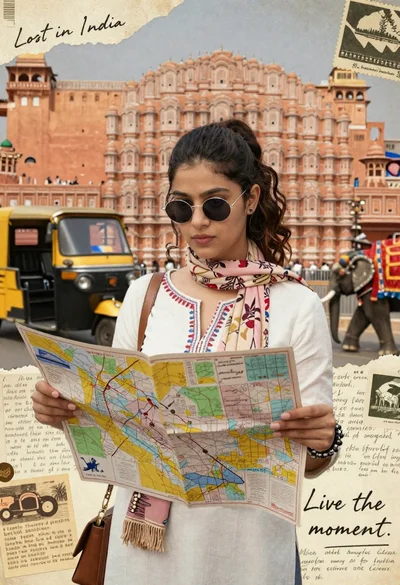
Young woman holding map against indian architectural collage background
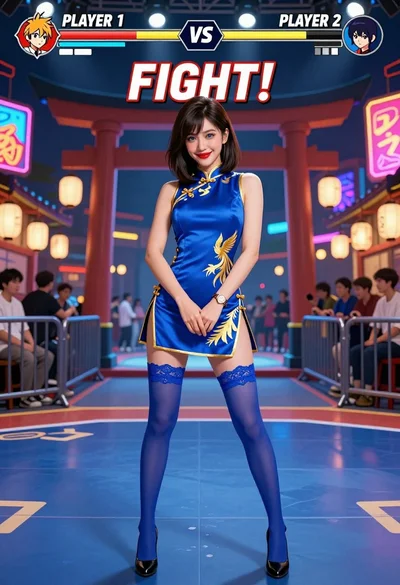
Woman in blue qipao standing in neon lit fighting game arena