
Woman with dark hair smiling gently indoors at warmly lit restaurant setting
Prompt
A woman with dark hair rests her chin on her hands while smiling gently at the camera in a warmly lit restaurant setting.

Subject: A woman with short dark hair and warm skin tone looking directly at the viewer with a soft smile.

Clothing: She wears a simple black sleeveless top, silver hoop earrings, a delicate silver chain necklace, and large polished gold cuff bracelets on both wrists.

Action: Her hands are clasped together under her chin in a relaxed pose, with fingers slightly curled around her face.

Environment: The setting is an indoor dining area featuring wooden window blinds to the left, hanging greenery above, and blurred tables and chairs in the background.

Lighting: Warm ambient lighting creates soft highlights on her skin and reflects off the metallic jewelry, casting a cozy golden glow over the scene.

Camera: Medium close-up shot with a shallow depth of field that keeps the subject sharp while blurring the restaurant background.

Style Details: Naturalistic photography style with high color temperature and soft focus in the background to emphasize the subject.
Description
This prompt is useful for creating intimate portraiture, lifestyle editorial spreads, and warm-toned commercial advertising featuring human connection. The combination of 'warm ambient lighting' casting a 'cozy golden glow' across the scene, paired with the 'shallow depth of field,' ensures that the subject remains sharply focused while the background elements like the wooden window blinds recede softly, directing all viewer attention to her gentle smile.
Suggestions
- Change 'black sleeveless top' to 'silk blouse' for a more luxurious feel.
- Add 'bokeh effect' to enhance the blurred tables and chairs.
- Swap 'polished gold cuff bracelets' for 'delicate pearl bracelet' for a softer aesthetic.
Category
Tags
Brown SkinFemaleIndoorsRealistic
Date added
July 12, 2026
Added by
PromptDexter Team
Related Prompts
More prompts with similar categories and tags.

Close up selfie of smiling woman in floral top inside airplane cabin
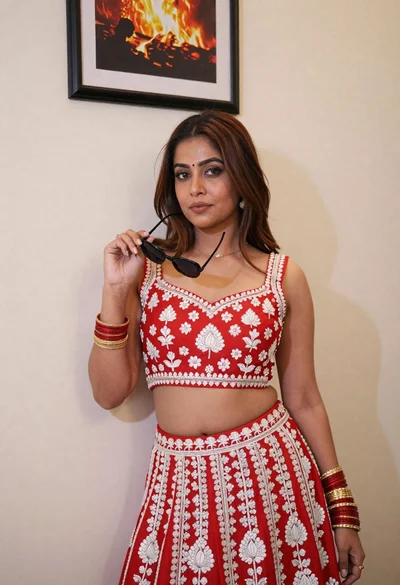
Woman in red embroidered lehenga choli posing indoors with sunglasses
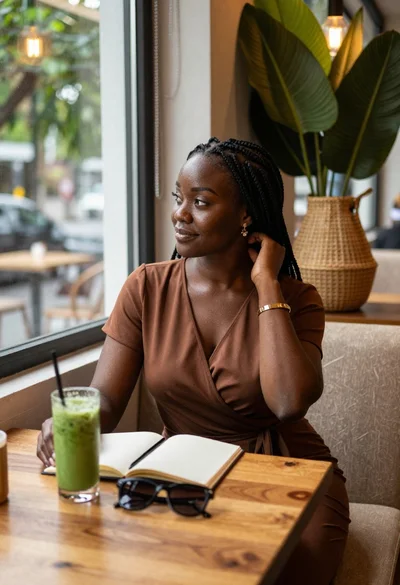
Black woman in brown dress at cafe window
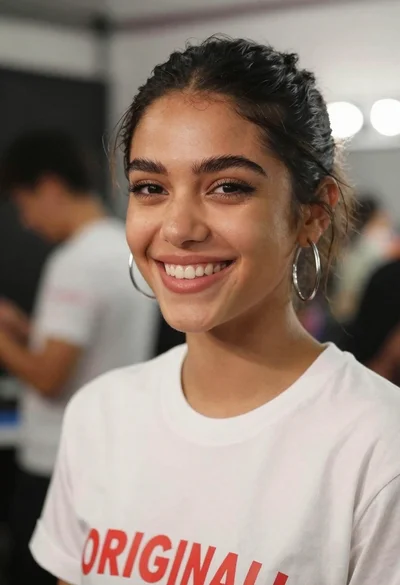
Close up portrait of smiling young woman in white tshirt indoors

Woman in cream saree posing indoors with natural light on right
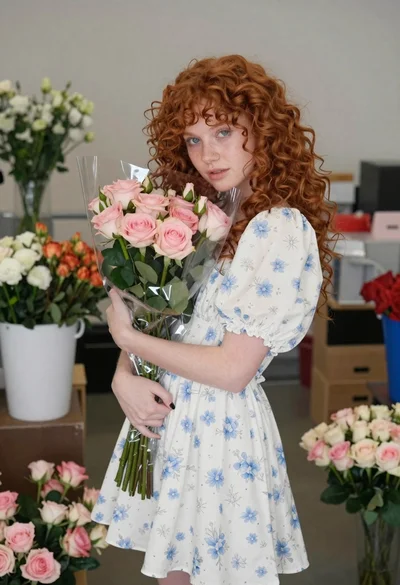
Young woman with red hair holding flowers indoors

Serene closeup profile of woman with eyes closed in warm sunlight

Young east asian woman smiling in white t shirt browsing records at

Young woman in cream sweater smiling by collage wall in cozy bedroom
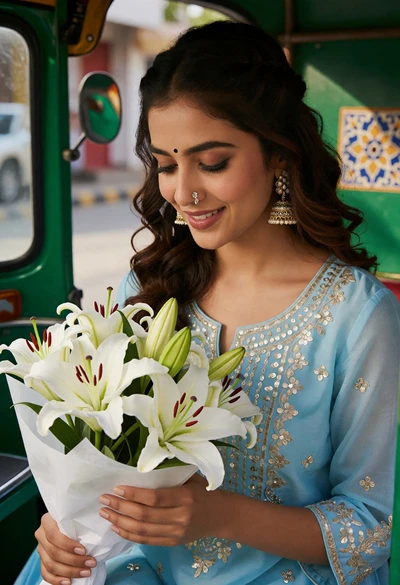
Young woman in embroidered kurta holding lilies inside green auto rickshaw