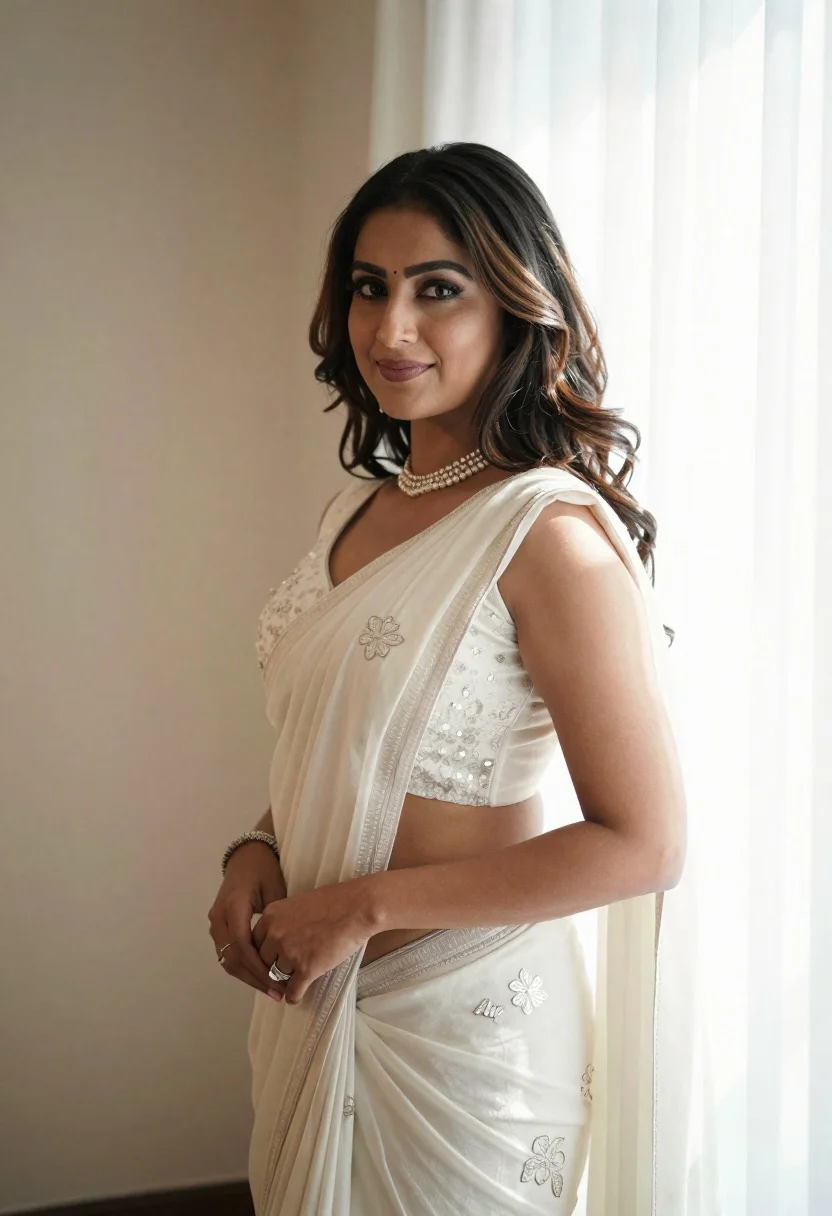
Woman in cream saree posing indoors with natural light on right
Prompt
A woman stands indoors in a soft, elegant portrait pose.

Subject: A woman with long, wavy dark hair featuring lighter brown highlights at the ends, styled with a side part and loose waves cascading over her shoulder. She has a warm complexion, defined eyebrows, subtle makeup including eyeliner and lipstick, and a small bindi on her forehead. Her hands are gently clasped in front of her waist.

Clothing: She wears an off-white or cream-colored sleeveless saree with delicate floral embroidery and sequin detailing on the bodice. A matching sheer dupatta is draped over her shoulder. She accessorizes with a pearl choker necklace, a silver bangle bracelet on her right wrist, and rings on both hands.

Action: She stands facing slightly to the left but turns her head to look directly at the camera with a gentle, closed-mouth smile. Her posture is relaxed and poised.

Environment: The setting appears to be an interior room with neutral beige walls. To the right, sheer white curtains hang in front of a bright window that floods the scene with natural light.

Lighting: Soft, diffused natural light streams from the window on the right, creating a gentle backlight effect and illuminating her hair and shoulder while casting soft shadows on the left side of her face.

Camera: The shot is a medium close-up framed vertically, capturing her from the waist up with a shallow depth of field that keeps her in sharp focus while softly blurring the background curtains.

Style Details: The image has a clean, high-quality photographic aesthetic with a soft color palette dominated by whites and warm neutrals, conveying a serene and celebratory mood.
Description
This prompt is useful for creating bridal portraiture, cultural editorial spreads, and intimate family album photography. The combination of 'soft, diffused natural light' streaming from the right window establishes a flattering side-lighting that sculpts her features while the 'shallow depth of field' ensures the focus remains tightly on her expression against the softly blurred background.
Suggestions
- Change 'off-white or cream-colored' to 'ivory silk' for a richer fabric appearance.
- Swap 'pearl choker necklace' for 'antique gold jhumka earrings' to shift the cultural focus.
- Adjust 'medium close-up framed vertically' to 'waist shot, rule of thirds composition' for more environmental context.
Category
Tags
Brown SkinBrunetteFemaleIndoorsRealistic
Date added
June 19, 2026
Added by
PromptDexter Team
Related Prompts
More prompts with similar categories and tags.
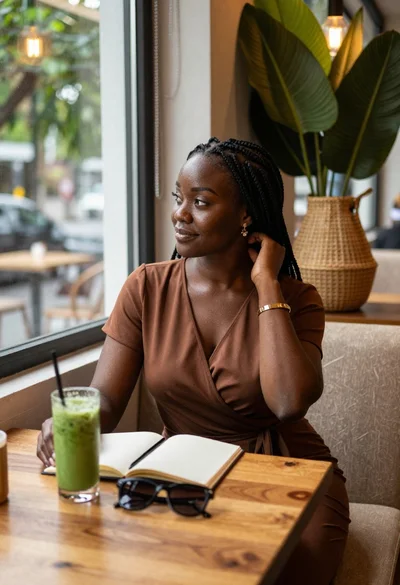
Black woman in brown dress at cafe window
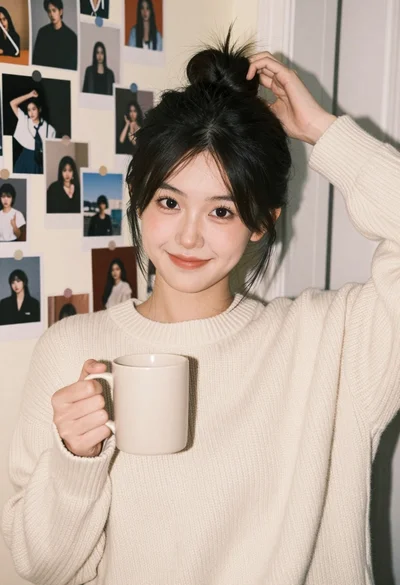
Young woman in cream sweater smiling by collage wall in cozy bedroom
Young woman in white crop top and denim shorts leaning against white
Close up portrait of smiling woman with dark wavy hair outdoors
Serene portrait of young woman in beige dress resting chin on hand
Young woman with brown hair sitting in a leather armchair indoors
Young woman in white camisole top against blue wall indoors
Young woman smiling in restaurant booth with window view
Young woman in navy embroidered traditional dress indoors medium shot
Medium close up portrait of young woman with dark curly hair indoors