

Young woman in cream sweater smiling by collage wall in cozy bedroom
Prompt
A young woman with dark hair pulled back into a messy bun smiles gently at the camera while holding a beige mug in one hand and adjusting her hair with the other.

Subject: A young woman with fair skin, dark brown eyes, and dark hair styled in a casual high bun with loose strands framing her face.

Clothing: She wears a thick, ribbed cream-colored knit sweater with long sleeves that appear soft and cozy.

Action: She holds a plain beige ceramic mug near her chest with her right hand while her left hand is raised to the back of her head, fingers gently touching or pulling at her hair bun.

Environment: The background features a wall covered in a dense collage of various photos, stickers, and notes, creating a personal bedroom or dorm room atmosphere. To the right, a white door frame is partially visible.

Lighting: The lighting is soft and warm, likely from an indoor source, casting gentle shadows that highlight her face and the texture of her sweater.

Style Details: The image has a candid, film-photography aesthetic with natural color tones and a slightly grainy texture.
Description
This prompt is useful for creating lifestyle blog features, cozy seasonal product advertisements, and personal portrait collections that evoke nostalgia. The combination of 'soft and warm' lighting against the detailed 'collage of various photos, stickers, and notes' grounds the subject in a specific domestic setting, while the 'ribbed cream-colored knit sweater' ensures the focus remains on tactile comfort rather than just the background clutter.
Suggestions
- Change 'messy bun' to 'loose waves' for a more romantic feel.
- Swap 'beige ceramic mug' for 'dark green stoneware mug' to add color contrast.
- Add 'shot on Kodak Portra 400 film' to enhance the grainy texture.
Category
Tags
BedroomBrown SkinBrunetteCasual WearFemaleIndoorsMedium ShotRealistic
Date added
August 5, 2026
Added by
PromptDexter Team
Related Prompts
More prompts with similar categories and tags.

Medium close up portrait of young woman with dark curly hair indoors
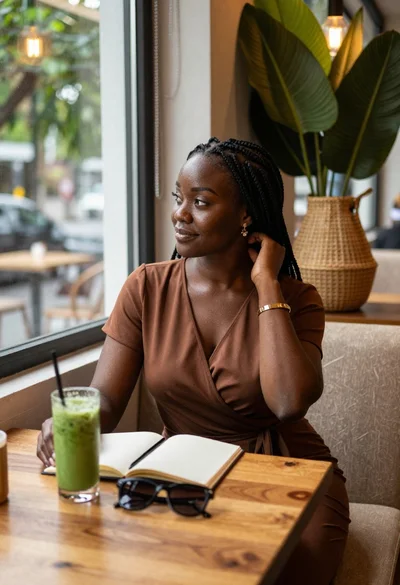
Black woman in brown dress at cafe window

Young woman in black slip dress standing by window in bright bedroom
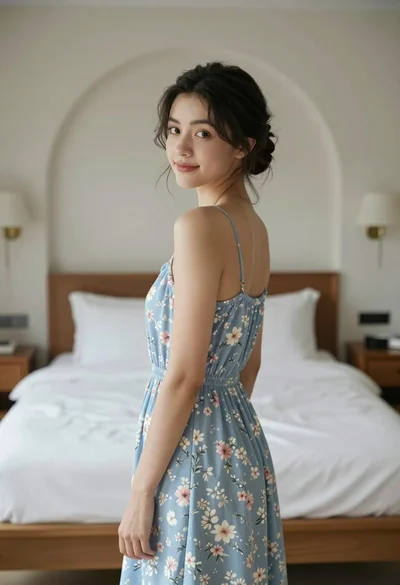
Young woman in floral dress looking back over shoulder in bright bedroom

Young woman with dark hair wearing black sweater indoors in bedroom setting

Young woman with brown hair in beige cardigan smiling indoors at camera

Young woman in white sari seated on bed in dimly lit bedroom

Young woman in white crop top and denim shorts leaning against white
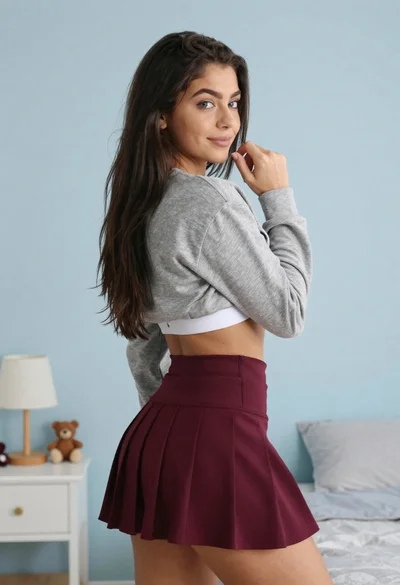
Young woman in grey sweatshirt and maroon skirt looking over shoulder

Young woman with brown hair sitting in a leather armchair indoors