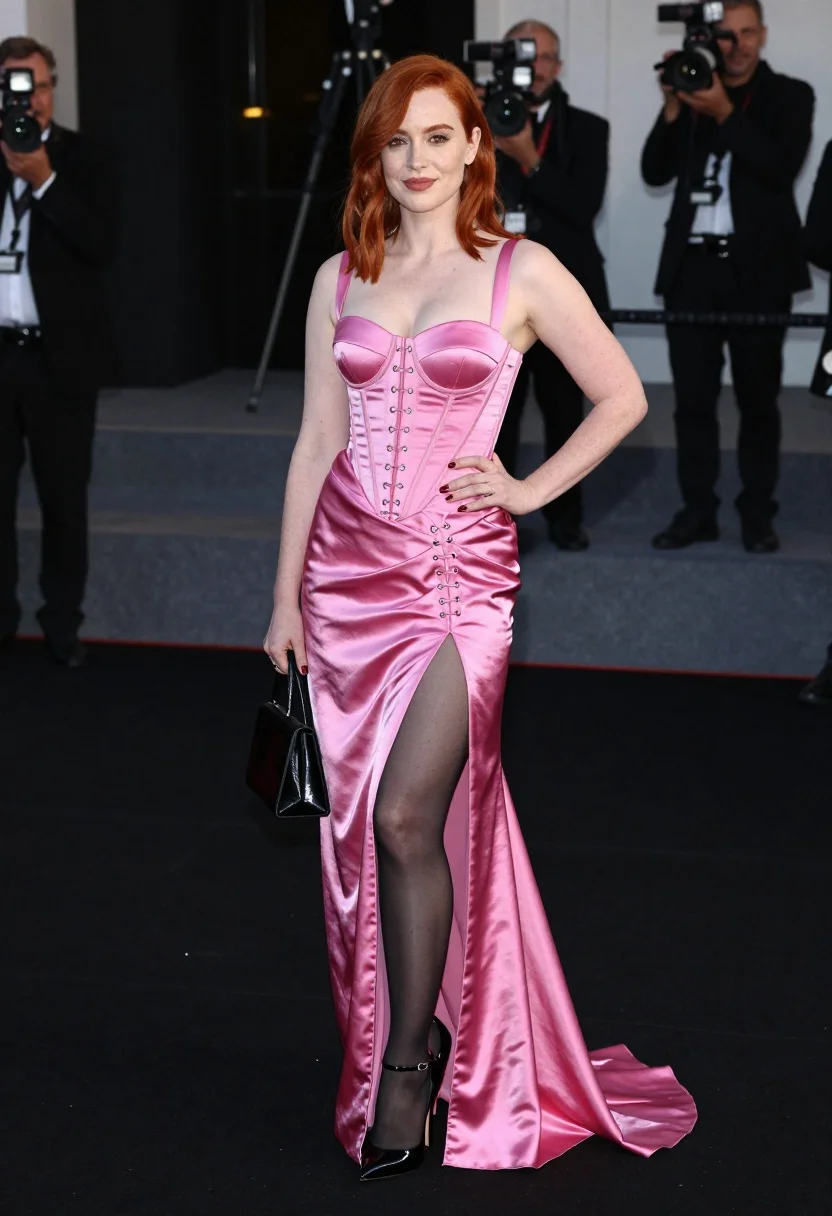
Woman with red hair in pink satin gown posing at an indoor
Prompt
A woman with red hair stands confidently in a full-length pink satin gown featuring a corset-style bodice and high slit.

Subject: A woman with shoulder-length red hair styled away from her face, fair skin, and a subtle smile.

Clothing: She wears a vibrant pink satin dress with a structured bustier top, silver eyelets down the front, lace-up detailing at the waist, and a long skirt with a high thigh slit revealing black sheer tights and black patent leather stiletto heels with ankle straps.

Action: She stands in a poised pose with one hand resting on her hip and the other near her thigh, looking directly at the camera.

Environment: The setting is an indoor event space with dark flooring and blurred steps in the background where a photographer is visible.

Camera: A medium-full shot captures the subject from head to toe, utilizing a shallow depth of field to keep the foreground sharp while blurring the background.

Lighting: Bright, direct flash lighting illuminates the front of the subject, creating high contrast against the dark surroundings and highlighting the sheen on the satin fabric.

Objects: A small black handbag is held in her left hand.

Style Details: High-fashion photography with a glossy finish, sharp focus on the model, and a polished red carpet event aesthetic.
Description
This prompt is useful for creating high-fashion editorial spreads, dramatic formal portraiture, and luxury catalog imagery. The combination of 'bright, direct flash lighting' against the dark environment maximizes the sheen on the 'pink satin gown,' which prevents the fabric from looking flat and instead emphasizes its glossy texture suitable for a polished red carpet aesthetic.
Suggestions
- Change 'black sheer tights' to 'nude stockings' for a softer leg line.
- Swap 'medium-full shot' for 'full body portrait' to better capture the high slit.
- Adjust 'bright, direct flash lighting' to 'soft box lighting' for less harsh shadows.
Category
Tags
Fair SkinFemaleFormal WearFull BodyMedium ShotPortrait ShotRealisticRed Hair
Date added
July 3, 2026
Added by
PromptDexter Team
Related Prompts
More prompts with similar categories and tags.
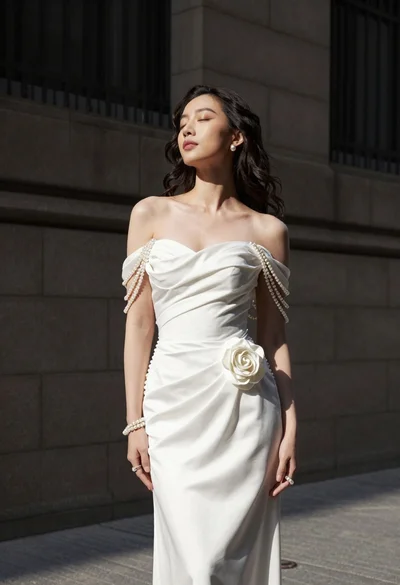
Woman in white gown standing against dark stone architectural wall outdoors

Portrait of woman in elaborate red feathered gown against vivid blue background
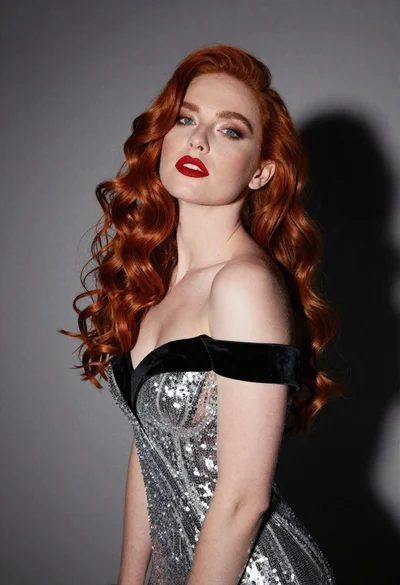
Glamorous portrait of woman with red hair in silver gown
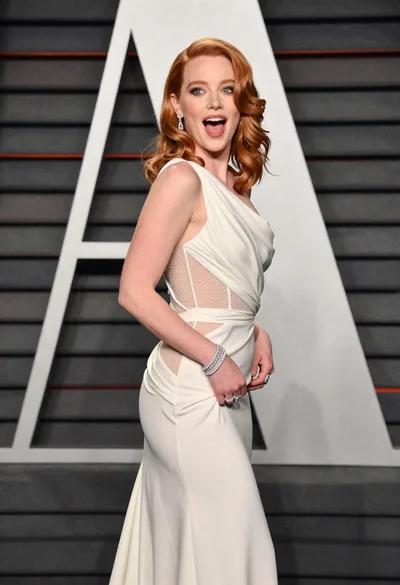
Woman in off white gown posing against large white letter a background
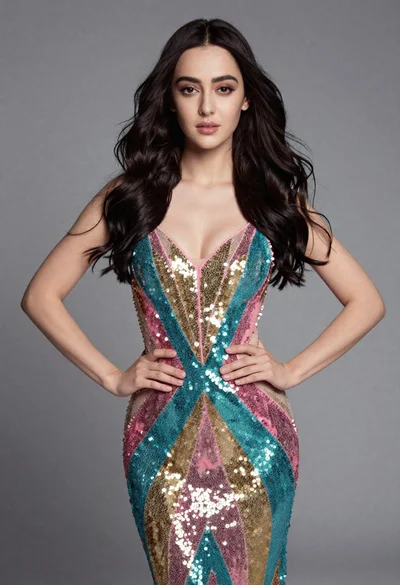
Full length studio portrait of young woman in sequined gown
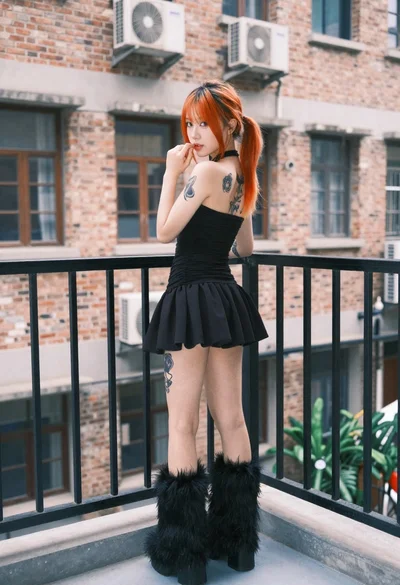
Young woman in black mini dress on urban balcony looking back
Profile portrait of red haired woman in black gown against grey curtains
Black and white portrait of woman in minimalist niche

Portrait of woman with red hair in navy blouse and green skirt

Blonde woman in black gown seated on white stool in bright room