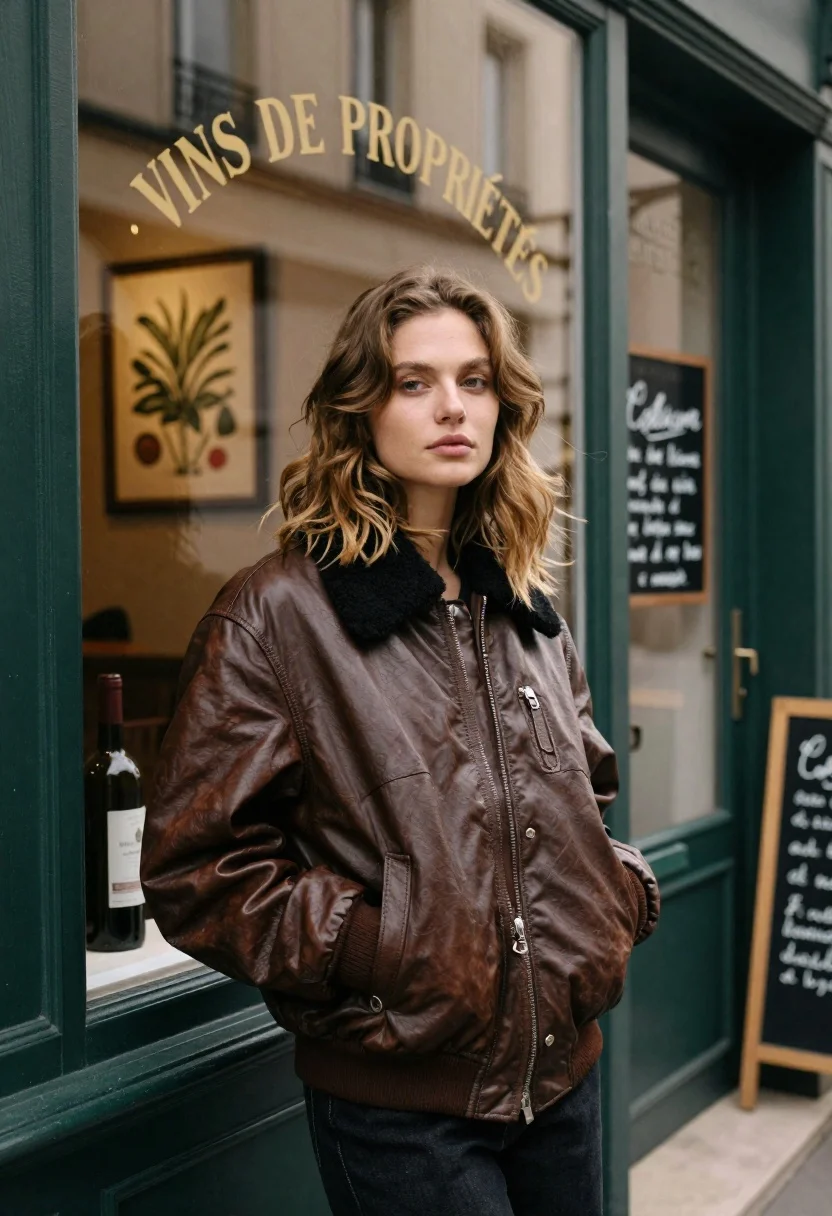
Fair skinned woman in brown leather jacket outside shop window
Prompt
A young woman with wavy light brown hair stands in a relaxed pose outside a shop window.

Subject: A fair-skinned woman with shoulder-length wavy light brown hair and a neutral expression looking directly at the camera.

Clothing: She wears a thick, vintage-style brown leather bomber jacket featuring a black shearling collar and a ribbed knit cuff on her left wrist, with her hand tucked into the pocket.

Environment: The setting is an urban street scene in front of a shop with dark green painted wood framing around the window and door. Inside the window, a botanical print hangs on the wall next to a bottle of wine on a shelf. To the right, a black chalkboard menu stands near the door handle.

Text/Graphics: Arched gold lettering on the glass reads "VINS DE PROPRIÉTÉS" above the woman's head, and handwritten French text is visible on the chalkboard sign to the right.

Lighting: Soft natural daylight illuminates the scene from the front, creating a gentle mood with subtle shadows under the chin and jacket folds.

Camera: The shot is framed as a medium portrait at eye level, utilizing a shallow depth of field that keeps the subject sharp while softly blurring the background interior.

Style Details: The image features a cinematic film aesthetic with muted earth tones, high dynamic range, and a slightly grainy texture reminiscent of 35mm photography.
Description
This prompt is useful for creating editorial street style documentation, character portraits for indie films, and mood boards emphasizing autumnal urban textures. The combination of 'soft natural daylight' with the 'muted earth tones' ensures that the texture of the 'brown leather bomber jacket' remains visible without harsh highlights, while the shallow depth of field isolates the subject against the detailed background elements like the chalkboard menu.
Suggestions
- Change 'vintage-style brown leather bomber jacket' to 'distressed waxed canvas jacket' for a different material feel.
- Swap 'dark green painted wood framing' for 'weathered terracotta brickwork' to alter the color palette.
- Adjust 'soft natural daylight' to 'overcast diffused light' for flatter, more uniform shadows.
Category
Tags
Casual WearFair SkinFemaleMedium ShotOutdoorsPortrait ShotRealisticStreetUrban
Date added
June 19, 2026
Added by
PromptDexter Team
Related Prompts
More prompts with similar categories and tags.

Young woman leaning against white wall with beige handbag under bright sunlight
Collage portrait of a woman with curly hair in an urban setting
Young blonde woman in black leather jacket on dim urban street at
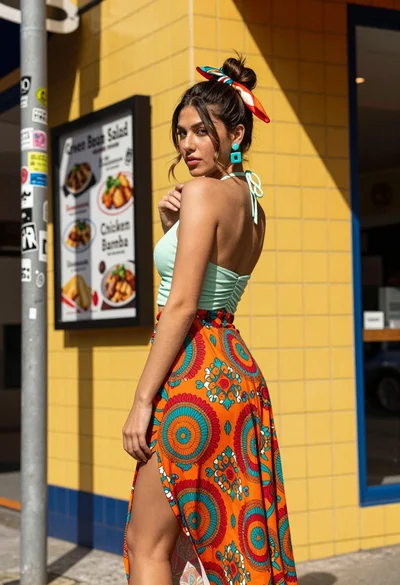
Young woman looking back over shoulder against bright yellow tiled urban facade

Young woman in black and white patterned outfit on urban rooftop
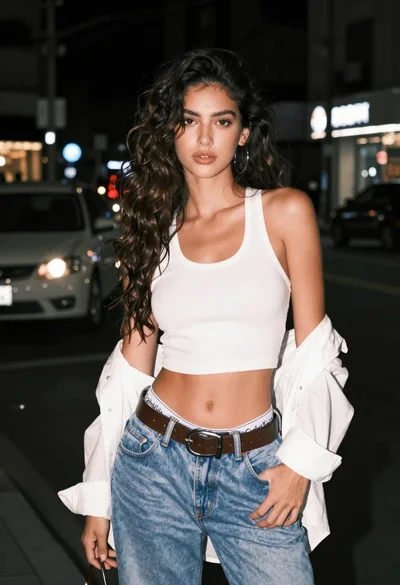
Confident young woman in white tank top on a dark city street
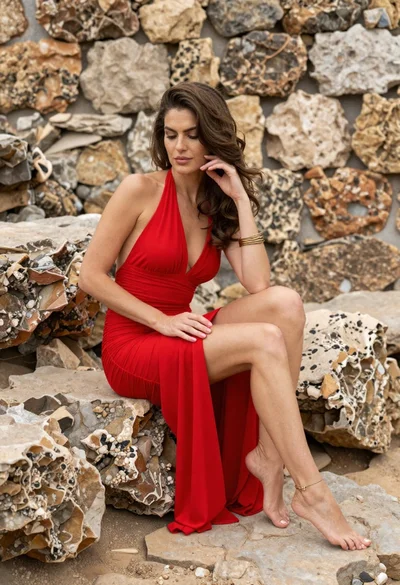
Woman in red halter dress sitting on stones against textured rock wall
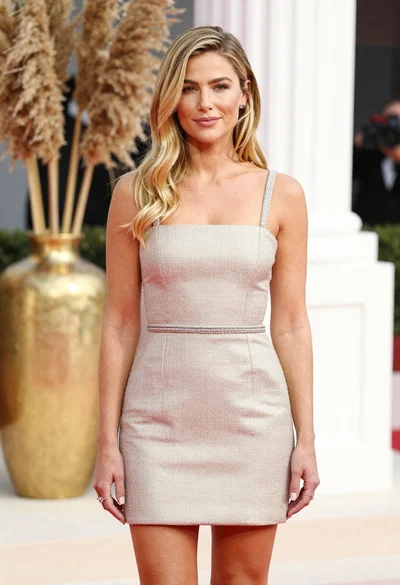
Fair blonde woman in champagne mini dress by dried pampas grass
Blonde woman in blue dress on sun drenched beach looking back

Young woman with braided hair in misty woodland setting