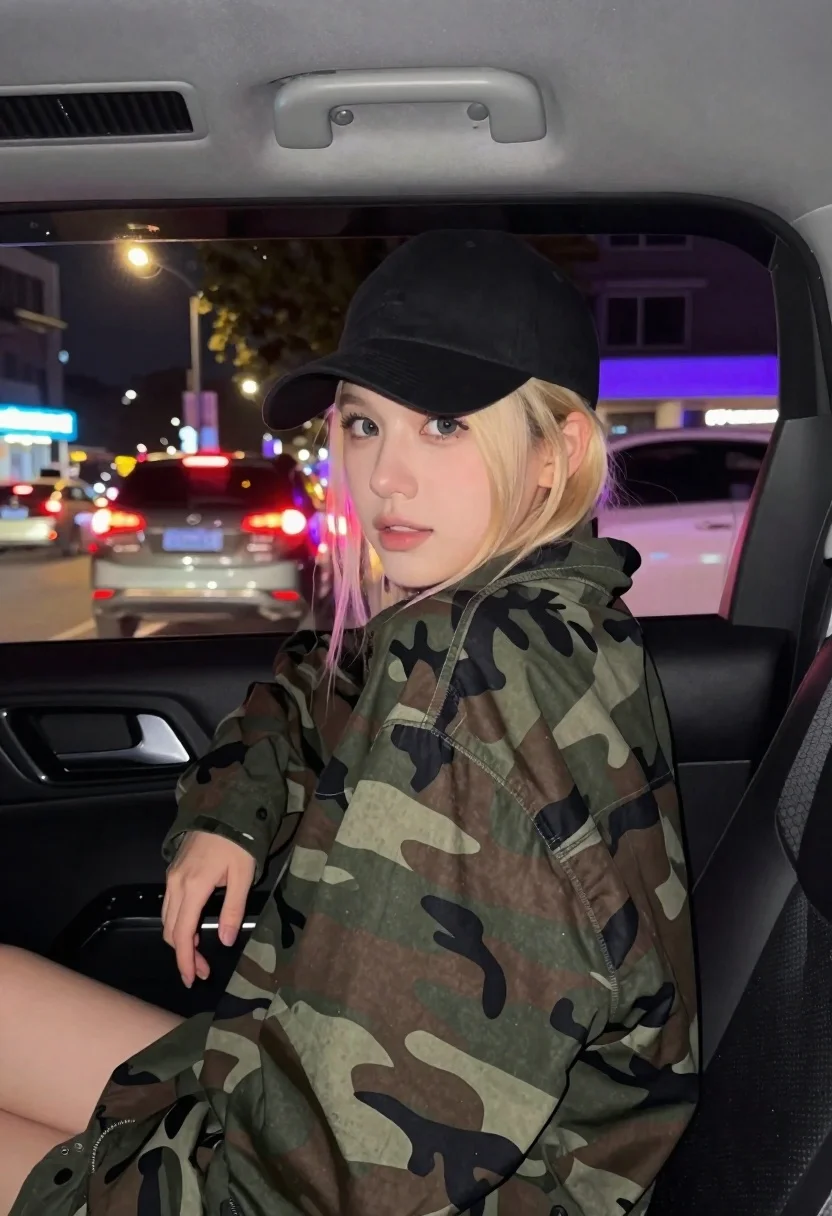
Young blonde woman in camo jacket leaning forward in car backseat at
Prompt
A young woman with natural blonde hair sits in the backseat of a moving car at night, leaning forward dynamically with an energetic vibe and a sharp turn of her head.

Subject: A young woman with natural blonde hair, wearing a black baseball cap and a camouflage jacket, captured as a spontaneous iPhone shot inside a vehicle during vibrant nightlife.

Clothing: She wears a black baseball cap and a green and brown camouflage patterned jacket.

Action: Leaning forward dynamically with an energetic vibe and a sharp turn of her head, hands resting on the front seat backrest.

Environment: The interior of a car at night, with blurred city lights visible through the window including red taillights and neon signs in blue and purple hues.

Camera: Shot from inside the vehicle looking slightly upward toward the subject, with a shallow depth of field that blurs the background traffic and streetlights to emphasize the spontaneous feel.

Lighting: Dim interior lighting mixed with colorful ambient light from outside reflecting on her face and hair, creating a moody nighttime atmosphere with soft highlights on her skin.

Style Details: Authentic iPhone aesthetic with natural imperfections, no beautification or stylization, preserving exact facial features and original appearance details including subtle skin texture and natural hair color.
Description
This prompt is useful for creating cinematic street photography, candid nightlife portraits, and automotive editorial content that conveys motion. The combination of 'dim interior lighting mixed with colorful ambient light' against the 'blurred city lights' achieves a moody atmosphere by using reflections to define form rather than relying on flat illumination, while the 'iPhone aesthetic' grounds the high energy in believable imperfection.
Suggestions
- Change 'camouflage jacket' to 'leather bomber jacket' for a different texture.
- Adjust 'red taillights and neon signs in blue and purple hues' to focus on specific colors like 'cyan and magenta'.
- Modify 'shallow depth of field' to 'bokeh effect' for more pronounced background separation.
Category
Tags
BlondeCasual WearFemaleIndoorsMedium ShotRealisticUrbanVehicle
Date added
June 26, 2026
Added by
PromptDexter Team
Related Prompts
More prompts with similar categories and tags.
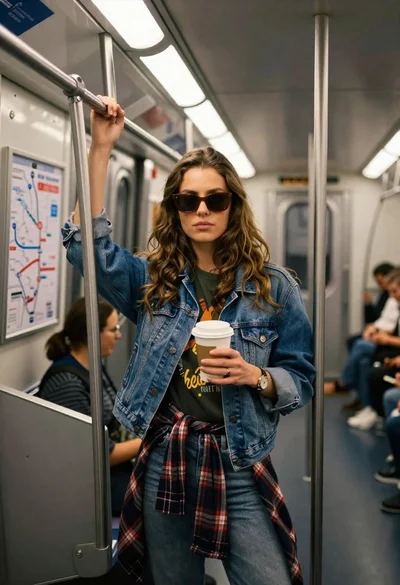
Young woman with brown hair and denim jacket inside a subway car
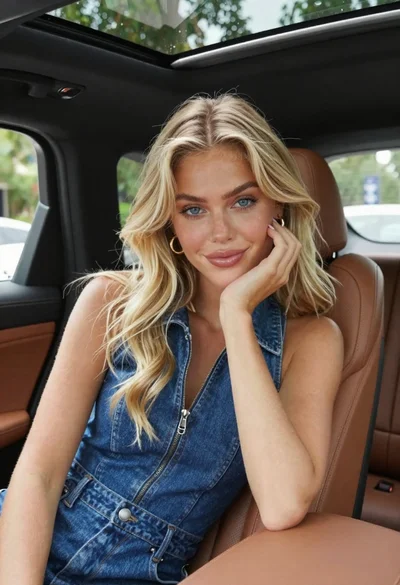
Fair skinned blonde woman in denim dress inside luxury car
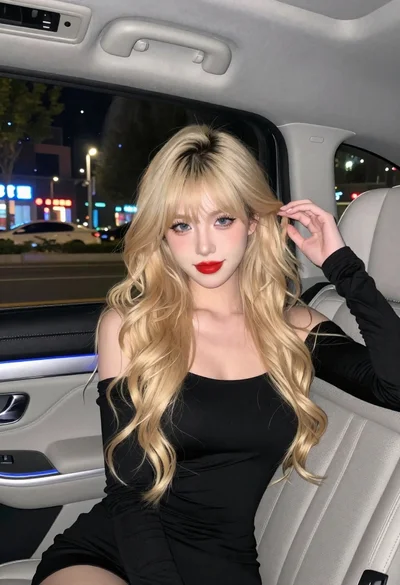
Fair skinned woman with blonde hair in luxury car interior at night
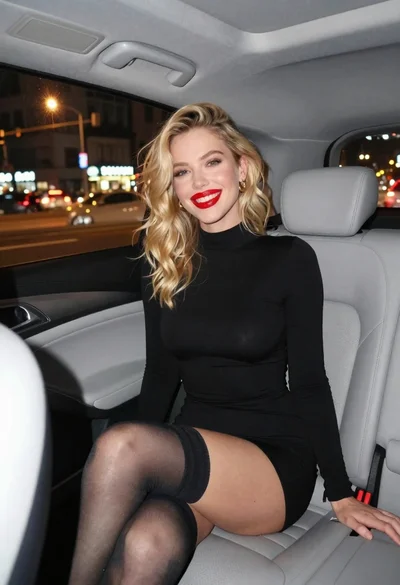
Smiling blonde woman in black dress sitting in car back seat at
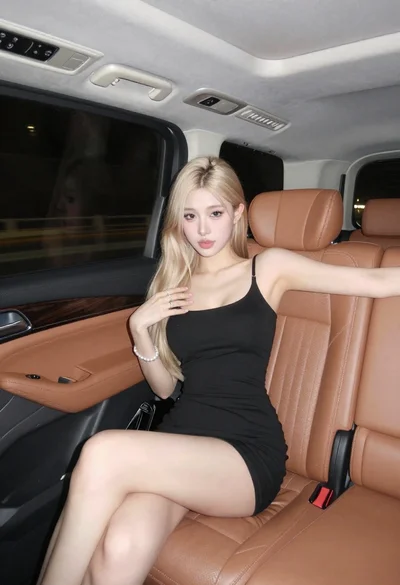
Blonde woman in black mini dress seated inside luxury car interior
Woman in beige blazer sitting in vintage car driver seat
Blonde woman sitting on red sports car in wet parking lot setting
Young woman in black bomber jacket leaning against a black sedan at