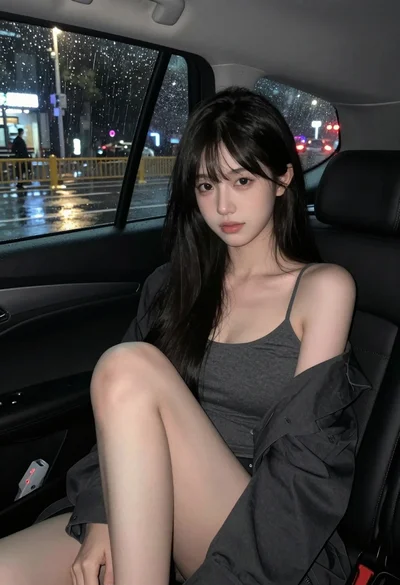
Blonde woman in black mini dress seated inside luxury car interior
Prompt
A young woman with long blonde hair sits in the back seat of a luxury vehicle.

Subject: A fair-skinned woman with long, straight platinum blonde hair parted to the side and styled with a half-up ponytail at the crown. She has defined eyebrows, subtle makeup including pink lipstick, and is looking directly at the camera with a soft expression. Her legs are crossed at the knee, showcasing her lower body.

Clothing: She wears a tight-fitting black mini dress with thin spaghetti straps and a low-cut neckline. She accessorizes with a pearl bracelet on her left wrist, a ring on her right hand, and a small black shoulder bag resting on the seat next to her.

Action: She is seated in a relaxed pose, leaning slightly back against the tan leather upholstery. Her left hand rests near her chest while her right arm extends along the seatback.

Environment: The interior of a high-end car or SUV featuring plush tan leather seats with white stitching and dark grey accents on the door panels. A sunroof is visible in the ceiling above.

Camera: Shot from the front passenger area looking back into the rear cabin, utilizing a wide-angle perspective that captures the depth of the vehicle interior.

Lighting: The scene is lit by soft, artificial interior lighting that creates a warm glow on her skin and highlights the texture of the leather seats against the dark background outside the windows.

Style Details: High-resolution photography with a focus on fashion and lifestyle aesthetics, featuring smooth skin tones and rich textures.
Description
This prompt is useful for creating luxury automotive editorial spreads, high-end lifestyle advertisements, and character portraits within opulent settings. The combination of 'plush tan leather seats with white stitching' against the 'soft, artificial interior lighting' ensures that the background texture remains visible rather than becoming a flat wash, while the specified 'wide-angle perspective' captures the necessary depth for an immersive vehicle scene.
Suggestions
- Change 'platinum blonde hair' to 'dark brunette hair' for contrast.
- Swap 'black mini dress' for 'velvet slip dress' to change the material feel.
- Adjust 'soft expression' to 'smoldering gaze' for a more dramatic mood.
Category
Tags
Black HairBlondeCasual WearFair SkinFemaleMedium ShotRealisticVehicleWide Shot
Date added
June 19, 2026
Added by
PromptDexter Team
Related Prompts
More prompts with similar categories and tags.
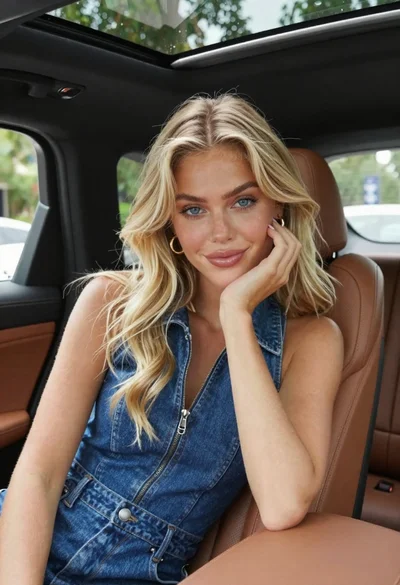
Fair skinned blonde woman in denim dress inside luxury car
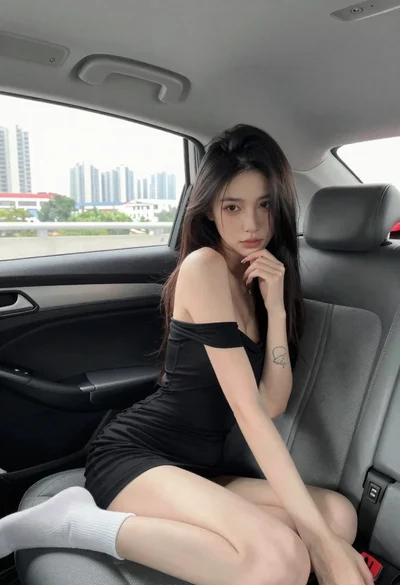
Young woman in black dress sitting inside car looking at camera
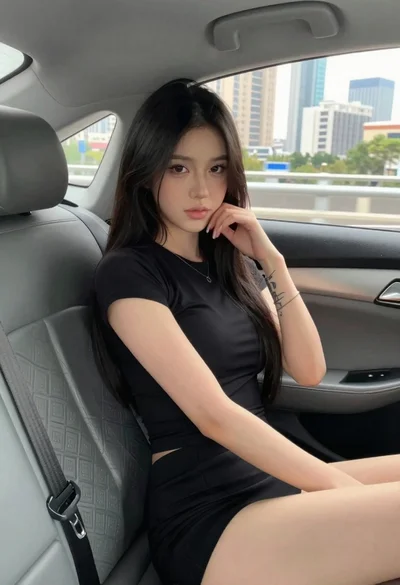
Young woman in black outfit sitting inside car looking at camera

Young man leaning on a modified sports car in city night
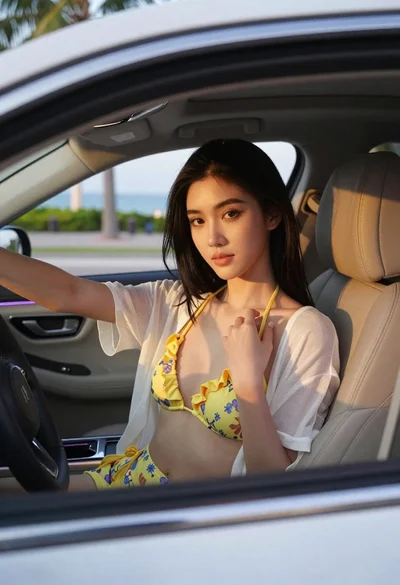
Young woman with black hair in white car at sunset beach
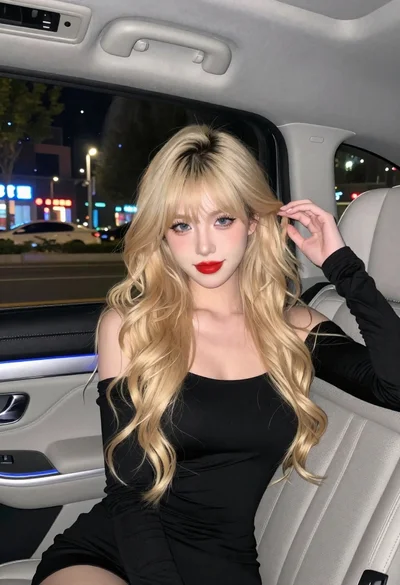
Fair skinned woman with blonde hair in luxury car interior at night
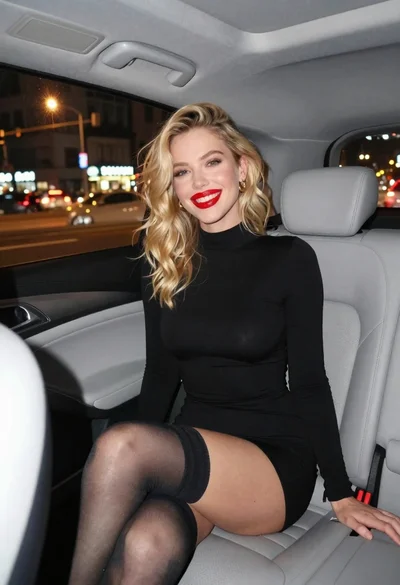
Smiling blonde woman in black dress sitting in car back seat at
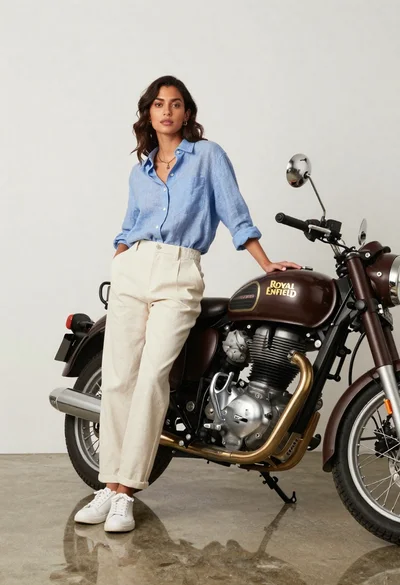
Stylish woman posing next to vintage motorcycle in minimalist studio
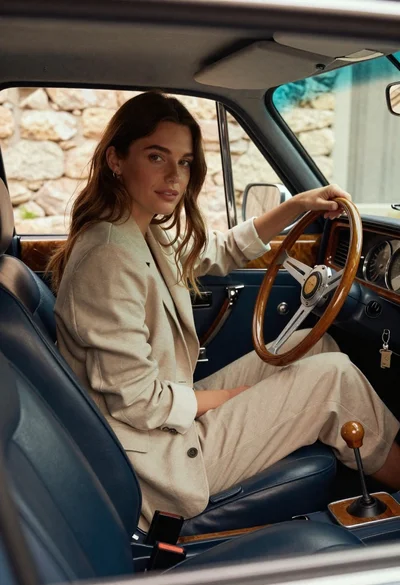
Woman in beige blazer sitting in vintage car driver seat
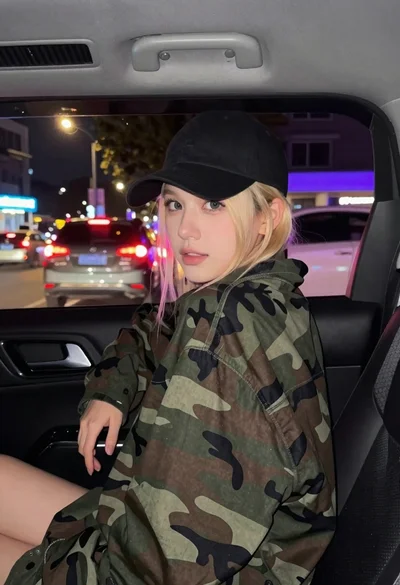
Young blonde woman in camo jacket leaning forward in car backseat at