Young blonde woman in floral dress and blue coat studio portrait - AI Image Prompt
Generates young blonde woman in floral dress and blue coat studio portrait with high-end garment detail, runway-quality lighting, and fashion-forward compositional confidence. Ideal for Grok, Flux, ChatGPT, Gemini, Z-Image and other models that can handle natural language prompts.
Prompt
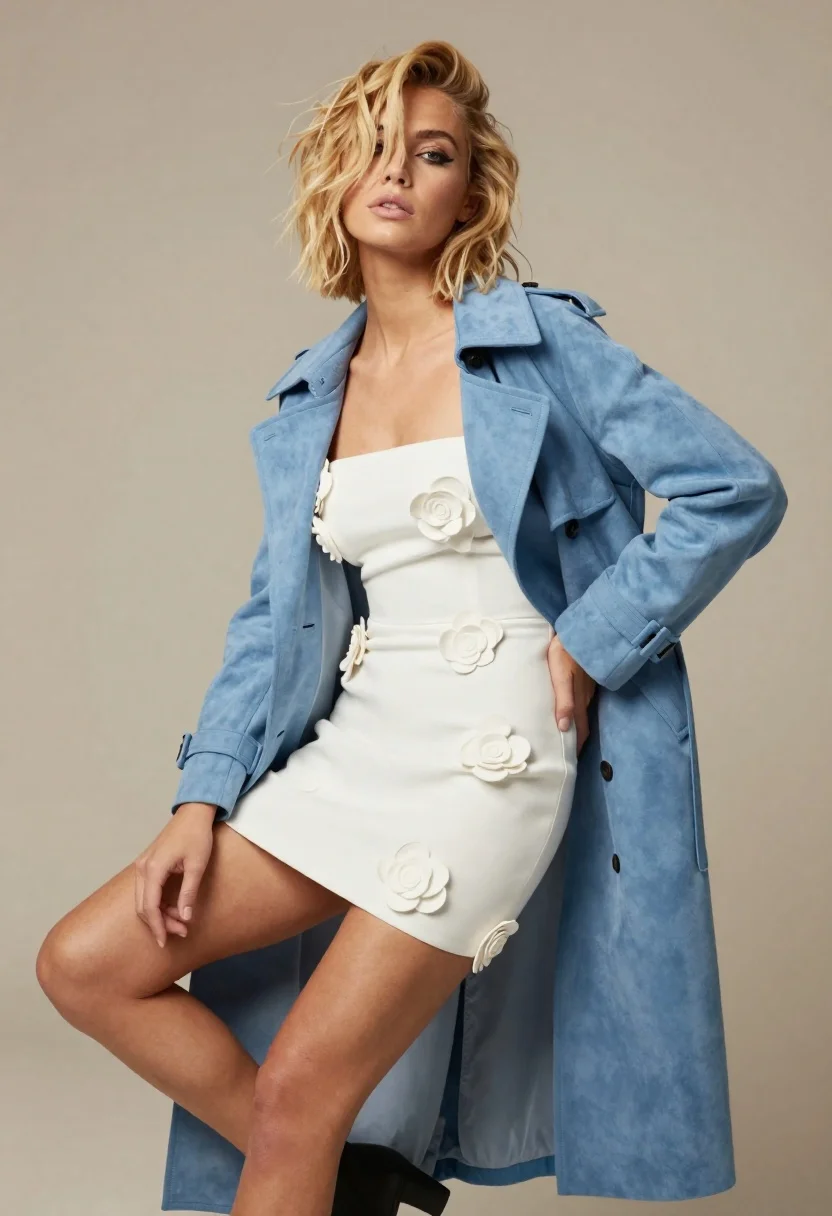
A confident young woman with tousled blonde hair sits posing against a neutral beige background.

Subject: A fair-skinned woman with short, messy blonde hair that partially covers her eyes, featuring defined dark eyeliner and a calm, direct gaze.

Clothing: She wears a white strapless mini dress adorned with three-dimensional white flower appliqués across the bodice and skirt, layered under an open light blue suede trench coat draped over her shoulders.

Action: She sits with one leg crossed over the other, resting her right hand on her hip near the waistline of the dress while her left arm hangs loosely by her side.

Environment: A plain, solid beige studio backdrop provides a clean and minimalist setting that emphasizes the subject without distraction.

Camera: Shot from a slightly low angle to capture the full length of the coat and pose, utilizing soft studio lighting with minimal shadows for an even, high-fashion aesthetic.

Lighting: Soft, diffused frontal lighting highlights the texture of the suede coat and the details of the floral dress while maintaining a gentle contrast on her skin.

Style Details: High-resolution fashion photography style with a polished, editorial look characterized by clean lines, vibrant yet muted color palette, and sharp focus on the subject's attire and expression.
Tags
BlondeFair SkinFemaleFull BodyPortrait ShotRealisticStudio
How to use
Generate a new image
- Copy the prompt and paste it into your preferred image model.
- Adjust details like subject, lighting, or style if needed.
- Generate and iterate to refine the result.
- Works best with models that support detailed natural language prompts, such as Gemini, Grok, ChatGPT, Flux, or Z-Image.
Edit your uploaded image
- Upload your image in a model like Gemini, Grok or ChatGPT.
- Paste the edit prompt into the text box and submit.
- Review the result, most edit prompts work out of the box.
- If needed, tweak the prompt and repeat until you get the desired output.
- Note: In our testing, Gemini and Grok tend to give better results for edits.
Related Prompts
More prompts with similar categories and tags.

Blonde woman in black gown seated on white stool in bright room
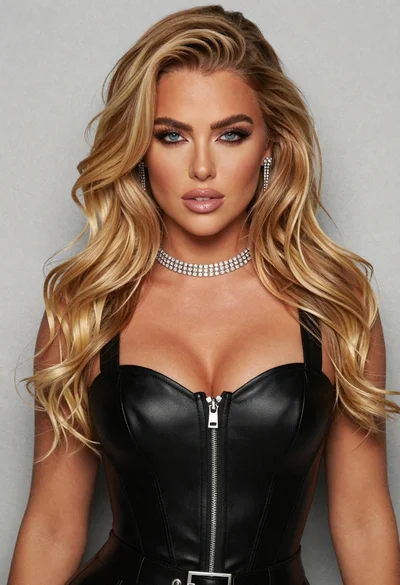
Glamorous portrait of blonde woman in black leather bustier top
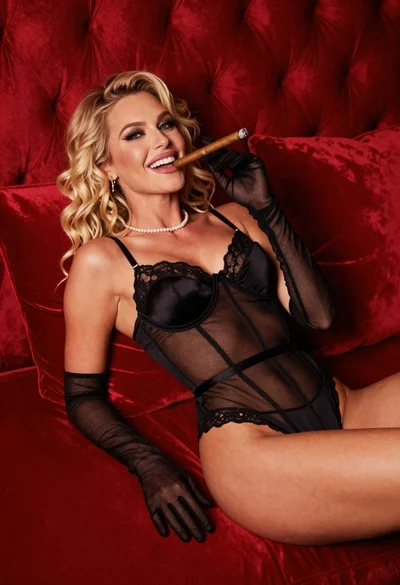
Blonde woman in black lingerie reclining on red quilted surface
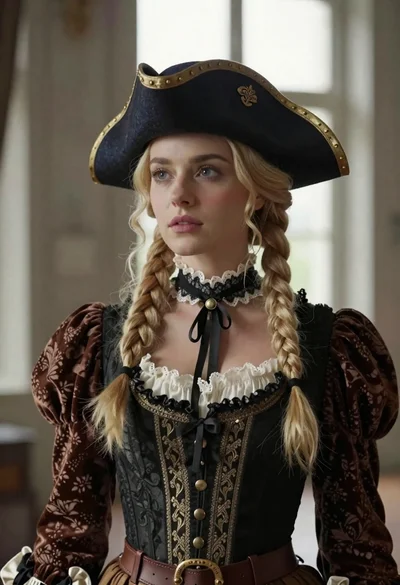
Blonde woman in victorian steampunk attire portrait
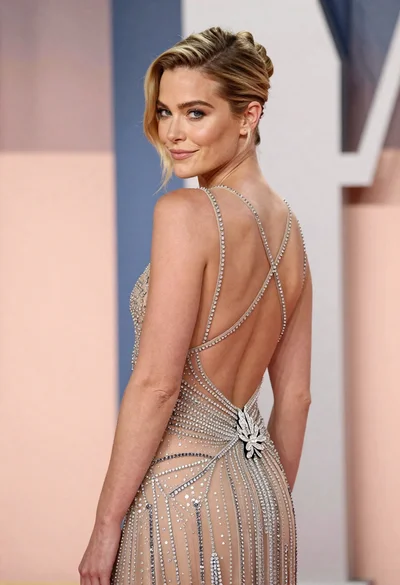
Woman in sheer crystal gown looking over shoulder at event backdrop
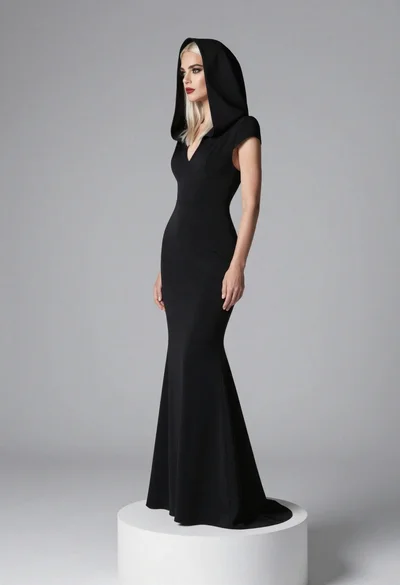
Full body portrait of blonde woman in elegant black gown on pedestal
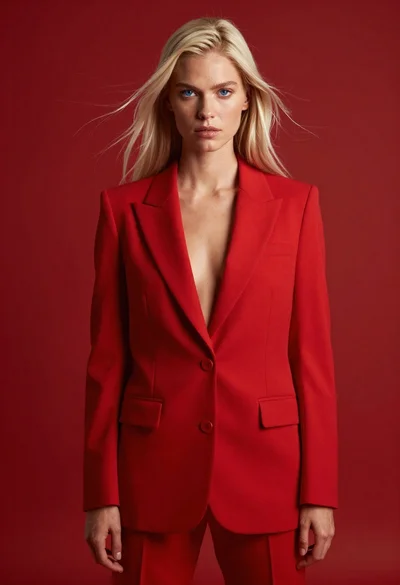
High fashion studio portrait of woman in crimson blazer
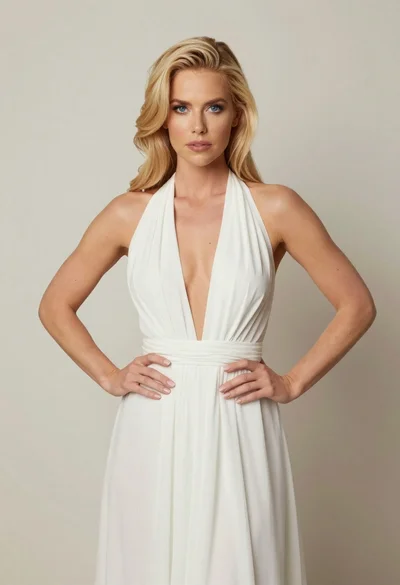
Blonde woman in white halter gown standing against a neutral studio wall