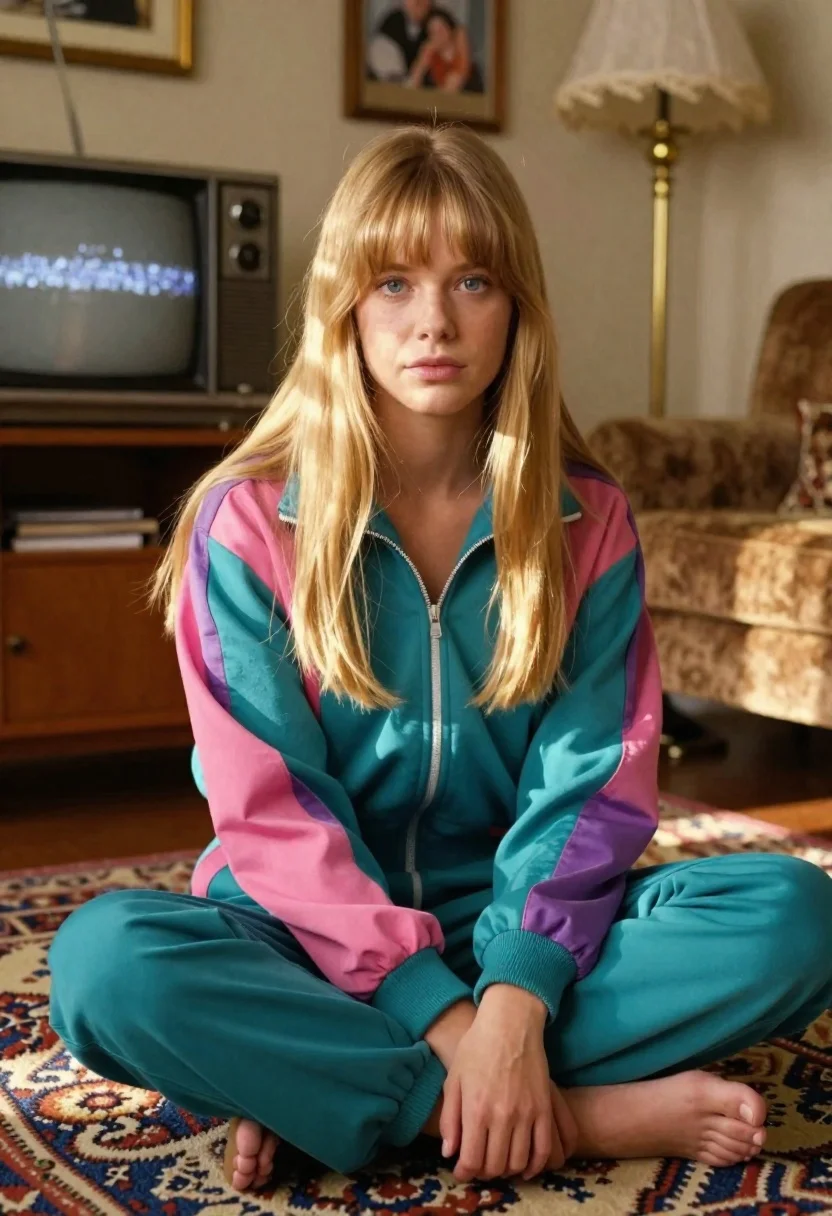
Young blonde woman in retro tracksuit sitting crosslegged on carpet in vintage
Prompt
A young woman with long blonde hair and bangs sits cross-legged on a patterned carpet in a cozy living room.

Subject: A young woman with long blonde hair featuring straight bangs across her forehead, fair skin tone, blue eyes, and a calm, direct gaze toward the camera.

Clothing: She wears a colorful retro tracksuit consisting of a teal jacket with pink and purple panels on the sleeves and chest, paired with matching teal pants that have elastic cuffs at the ankles.

Action: She is seated in a relaxed pose with her legs crossed, one hand resting gently on her knee, and her posture leaning slightly forward.

Environment: The setting is a vintage-style living room featuring a wooden cabinet holding an old CRT television displaying static noise, a lace-covered lampshade on a brass stand, framed family portraits hanging on the wall, and a patterned rug covering the floor.

Camera: Shot with a medium close-up framing that captures the subject from the knees up, using a shallow depth of field to softly blur the background elements while keeping facial features sharp and clear.

Lighting: Warm golden afternoon sunlight streams in from the side, casting soft highlights on her hair and face, creating gentle shadows that enhance the nostalgic mood without harsh contrast.

Style Details: Rendered with high-resolution hyper-realistic skin texture showing visible pores and fine lines, muted color tones with warm highlights, soft film grain, and a nostalgic 80s–90s aesthetic reminiscent of analog photography.
Description
This prompt is useful for creating editorial fashion moodboards, vintage lifestyle advertisements, and character concept art evoking nostalgia. The combination of 'warm golden afternoon sunlight' casting soft highlights against the 'muted color tones with warm highlights' ensures the subject feels integrated into the richly detailed, 'vintage-style living room,' preventing the modern tracksuit from looking jarringly out of place.
Suggestions
- Change 'retro tracksuit' to a specific brand name like 'Adidas vintage tracksuit' for more accuracy.
- Swap 'patterned carpet' for 'Persian rug' to enhance the luxury feel.
- Adjust 'golden afternoon sunlight' to 'diffused window light' if you want less dramatic shadow play.
Category
Tags
BlondeCasual WearFair SkinFemaleHalf BodyIndoorsMedium ShotRealistic
Date added
June 26, 2026
Added by
PromptDexter Team
Related Prompts
More prompts with similar categories and tags.
Smiling blonde woman in boutique wearing navy blouse and black skirt
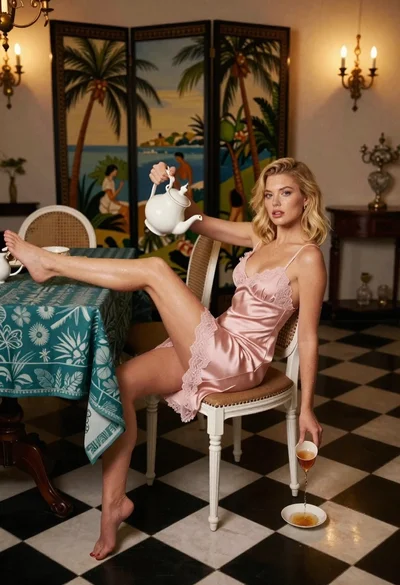
Blonde woman in pink slip dress pouring tea in ornate dining room
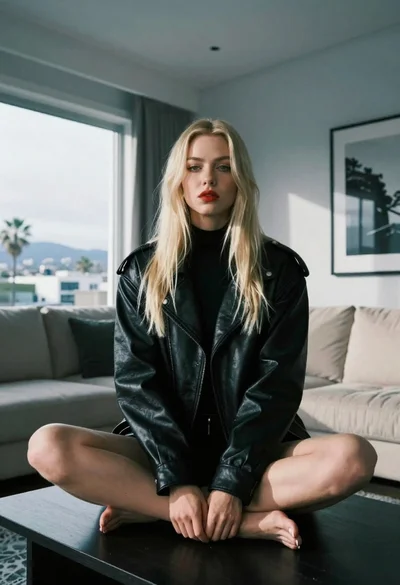
Blonde woman sitting on coffee table in modern living room setting

Blonde woman in black coat leaning against white wall by window

Blonde woman seated sideways in black mini dress by window
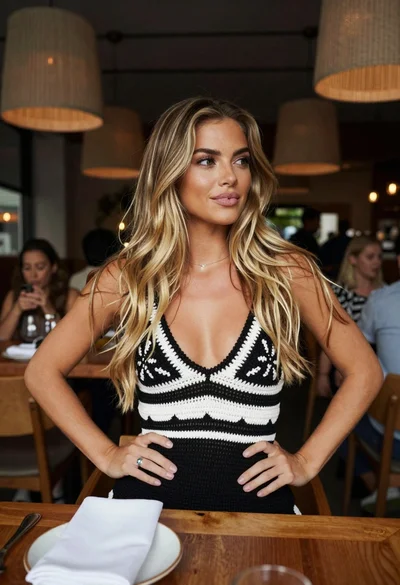
Young blonde woman at wooden table in dimly lit upscale restaurant setting

Blonde woman in black slip dress winking at table in upscale restaurant

Young woman in traditional embroidered attire standing in a lush green meadow