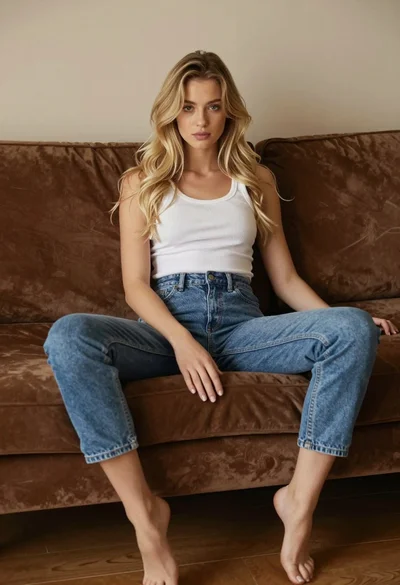

Young blonde woman in white slip dress sitting on leather couch
Prompt
A woman sits on a brown leather couch holding a framed photo of herself.

Subject: A young woman with long wavy blonde hair and light makeup, featuring defined eyebrows and glossy lips. She has a slender build and is looking directly at the camera with a soft expression.

Clothing: She wears a flowing white slip dress with thin spaghetti straps that drapes loosely over her legs. She wears clear high-heeled shoes with pointed toes and a silver bracelet on her left wrist.

Action: She sits with one leg bent and the other extended, holding a framed photograph against her chest with both hands near her chin. Her pose is relaxed yet posed for the camera.

Environment: The setting is a cozy music studio or recording room with warm wood paneling on the walls. Behind her are shelves holding vintage audio equipment, including a keyboard synthesizer, speakers, and a red alarm clock. A brown leather sofa occupies the foreground.

Camera: Medium shot capturing the subject from the thighs up, angled slightly from below to emphasize her legs and posture. The framing is tight with shallow depth of field blurring the background equipment slightly.

Lighting: Warm ambient lighting creates soft highlights on her skin and hair, with gentle shadows adding depth to the scene. The mood is intimate and polished.

Style Details: High-fashion editorial aesthetic with a focus on texture and elegance. The image has a smooth, high-resolution quality with rich color saturation and a cinematic tone.
Description
This prompt is useful for creating intimate portraiture, music industry lifestyle editorials, and personal branding content that suggests nostalgia or reflection. The combination of 'warm ambient lighting' and the 'brown leather couch' establishes an immediate sense of cozy luxury, while the shallow depth of field ensures the focus remains sharply on her expression and the delicate texture of the 'white slip dress', preventing the background equipment from becoming distracting clutter.
Suggestions
- Change 'brown leather couch' to 'velvet chaise lounge' for a richer color contrast.
- Swap 'blonde hair' for 'dark brunette hair' to shift the overall mood.
- Adjust 'medium shot' to 'full body shot' to better showcase the dress drape.
Category
Tags
BlondeBrown HairCasual WearFemaleFull BodyIndoorsLight SkinMedium ShotPortrait ShotRealistic
Date added
June 19, 2026
Added by
PromptDexter Team
Related Prompts
More prompts with similar categories and tags.

Anime girl holding toy blaster against bright blue sky
Confident woman smiling indoors on dark wood walkway with red decor
Stylish woman taking mirror selfie in room with chandelier
Blonde woman with side braid drinking from soda can indoors
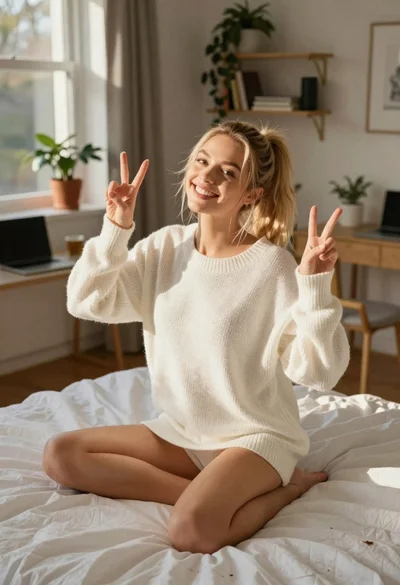
Happy blonde woman making peace signs in sunlit bedroom

Young woman in pink flight suit in airplane cockpit at night
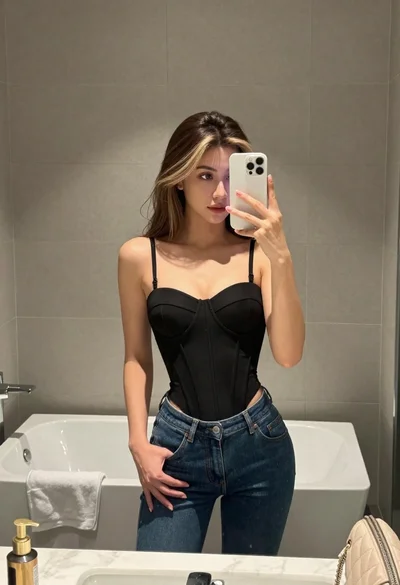
Young woman taking mirror selfie in bathroom wearing black corset and blue jeans
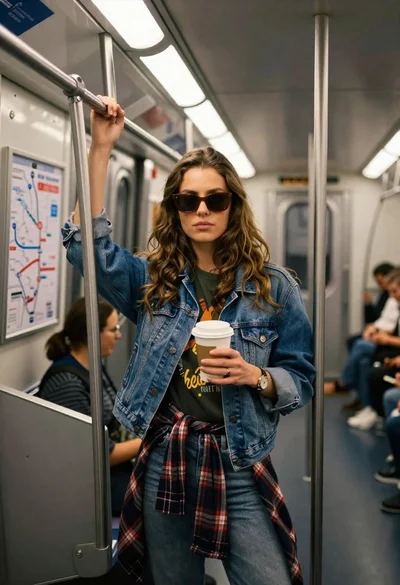
Young woman with brown hair and denim jacket inside a subway car
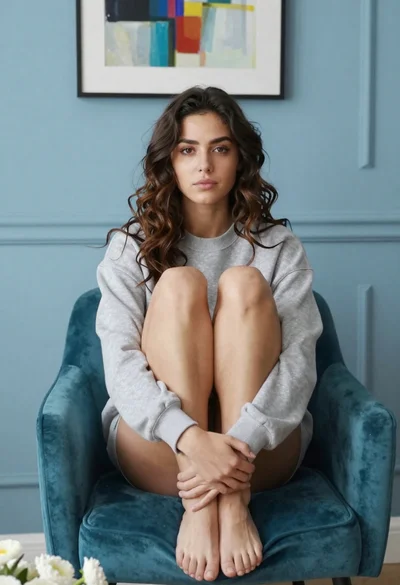
Young woman in grey sweatshirt sitting barefoot on teal velvet armchair indoors
Young woman with brown hair sitting on quilt by sunny pond in