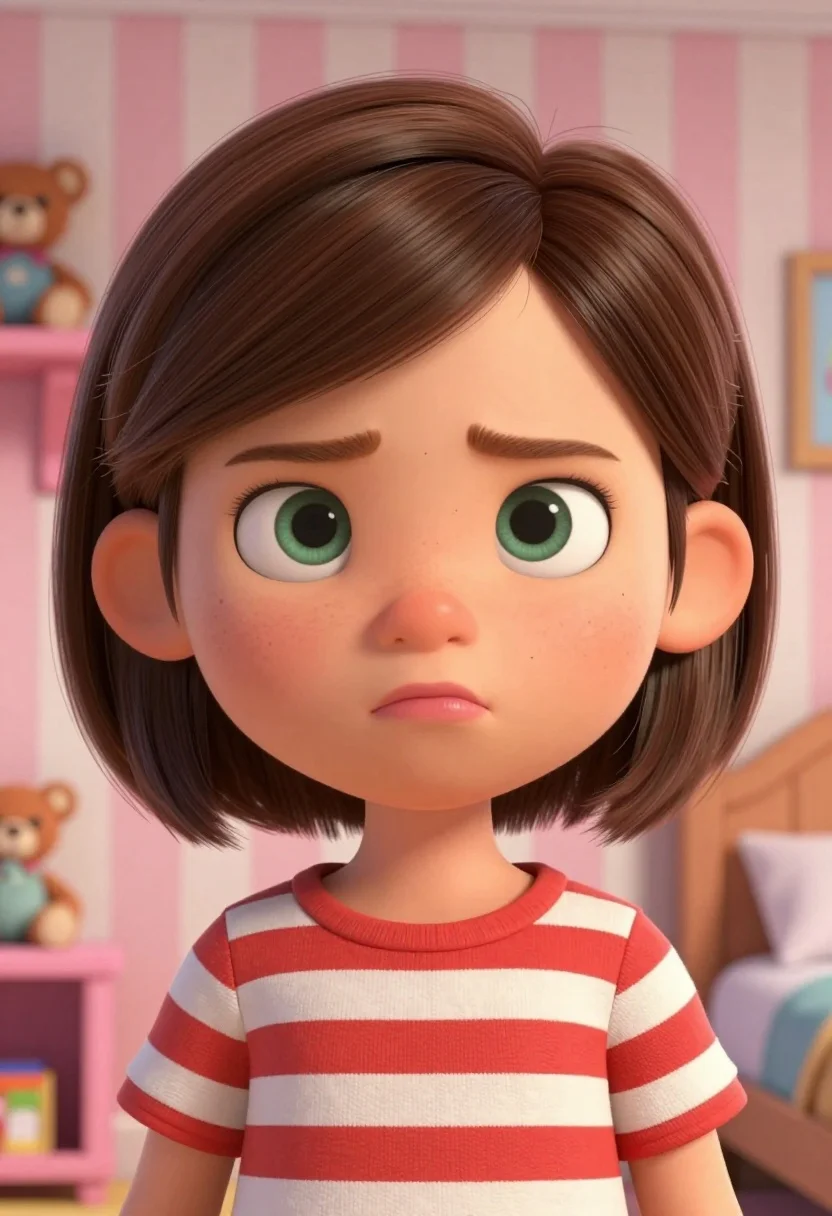
Medium close up portrait of young girl in striped shirt in bedroom
Prompt
A close-up portrait of a young girl with short brown hair and an annoyed expression.

Subject: A young girl with large green eyes, prominent eyebrows furrowed in annoyance, and pouting lips. She has light skin with visible freckles across her nose and cheeks. Her hair is styled in a short bob cut with soft waves.

Clothing: She wears a red and white horizontal striped t-shirt with a crew neck.

Action: The girl is making a pouty face, sticking out her lower lip while looking directly at the viewer with a displeased expression.

Environment: A child's bedroom featuring pink and white vertical striped wallpaper. To the left, there is a shelf holding a teddy bear and other toys. To the right, part of a wooden bed frame is visible.

Camera: The shot is a medium close-up focusing on the upper body and face, utilizing a shallow depth of field that blurs the background slightly to emphasize the subject.

Lighting: Soft, diffuse lighting illuminates the scene evenly from the front, creating gentle highlights on her forehead and nose without harsh shadows.

Style Details: The image features a 3D animated style with smooth textures, rounded character design, and vibrant colors reminiscent of modern CGI animation.
Description
This prompt is useful for creating children's book illustrations, character concept art for animated series, and playful editorial portraits. The combination of 'soft, diffuse lighting' and the '3D animated style' ensures that harsh shadows are avoided, which keeps the focus entirely on the subject's expressive face while the 'pink and white vertical striped wallpaper' provides a cohesive, storybook background texture.
Suggestions
- Change 'red and white horizontal striped t-shirt' to 'denim overalls' for a different casual feel.
- Swap 'annoyed expression' for 'curious gaze' to shift the mood.
- Adjust 'shallow depth of field' to 'bokeh effect' for more pronounced background separation.
Category
Tags
3/4 Angle3dBedroomBlondeBrown HairCasual WearClose UpFemaleIndoorsLight SkinMedium ShotPortrait Shot
Date added
August 5, 2026
Added by
PromptDexter Team
Related Prompts
More prompts with similar categories and tags.
Young blonde woman in white slip dress sitting on leather couch

Anime girl holding toy blaster against bright blue sky

Blonde woman in black lingerie taking a mirror selfie
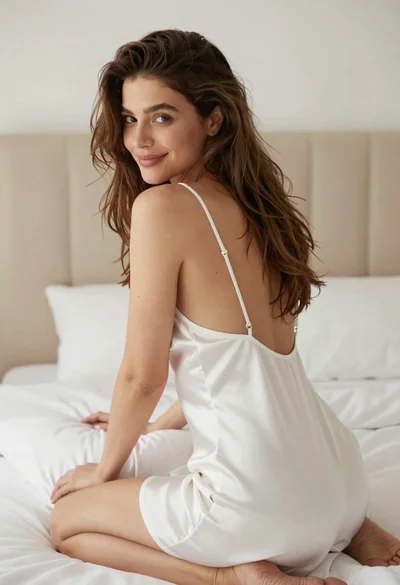
Woman in white satin slip dress seated on bed looking back over

Selfie portrait of woman in cozy living room

Close up portrait of blonde woman in black top inside luxury car
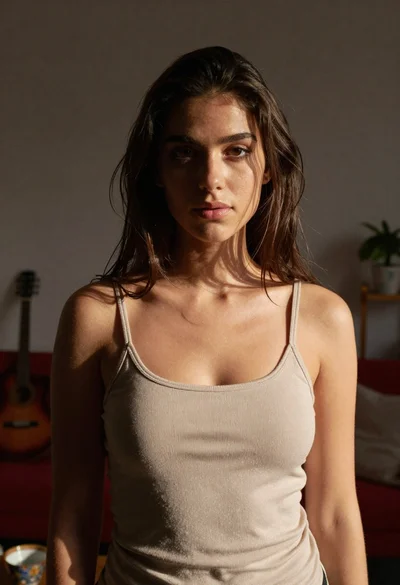
Young woman in beige tank top standing in dimly lit living room
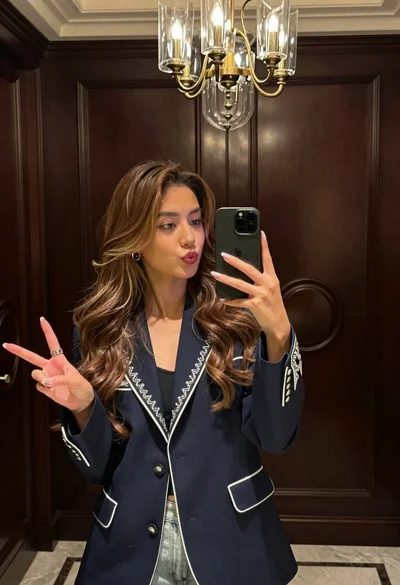
Stylish woman taking mirror selfie in room with chandelier

Young girl smiling in messy bedroom with string lights
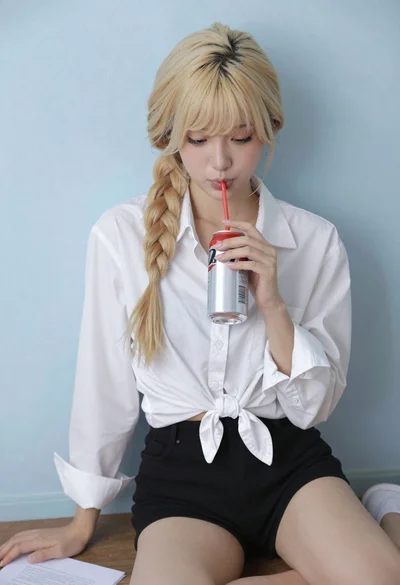
Blonde woman with side braid drinking from soda can indoors