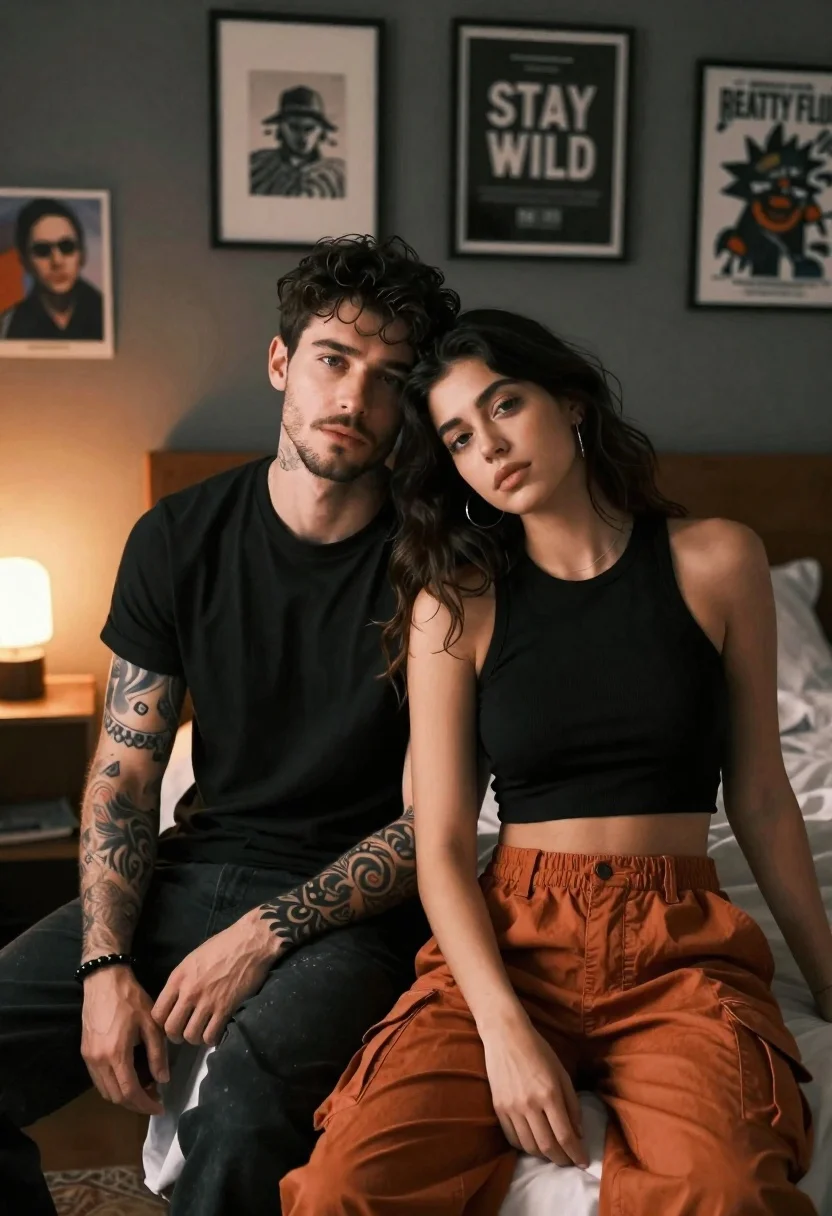
Young couple sitting closely together on a bed in dimly lit bedroom
Prompt
A romantic portrait of a young couple sitting closely together on a bed in a dimly lit bedroom.

Subject: A handsome man with dark hair and stubble sits next to a beautiful woman with long dark hair; the man has intricate tattoos covering his forearms and wears a black beaded bracelet, while the woman rests her head affectionately against his shoulder.

Clothing: The man wears a simple black long-sleeved t-shirt and dark pants, while the woman wears a black sleeveless crop top and loose-fitting rust-orange cargo trousers.

Action: They are seated side-by-side looking directly at the camera with calm, confident expressions; the woman leans into the man in an intimate pose.

Environment: The setting is a bedroom with a dark grey wall adorned with framed artwork and posters, including one that reads "STAY WILD" and another partially visible poster with text about "REATTY FLU".

Lighting: The scene is lit by warm ambient light coming from a glowing bulb on a side table to the left, creating soft highlights on their faces and casting gentle shadows.

Camera: A medium shot captures the couple from the waist up, utilizing a shallow depth of field that keeps the subjects sharp while softly blurring the background wall and art.

Style Details: The image features a cinematic color palette with high contrast between the dark clothing and warm skin tones, rendered in a hyper-realistic style with smooth textures and detailed facial features.
Description
This prompt is useful for creating intimate lifestyle photography, moody portraiture for album covers, and romantic editorial spreads. The combination of 'warm ambient light' from the side table and the 'shallow depth of field' ensures that while the subjects are sharply rendered with detailed facial features, the background elements like the artwork do not distract from their connection.
Suggestions
- Change 'black beaded bracelet' to 'silver chain bracelet' for a different metallic contrast.
- Swap 'rust-orange cargo trousers' for 'deep burgundy silk pants' to match the moodier palette.
- Adjust 'glowing bulb on a side table' to 'single window light source' for more directional shadows.
Category
Tags
BedroomBlack HairDark SkinFair SkinFemaleIndoorsMaleMedium ShotRealistic
Date added
June 21, 2026
Added by
PromptDexter Team
Related Prompts
More prompts with similar categories and tags.

Stylish couple holding hands in a minimalist white arched corridor

Smiling young couple sitting together in a sunlit classroom with wooden desks
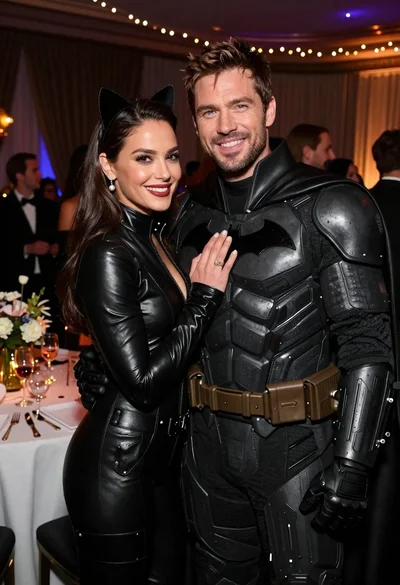
Glamorous couple in catwoman and batman costumes at an indoor party

Laughing couple in formal wear sharing an intimate moment indoors

Young couple sharing popcorn in a dimly lit movie theater
Romantic couple sitting together on an ornate sofa in luxurious room
Couple in red sweaters reading a book together at a table

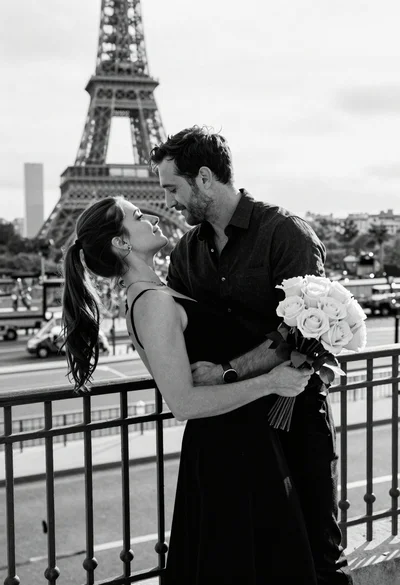
Black and white portrait of a couple embracing in intimate profile