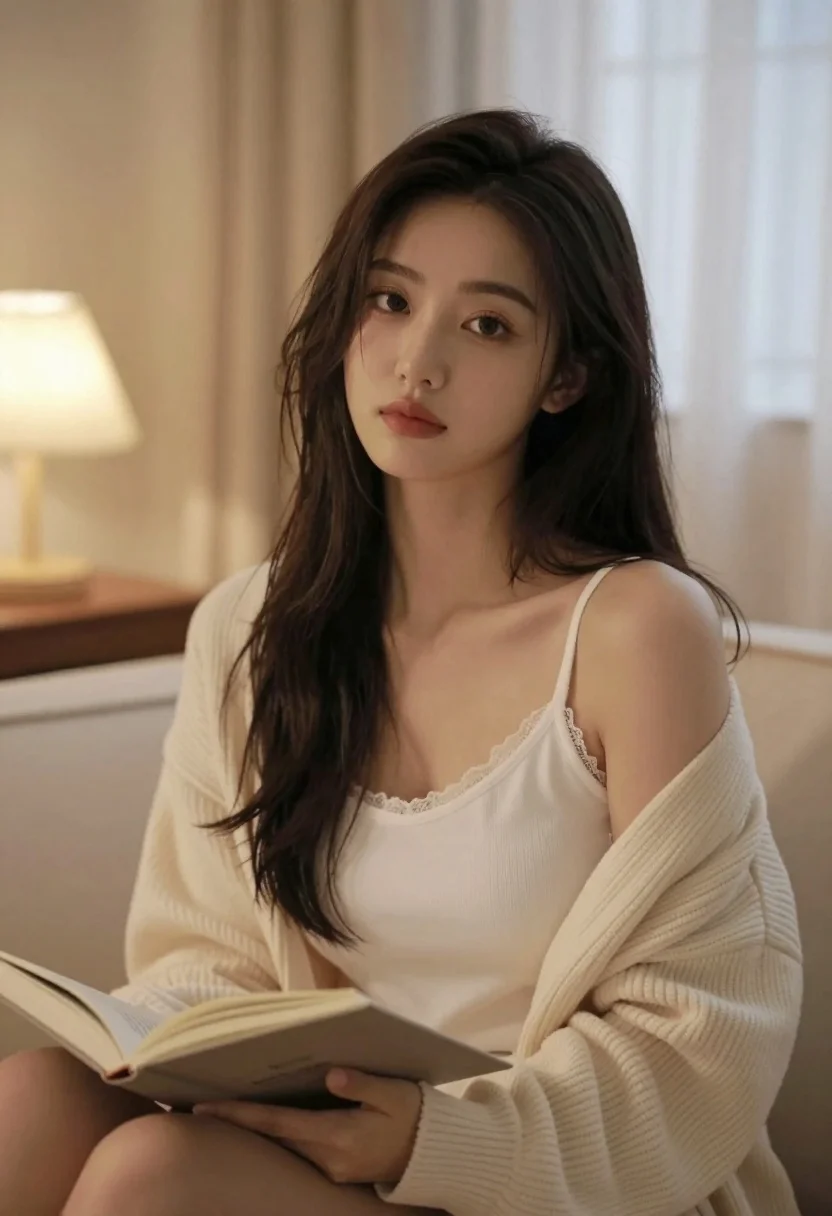
Young east asian woman in cream knit cardigan sitting in softly lit
Prompt
A young woman with long dark hair sits in a cozy bedroom setting, looking directly at the camera with a soft expression.

Subject: A young East Asian woman with long, dark brown hair that falls loosely over her shoulders and chest. She has fair skin, defined eyebrows, and subtle makeup featuring pinkish lips. Her gaze is direct and calm.

Clothing: She wears a cream-colored ribbed knit cardigan with wide sleeves over a matching white camisole top that features delicate lace trim along the neckline. The outfit appears to be loungewear or pajamas.

Action: She is seated, holding an open book in her lap, though she is not actively reading it at this moment. Her head is tilted slightly to the side as she looks forward.

Environment: The setting is a dimly lit bedroom with warm ambient light coming from a lamp on a bedside table in the background. A window with sheer curtains is visible behind her, and part of a bed or sofa is seen beneath her.

Lighting: Soft, warm indoor lighting creates a gentle glow on her face and hair, casting subtle shadows that enhance the intimate atmosphere. The light source appears to be coming from the left side of the frame.

Camera: A medium close-up shot captures her upper body and face clearly, with a shallow depth of field that blurs the background slightly to emphasize her presence.

Style Details: The image has a soft-focus aesthetic typical of lifestyle photography or social media portraits, with natural skin tones and a muted color palette dominated by creams and warm neutrals.
Description
This prompt is useful for creating intimate lifestyle portraiture, cozy editorial mood boards, and personal branding content that emphasizes quiet moments. The combination of 'soft, warm indoor lighting' and the 'shallow depth of field' ensures the focus remains tightly on her face and the texture of the 'cream-colored ribbed knit cardigan,' preventing the background elements from becoming distracting clutter.
Suggestions
- Change 'ribbed knit cardigan' to 'cashmere wrap' for a more luxurious feel.
- Adjust 'pinkish lips' to 'nude lipstick' for a more understated look.
- Swap 'dimly lit bedroom' for 'sunlit reading nook' to change the mood.
Category
Tags
BedroomBrunetteCasual WearFair SkinFemaleIndoorsRealistic
Date added
July 3, 2026
Added by
PromptDexter Team
Related Prompts
More prompts with similar categories and tags.
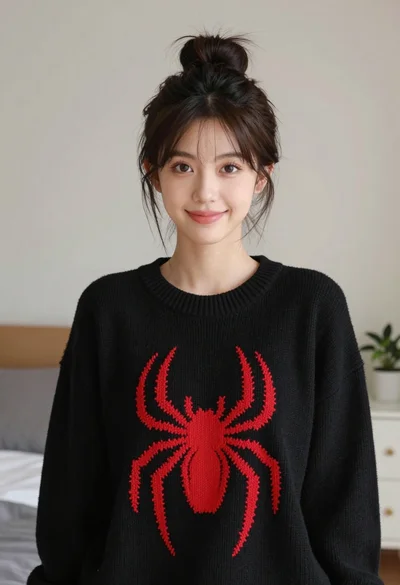
Young woman with dark hair wearing black sweater indoors in bedroom setting
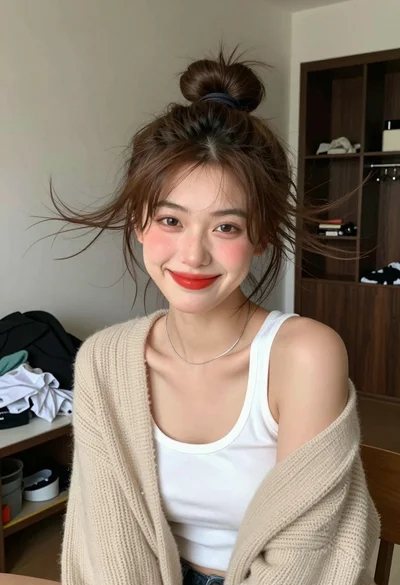
Young woman with brown hair in beige cardigan smiling indoors at camera
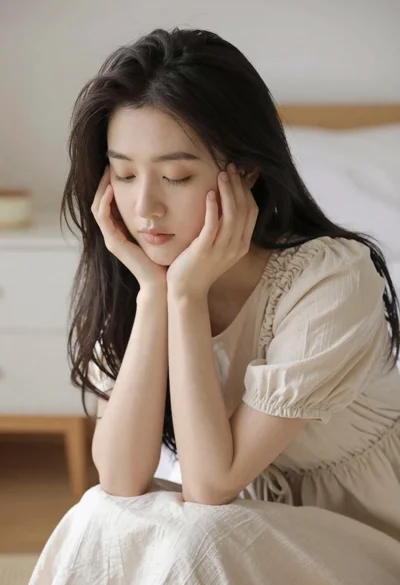
Serene portrait of young woman in beige dress resting chin on hand
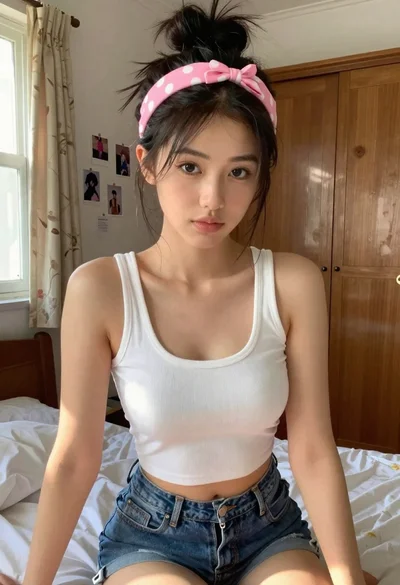
Young woman in white crop top sitting on bed by window light
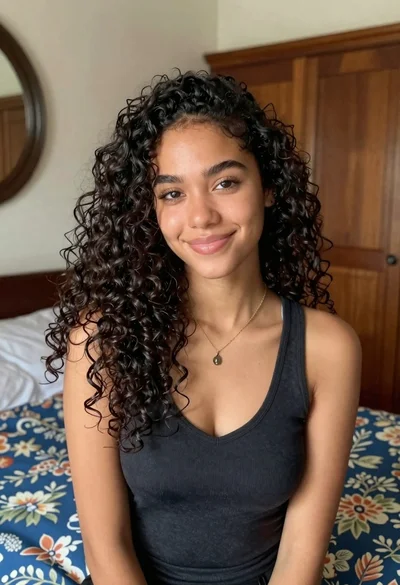
Medium close up portrait of young woman with dark curly hair indoors

Young girl smiling in messy bedroom with string lights

Young woman with dark wavy hair sitting in modern bright indoor living
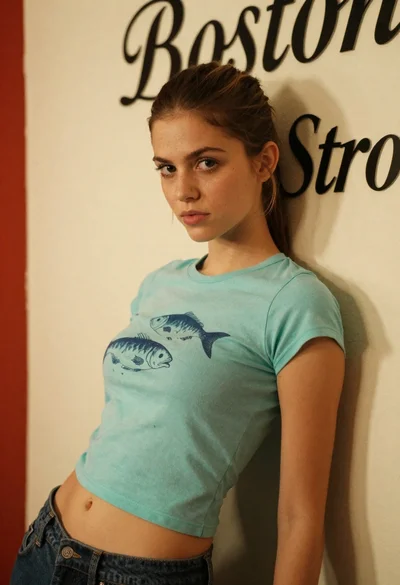
Young woman leaning on cream wall with teal crop top jeans
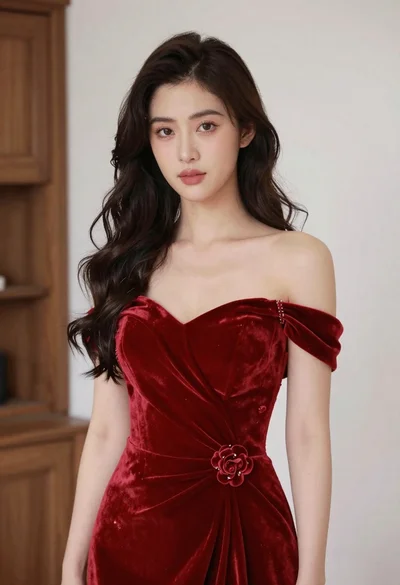
Young woman in red velvet gown standing indoors against white wall
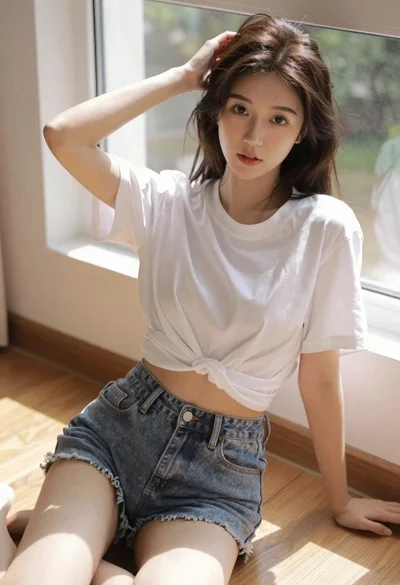
Brunette woman sitting by a sunlit window on wooden floor