

Young woman leaning over table in cafe with dessert and drink
Prompt
A woman with dark hair leans forward over a small round table, resting her chin on her arms while gazing directly at the camera.

Subject: A young woman with long dark brown hair parted in the middle, fair skin, and defined eyebrows looking intensely at the viewer.

Clothing: She wears a white short-sleeved top tucked into a sheer beige skirt featuring intricate black beaded embroidery along the seams.

Action: She leans forward on her crossed arms resting on the table surface, with one hand hanging loosely over the edge displaying rings on her fingers.

Environment: The setting is a cafe or restaurant interior with pink metal chairs and a wooden wall in the background that is softly blurred.

Objects: A plate of dessert topped with pink cream and a red berry sits on the dark wood table alongside a glass of red liquid and a ceramic cup.

Lighting: Soft, warm ambient light illuminates her face from the front, creating gentle highlights on her skin and hair while casting soft shadows.

Camera: Shot with a medium close-up perspective using a shallow depth of field to keep the subject sharp while blurring the background elements.

Style Details: The image has a polished editorial photography aesthetic with warm color grading and a focus on texture and detail.
Description
This prompt is useful for creating lifestyle magazine features, intimate portrait sessions, and mood boards depicting casual café moments. The combination of 'soft, warm ambient light' illuminating her face while the 'shallow depth of field' blurs the background elements ensures that the viewer's focus remains tightly on the subject's intense gaze and the visible texture of the 'black beaded embroidery'.
Suggestions
- Change 'pink metal chairs' to 'dark wood chairs' for a more cohesive palette.
- Add 'bokeh effect' to enhance the background blur.
- Swap 'red berry' for 'lemon slice' if you want a brighter color pop.
Category
Tags
BrunetteCafeCasual WearFair SkinFemaleIndoorsMedium ShotPortrait ShotRealistic
Date added
June 19, 2026
Added by
PromptDexter Team
Related Prompts
More prompts with similar categories and tags.

Young woman with dark wavy hair sitting in modern bright indoor living
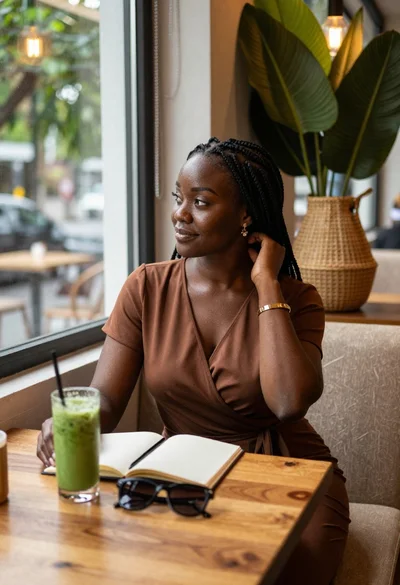
Black woman in brown dress at cafe window

Young woman in red velvet gown standing indoors against white wall

Red haired woman in workshop with tools background

Young woman with dark hair wearing black sweater indoors in bedroom setting
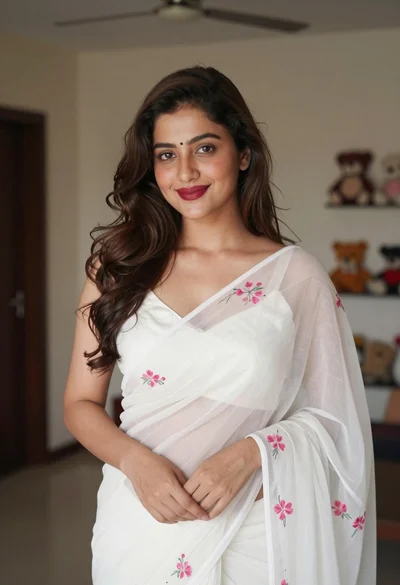
Young woman in white embroidered saree smiling indoors with soft natural light

Young woman with brown hair in beige cardigan smiling indoors at camera
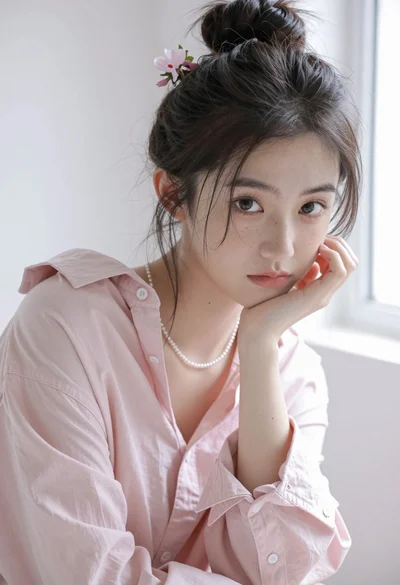
Portrait of young woman with dark hair in pink shirt against white

Medium close up portrait of woman sticking tongue out indoors
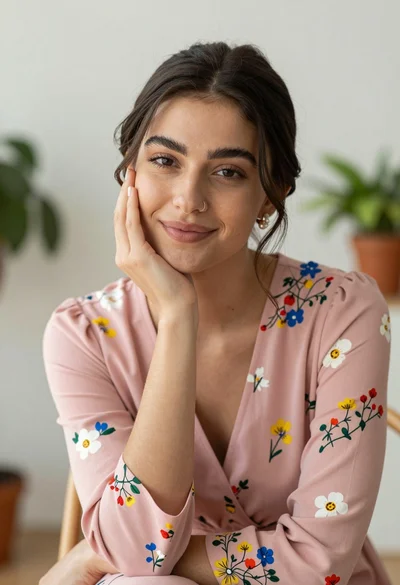
Young woman with dark hair in pink floral dress indoors portrait
