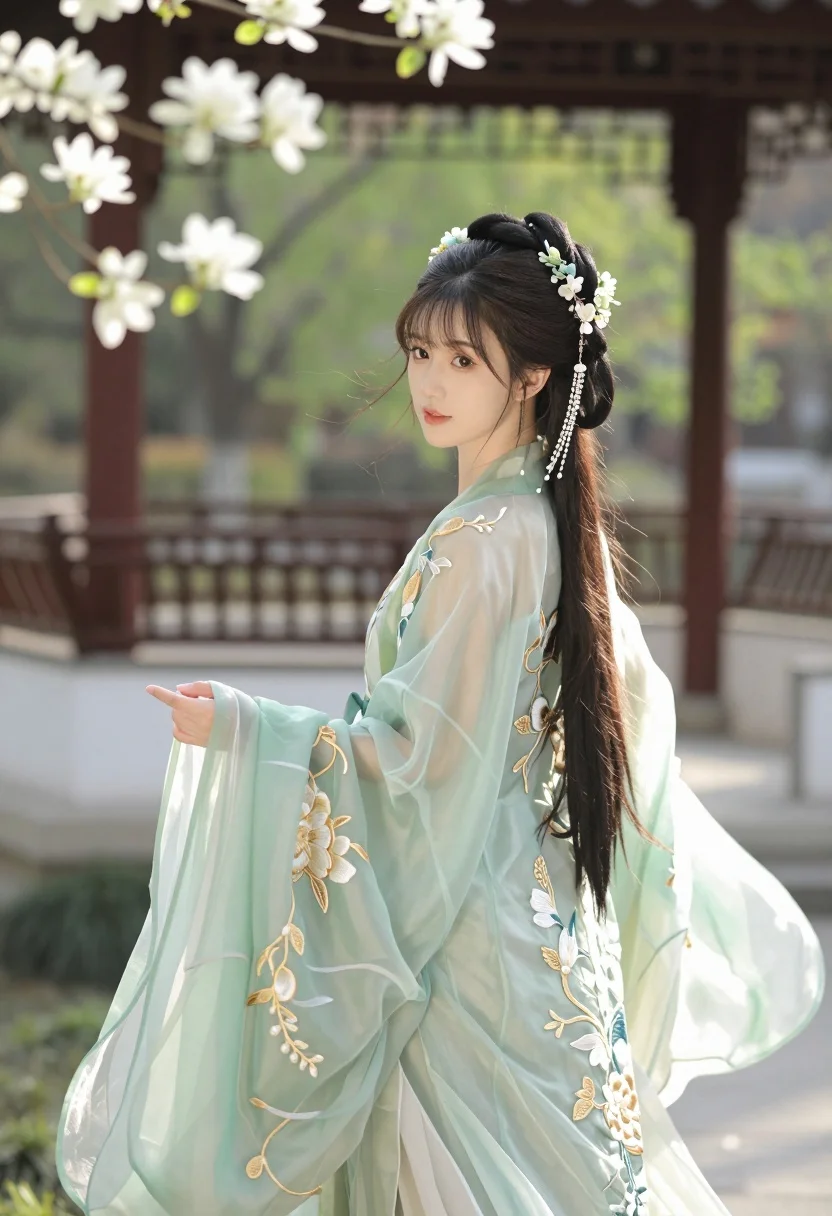
Young east asian woman in pale green hanfu gown in serene garden
Prompt
A graceful young woman in traditional Chinese attire stands outdoors in a serene garden setting.

Subject: A beautiful young East Asian woman with long dark hair styled in an elaborate updo adorned with intricate floral hairpins and dangling pearl chains, featuring soft makeup and gentle facial features.

Clothing: She wears a flowing, translucent pale green Hanfu gown with delicate gold embroidery of floral patterns along the sleeves and bodice, featuring sheer fabric that catches the light.

Action: She turns her head to look back over her shoulder at the viewer while gently holding the hem of her long, billowing sleeve with one hand.

Environment: The background features a traditional wooden pavilion or bridge structure with red pillars, surrounded by lush greenery and blooming white flowers on branches to the left.

Lighting: Soft natural sunlight filters through the trees, creating a warm, dreamy atmosphere with gentle highlights on her face and dress.

Camera: Shot from a medium close-up angle with a shallow depth of field that blurs the background slightly to emphasize the subject.

Style Details: The image has a cinematic ethereal aesthetic with pastel color grading and a painterly quality reminiscent of high-end digital art or classical oil painting.
Description
This prompt is useful for creating historical costume concept art, serene portraiture for literary projects, and atmospheric mood boards for Asian-inspired fashion lines. The combination of 'translucent pale green Hanfu gown' with 'soft natural sunlight filters through the trees' establishes a delicate visual quality that supports narrative storytelling by ensuring the sheer fabric catches light without appearing flat, while the 'shallow depth of field' isolates the subject against the detailed background.
Suggestions
- Change 'pale green' to 'dusty rose' for a warmer palette.
- Add 'bokeh effect' to enhance the background blur.
- Swap 'elaborate updo' for 'loose braids' for a more casual feel.
Category
Tags
BrunetteFemaleNatureOutdoorsOver The ShoulderRealisticTraditional Wear
Date added
July 3, 2026
Added by
PromptDexter Team
Related Prompts
More prompts with similar categories and tags.
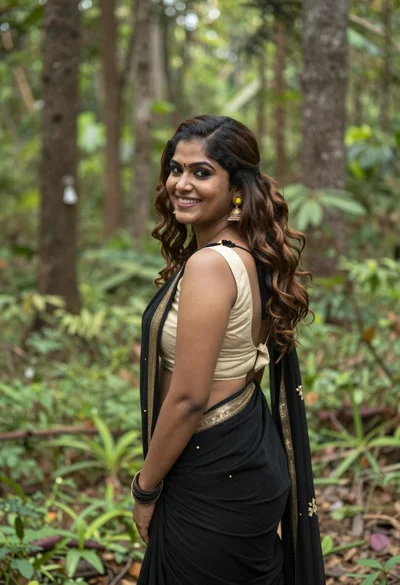
Smiling woman in black saree looking over shoulder in lush green forest

Smiling young woman walking on tropical beach path with palm trees

Smiling young woman in white ruffled dress between green topiary bushes

Smiling young woman in blue floral dress leaning against stone ledge

Blonde woman in black hat standing in misty green rolling hills

Young woman in olive saree leaning on railing outdoors during golden hour
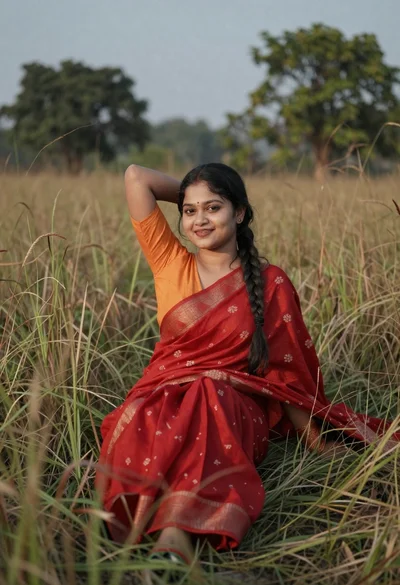
Young woman in red saree sitting gracefully in tall dry grass
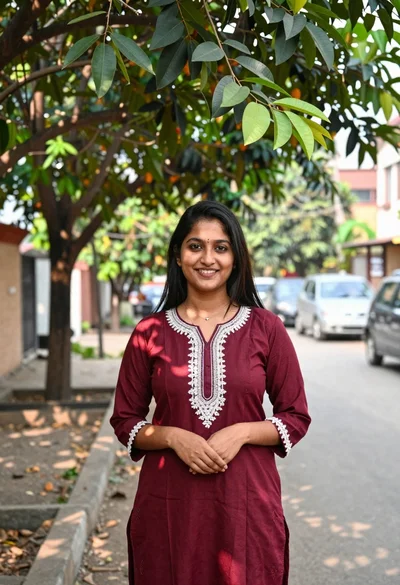
Smiling young woman in maroon kurta under large tree shade outdoors
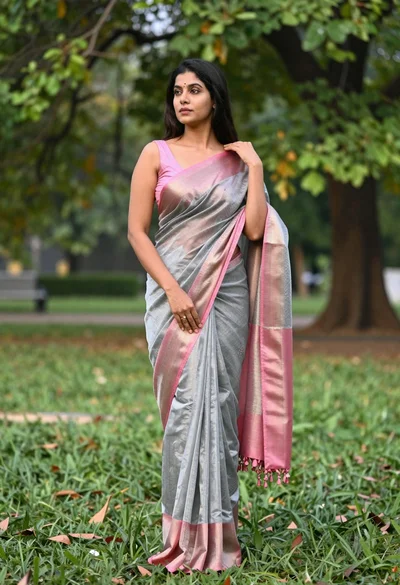
Full length portrait of woman in saree standing in lush green park
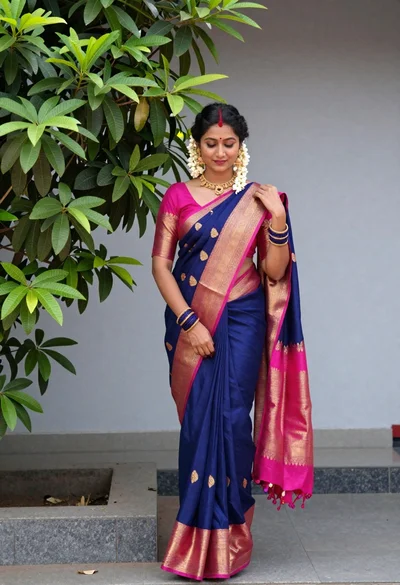
Woman in traditional blue saree with gold jewelry outdoors by green tree