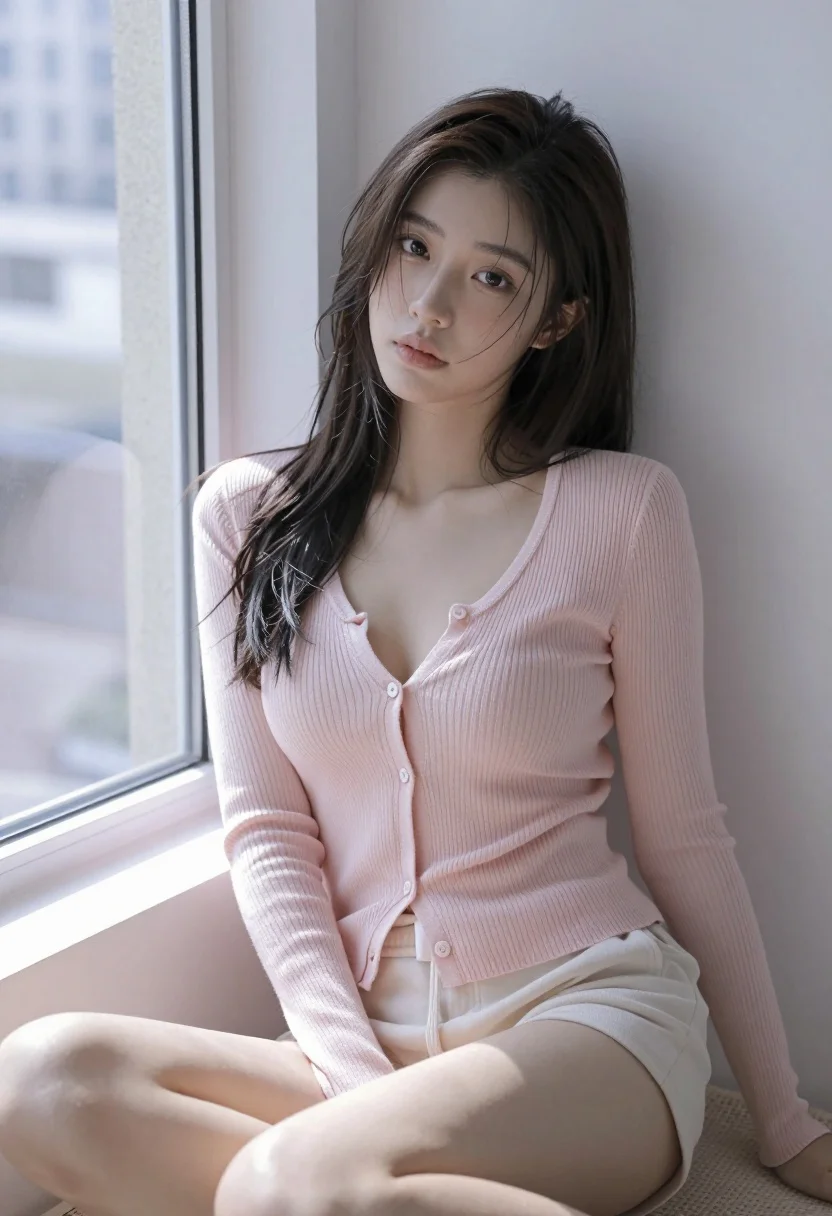
Young east asian woman in pink cardigan seated by window with city
Prompt
A young woman with dark hair sits by a window in a minimalist room.

Subject: A young East Asian woman with long, dark, slightly messy hair and a soft, contemplative expression looking directly at the camera.

Clothing: She wears a pale pink, ribbed, long-sleeved cardigan with a deep V-neckline that is unbuttoned to reveal her midriff, paired with matching light-colored shorts.

Action: She is seated on a textured surface, leaning back against a plain wall with one hand resting near her hip and the other by her side.

Environment: The setting is an indoor room featuring a large window to the left that lets in bright daylight, revealing blurred city buildings outside.

Lighting: Soft, natural light streams from the window, creating gentle highlights on her skin and hair while casting subtle shadows against the wall.

Camera: A medium shot captures her from the thighs up, utilizing a shallow depth of field to keep the focus sharply on her face and upper body.

Style Details: The image features a soft-focus aesthetic with high-quality digital rendering, smooth skin textures, and a muted pastel color palette.
Description
This prompt is useful for creating intimate portrait studies, lifestyle blog content featuring interior design, and character concept art requiring natural light interaction. The combination of 'soft, natural light' streaming from the window and the 'shallow depth of field' ensures that while the background city elements provide context, the viewer's attention remains fixed on the subject's face and the visible texture of the 'pale pink, ribbed, long-sleeved cardigan'.
Suggestions
- Change 'pale pink' to 'dusty rose' for a more muted tone.
- Add 'golden hour glow' to the lighting description for warmer highlights.
- Swap 'textured surface' for 'velvet chaise lounge' to change the seating material.
Category
Tags
BrunetteCasual WearFemaleIndoorsMedium ShotRealistic
Date added
July 3, 2026
Added by
PromptDexter Team
Related Prompts
More prompts with similar categories and tags.
Young woman with brown hair sitting in a leather armchair indoors
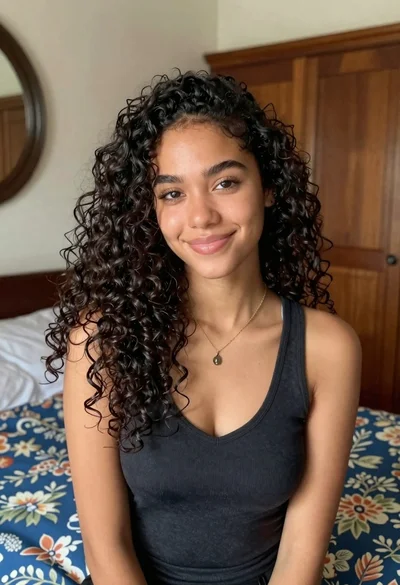
Medium close up portrait of young woman with dark curly hair indoors
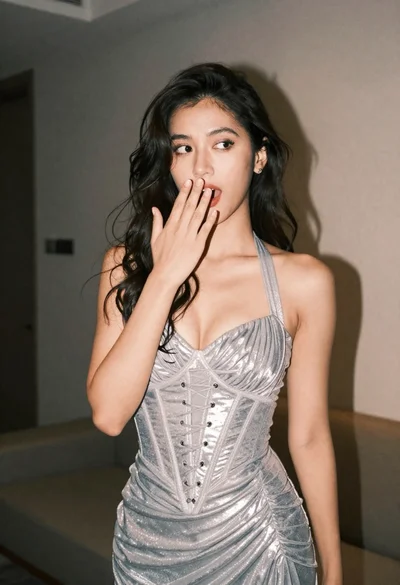
Woman in shimmering silver halter dress posing indoors with playful gesture
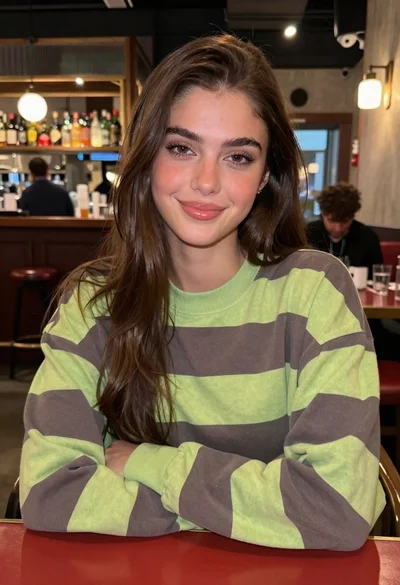
Young woman in striped sweatshirt sitting at restaurant table smiling

Young woman with dark wavy hair sitting in modern bright indoor living
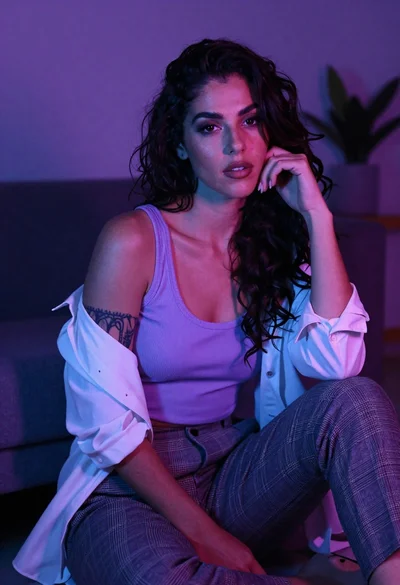
Confident woman with dark wavy hair in lavender top indoors
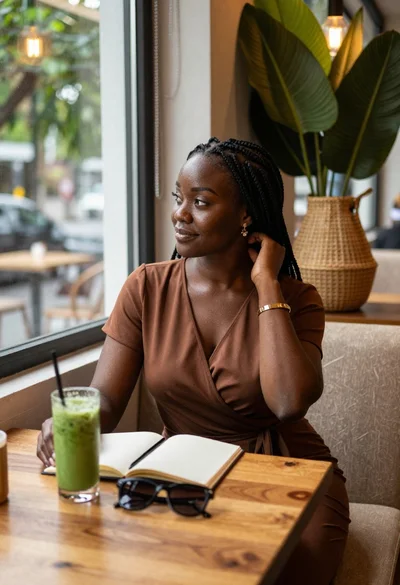
Black woman in brown dress at cafe window
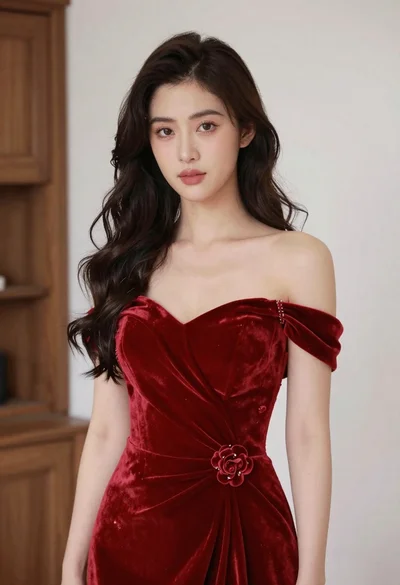
Young woman in red velvet gown standing indoors against white wall
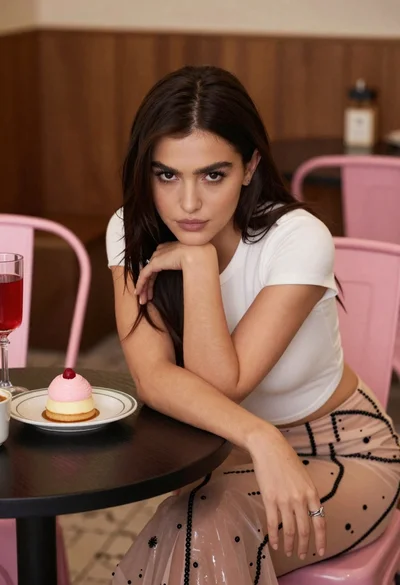
Young woman leaning over table in cafe with dessert and drink
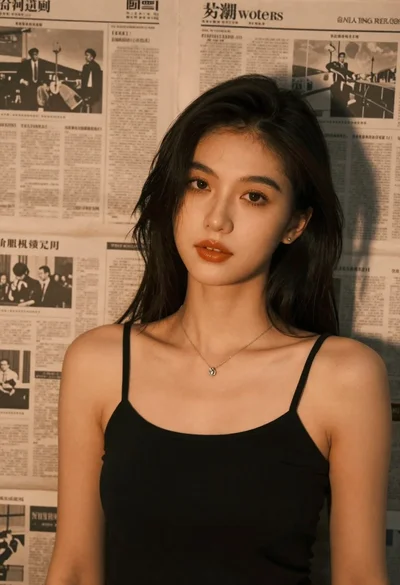
Brunette woman leaning against aged newspaper wall