

Young woman in striped sweatshirt sitting at restaurant table smiling
Prompt
A young woman with long brown hair sits at a table in a restaurant, smiling gently at the camera.

Subject: A young woman with long, straight brown hair parted in the middle and light makeup featuring defined eyebrows and glossy lips.

Clothing: She wears an oversized long-sleeved sweatshirt with horizontal stripes alternating between lime green and dark grey or brown.

Action: She is seated with her arms crossed over her chest, looking directly at the camera with a soft smile.

Environment: The setting is a restaurant interior featuring a bar area in the background with shelves of bottles and warm ambient lighting. A person is visible sitting at the bar behind her.

Camera: The shot is a medium close-up framed from a slightly low angle, utilizing a shallow depth of field to blur the background while keeping the subject sharp.

Lighting: Soft indoor lighting illuminates the scene, with a warm glow coming from an overhead fixture and ambient light reflecting off the glossy red table surface.

Style Details: The image has a candid, lifestyle photography aesthetic with natural skin tones and realistic textures.
Description
This prompt is useful for creating lifestyle blog features, casual portrait sessions, and editorial mood boards depicting everyday moments. The combination of 'soft indoor lighting' and the 'shallow depth of field' ensures that while the background elements like the bar area are present to establish context, they remain indistinct enough not to distract from the subject's expression or the visible texture of the 'oversized long-sleeved sweatshirt'.
Suggestions
- Change 'lime green and dark grey or brown' to specific color hex codes for better consistency.
- Add 'bokeh effect' to enhance the background blur further.
- Adjust 'slightly low angle' to a more direct eye-level shot.
Category
Tags
Brown HairBrunetteCafeCasual WearFemaleIndoorsMedium ShotRealistic
Date added
June 19, 2026
Added by
PromptDexter Team
Related Prompts
More prompts with similar categories and tags.
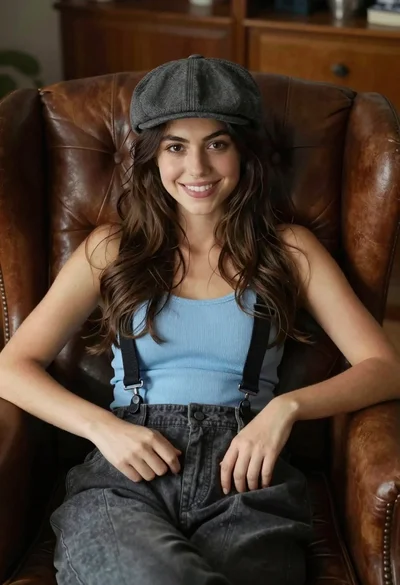
Young woman with brown hair sitting in a leather armchair indoors
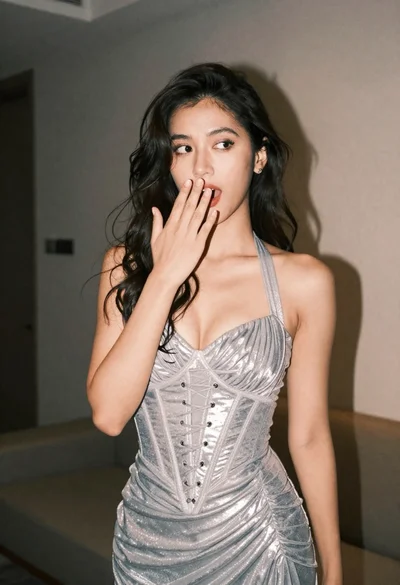
Woman in shimmering silver halter dress posing indoors with playful gesture
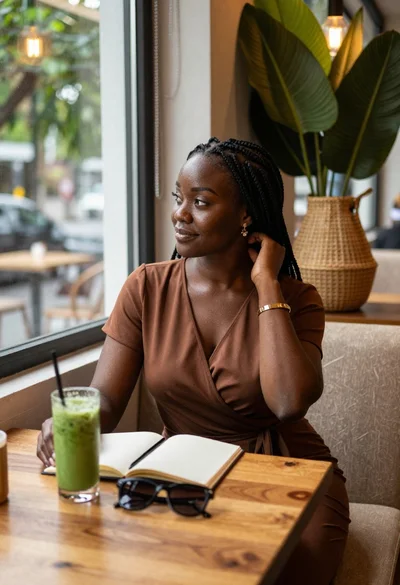
Black woman in brown dress at cafe window

Smiling young woman in yellow dress at outdoor restaurant patio

Young woman in red velvet gown standing indoors against white wall
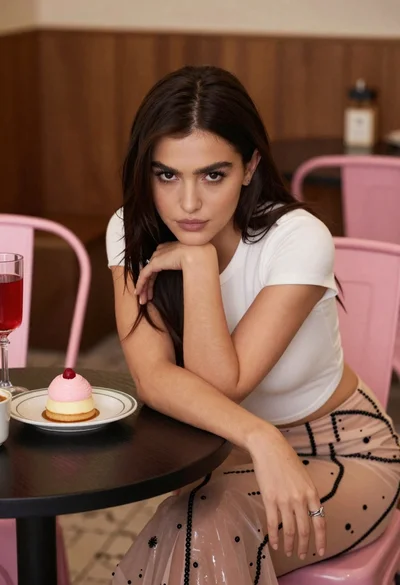
Young woman leaning over table in cafe with dessert and drink
Young woman with dark hair seated by train window looking at camera

Woman in dark green mini dress smiling indoors near glowing neon love
Young woman pointing at photo collage on wall in warm indoor setting
Young woman in white embroidered saree smiling indoors with soft natural light
