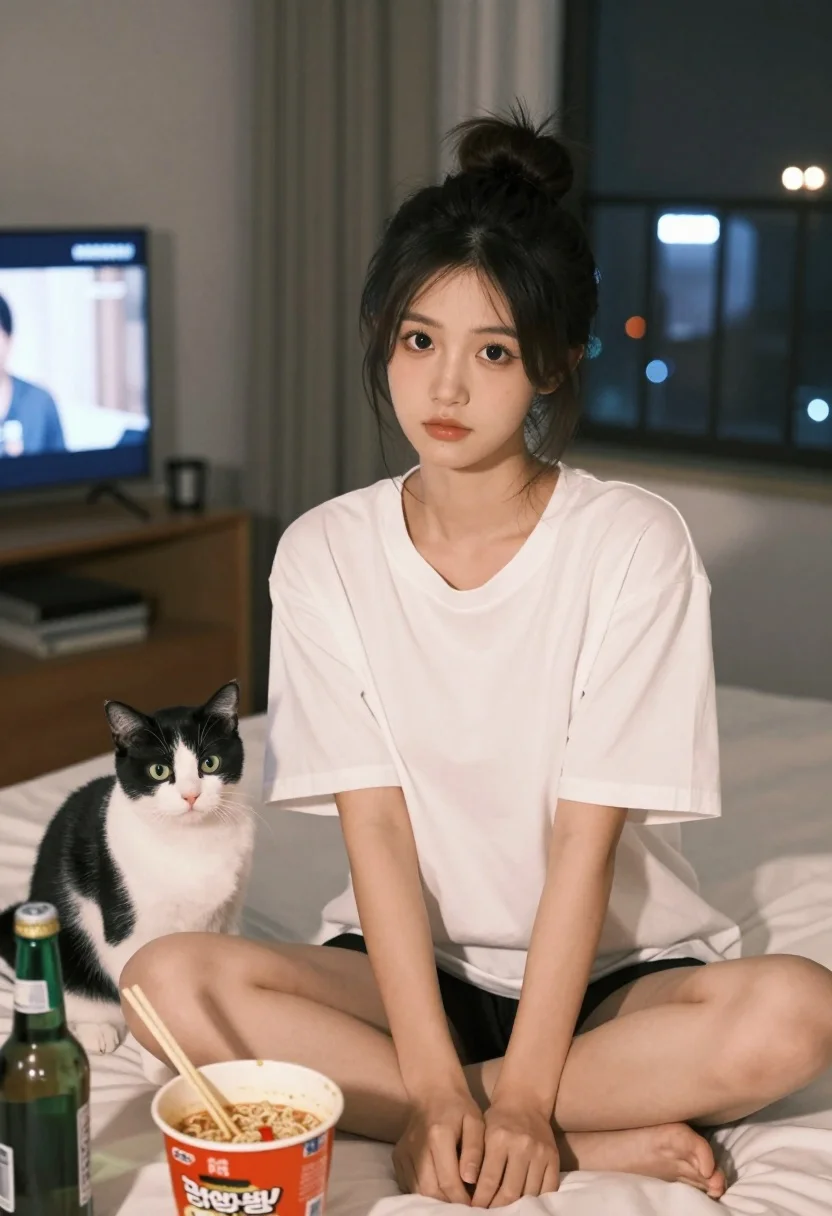
Young east asian woman on bed with cat and noodles at night
Prompt
A young woman with dark hair tied in a messy bun sits cross-legged on a bed, looking directly at the camera with a soft expression.

Subject: A young East Asian woman with fair skin and large dark eyes, her hair pulled up into a high, slightly messy bun with loose strands framing her face.

Clothing: She wears an oversized white V-neck t-shirt and black shorts.

Action: She is seated in a relaxed pose on a bed, gazing forward calmly.

Subject: A black and white cat sits to her left, looking towards the camera with wide green eyes.

Objects: In front of them are two open cups of instant noodles with chopsticks resting in one, alongside several green glass beer bottles.

Environment: The setting is a cozy bedroom at night, featuring a television displaying a show on the left wall and a window showing city lights in the background.

Lighting: The scene is lit by warm indoor ambient light, creating soft shadows and highlighting the subject's features against the darker room.

Camera: Shot from a medium close-up angle with a shallow depth of field that keeps the woman and cat in sharp focus while softly blurring the background.

Style Details: The image has a candid, lifestyle photography aesthetic with naturalistic colors and a relaxed atmosphere.
Description
This prompt is useful for creating intimate lifestyle portraits, cozy domestic scene illustrations, and narrative character concept art. The combination of 'warm indoor ambient light' casting soft shadows against the dark room setting enhances the feeling of late-night intimacy, while the 'shallow depth of field' ensures that the focus remains tightly on the woman and cat despite the detailed background elements like the city lights.
Suggestions
- Change 'oversized white V-neck t-shirt' to 'silk pajama top' for a different texture.
- Replace 'green glass beer bottles' with 'empty ramen containers' to keep the mood consistent.
- Adjust 'warm indoor ambient light' to 'single desk lamp glow' for more dramatic shadows.
Category
Tags
AnimalBedroomBlack HairBrunetteCasual WearFair SkinFemaleIndoorsMedium ShotRealistic
Date added
July 3, 2026
Added by
PromptDexter Team
Related Prompts
More prompts with similar categories and tags.
Woman with poodle on white bed reading magazine in bright bedroom
Young woman with black hair and white top relaxing in sunlit garden
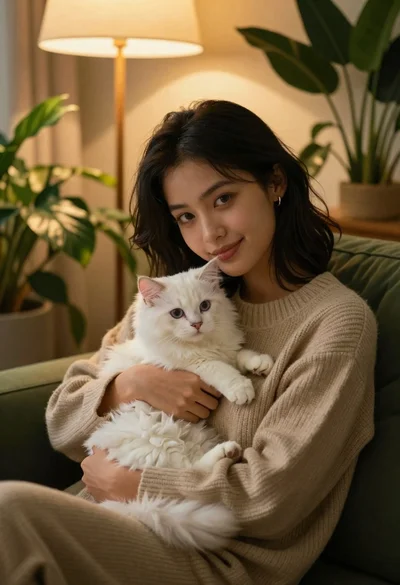
Young woman with dark hair holding fluffy white kitten in cozy room
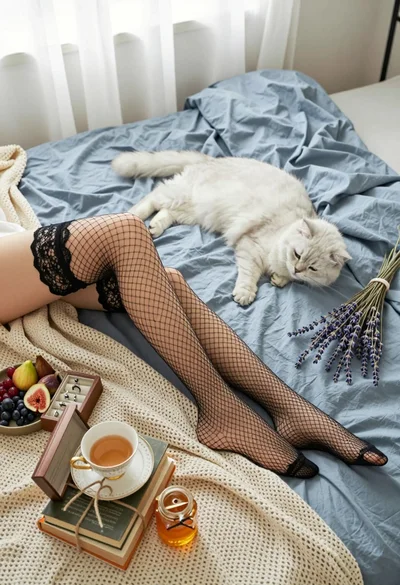
High angle view of legs in fishnet stockings near white cat on
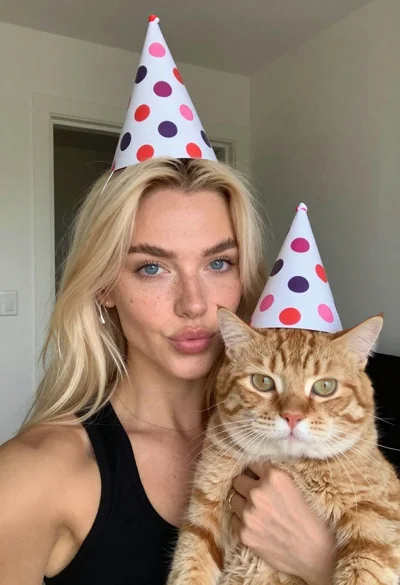
Woman with cat wearing polka dot party hats indoors
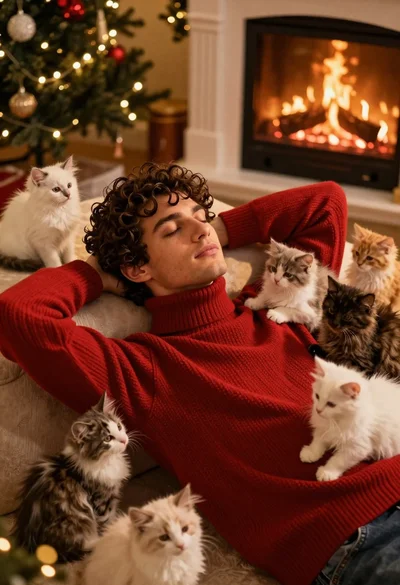
Young man in red sweater surrounded by fluffy kittens near fireplace
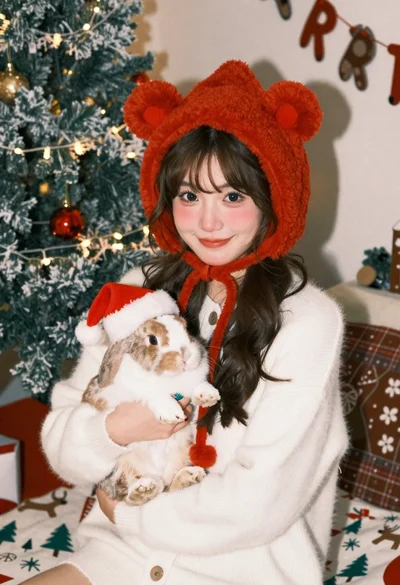
Young woman in knit cardigan holding small rabbit near christmas tree

Young woman with black hair holding fluffy white cat in garden
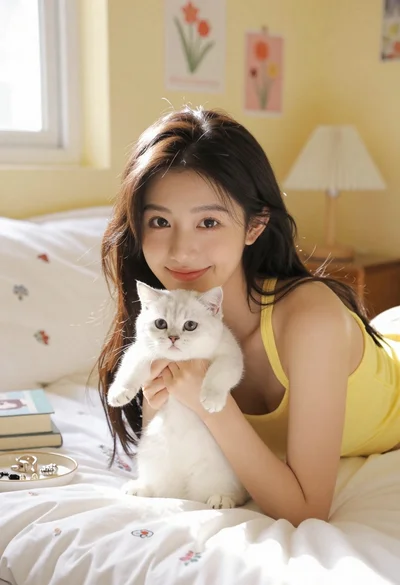
Young woman with dark hair lying on bed holding white kitten
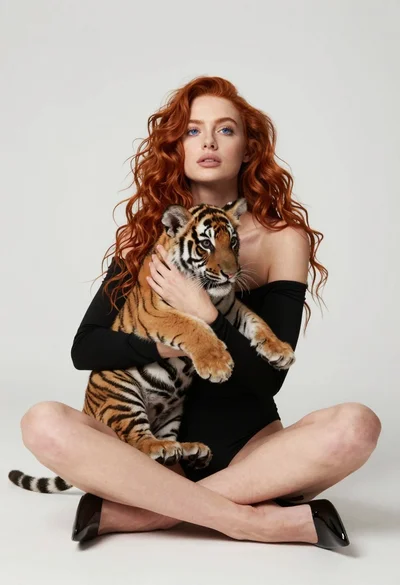
Fair skinned woman with red hair holding a tiger cub in minimalist