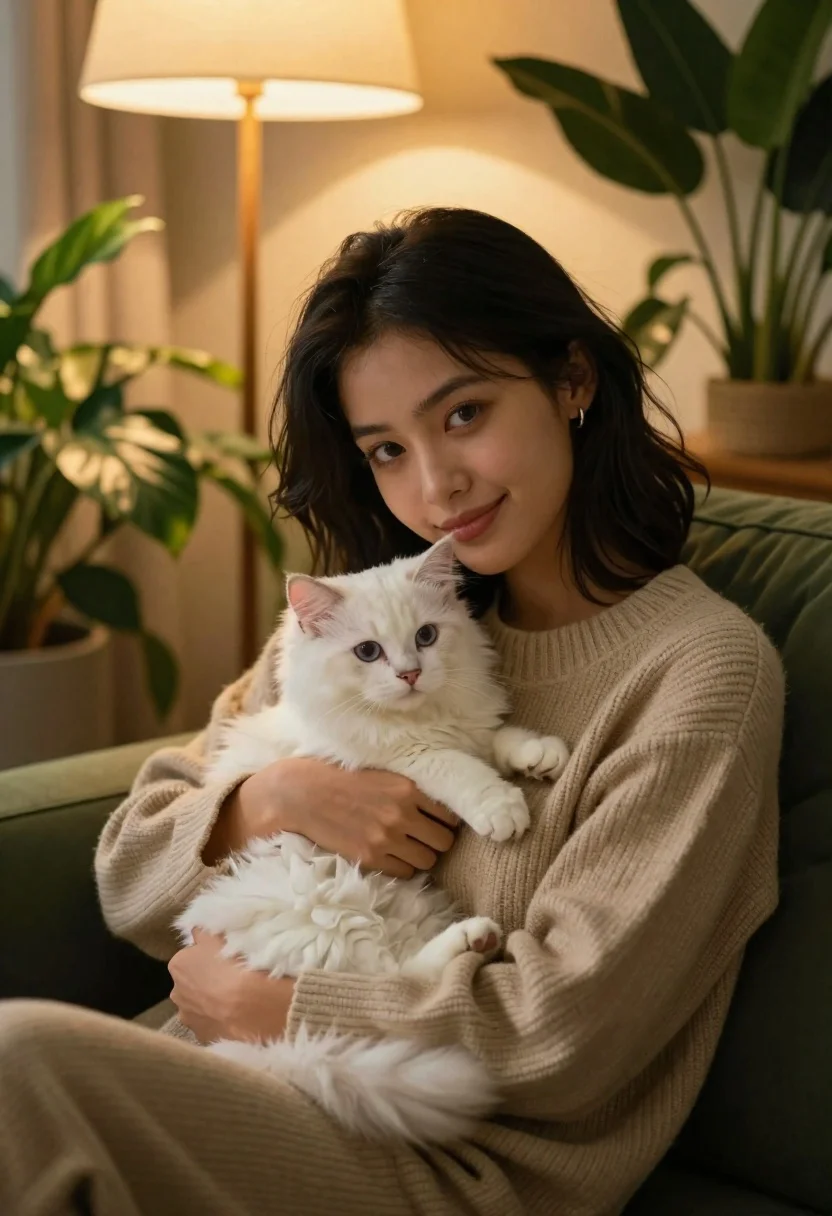
Young woman with dark hair holding fluffy white kitten in cozy room
Prompt
A warm and intimate portrait of a young woman with dark hair holding a fluffy white kitten in her arms.

Subject: A young woman with shoulder-length black hair, fair skin, and light-colored eyes looking directly at the camera with a soft smile. She is cradling a small, fluffy white kitten that has blue eyes and looks slightly away from the camera.

Clothing: The woman wears a beige ribbed knit sweater with long sleeves. She has a small silver hoop earring in her left ear.

Action: The woman is seated comfortably, leaning back against a dark green sofa or chair. Her hands gently support the kitten, one hand under its chest and the other supporting its back. The kitten sits calmly on her chest.

Environment: The setting is a cozy indoor room filled with lush green houseplants in the background and foreground. A wooden floor lamp with a warm glow stands behind the woman.

Lighting: Soft, warm ambient lighting emanates from the lamp in the background, casting a golden hue on the scene and creating gentle shadows that highlight the textures of the sweater and fur.

Camera: The shot is a medium close-up framed to focus on the subjects, with a shallow depth of field that blurs the background plants and lamp slightly to emphasize the woman and kitten.

Style Details: The image has a cinematic, high-quality aesthetic with rich colors, smooth skin textures, and a warm color palette evoking a sense of comfort and tranquility.
Description
This prompt is useful for creating intimate lifestyle portraits, cozy seasonal advertisements, and pet-focused editorial spreads. The combination of 'soft, warm ambient lighting' and the 'shallow depth of field' ensures that the viewer's focus remains tightly on the connection between the woman and kitten, while the 'beige ribbed knit sweater' provides a tactile element against the soft fur.
Suggestions
- Change 'dark hair' to 'wavy dark hair' for more movement.
- Swap 'dark green sofa or chair' for 'velvet armchair' to change the material texture.
- Adjust 'golden hue' to 'soft amber glow' for a different warmth level.
Category
Tags
AnimalBlack HairClose UpFair SkinFemaleIndoorsMedium ShotRealistic
Date added
June 21, 2026
Added by
PromptDexter Team
Related Prompts
More prompts with similar categories and tags.

Monochrome portrait of woman with cat indoors
Smiling young woman holding a fluffy cream cat against neutral background
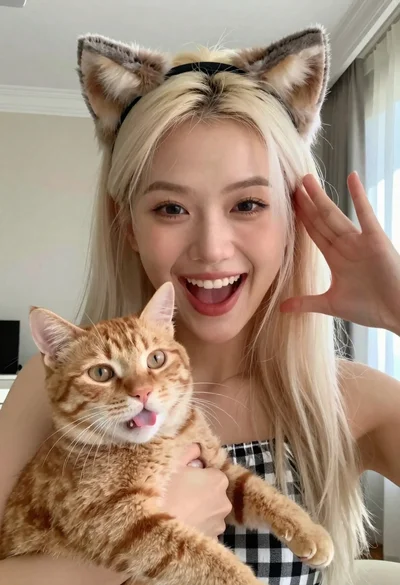
Smiling woman with cat ears holding orange tabby cat

Smiling woman in leather jacket holding white dog and snow
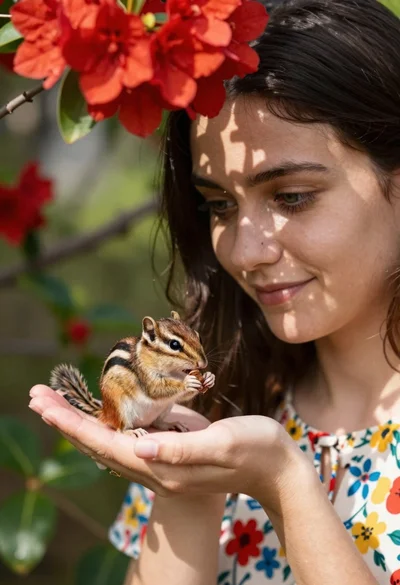
Young woman with dark hair holding a small chipmunk under red flowers
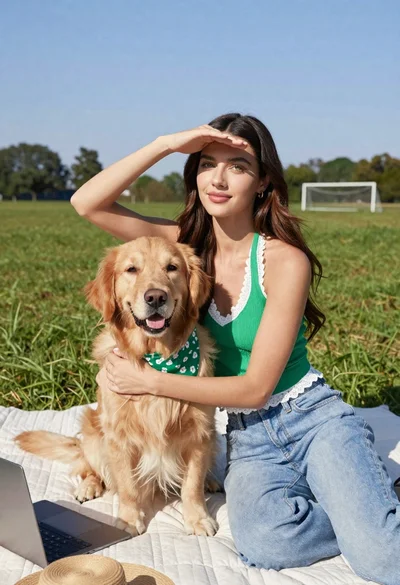
Young woman with brown hair holding golden retriever in sunny field
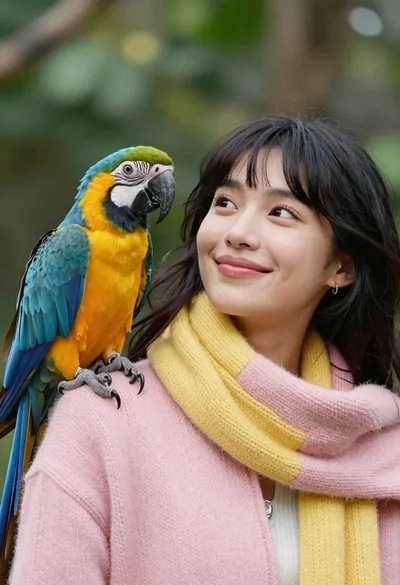
Closeup portrait of smiling woman with dark hair looking at blue macaw

Young woman in black outfit sitting inside car looking at camera