
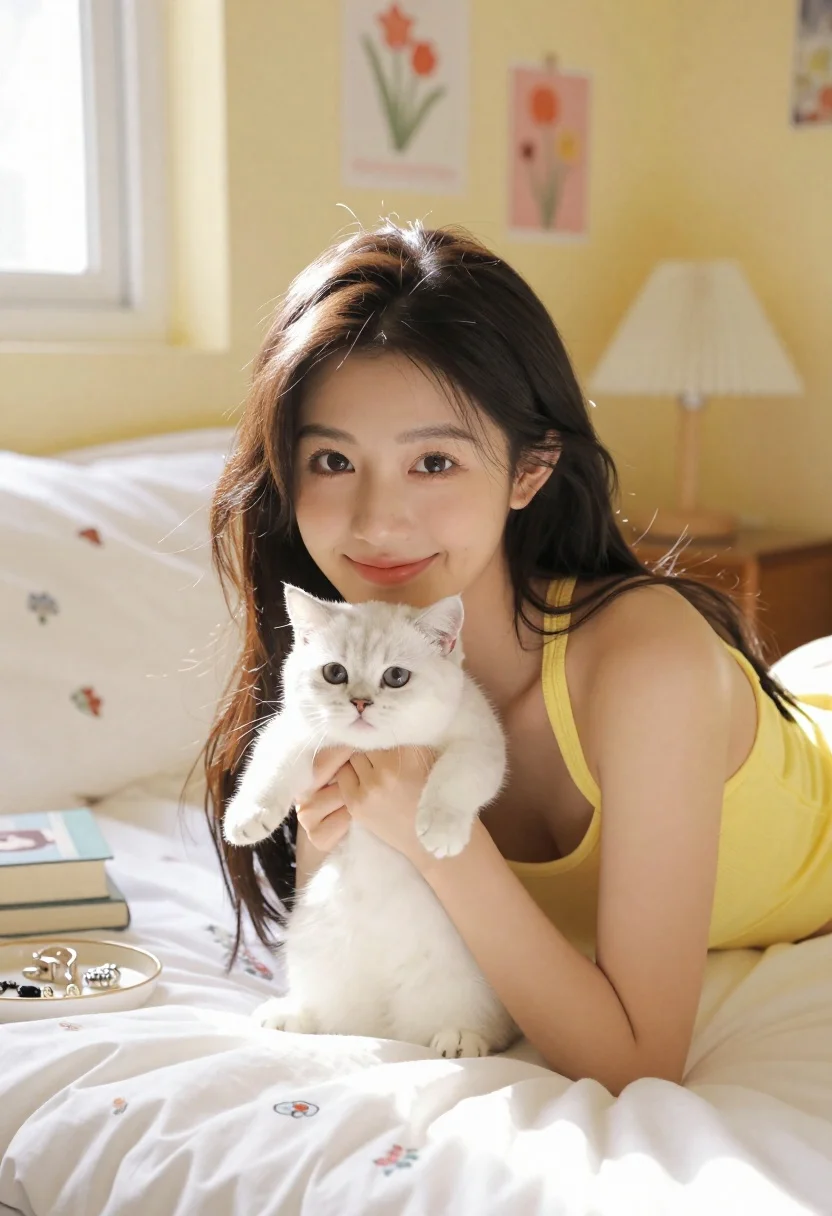
Young woman with dark hair lying on bed holding white kitten
Prompt
A young woman with long dark hair smiles gently while lying on a bed holding a small white kitten in her arms.

Subject: A young woman with long dark brown hair and a warm smile, cradling a tiny fluffy white kitten against her chest.

Clothing: She wears a bright yellow halter-neck top that complements the room's color palette.

Action: The woman is lying on her stomach propped up on her elbows, looking directly at the camera with a soft expression while gently holding the kitten.

Environment: A cozy bedroom setting with pale yellow walls adorned with framed floral art prints and a window letting in natural light.

Camera: Shot from a slightly low angle focusing on the woman and kitten, capturing a medium close-up composition that emphasizes their connection.

Lighting: Soft natural sunlight streams through the window to the left, casting gentle highlights on her face and hair while creating a warm, airy atmosphere.

Objects: A white bedspread with floral pillows, a stack of books, a jewelry tray, and a bedside lamp are visible in the background.

Style Details: The image features a bright pastel color palette with high saturation, soft focus background elements, and a clean, polished aesthetic reminiscent of lifestyle photography.
Description
This prompt is useful for creating intimate portraiture, cozy lifestyle blogs, and sentimental fine art prints. The combination of 'soft natural sunlight' streaming from the left and the 'bright pastel color palette' ensures that the gentle highlights on her face and hair keep the focus tightly on the woman and kitten, preventing the background elements like the floral pillows from becoming distracting or muddy.
Suggestions
- Change 'pale yellow walls' to 'dusty rose walls' for a different warm tone.
- Swap 'bright yellow halter-neck top' for 'cream knit top' to harmonize with the white kitten.
- Add 'shallow depth of field' to enhance the focus on the subjects.
Category
Tags
BedroomBrown HairCasual WearClose UpFemaleIndoorsMedium ShotRealistic
Date added
June 23, 2026
Added by
PromptDexter Team
Related Prompts
More prompts with similar categories and tags.

Woman with poodle on white bed reading magazine in bright bedroom
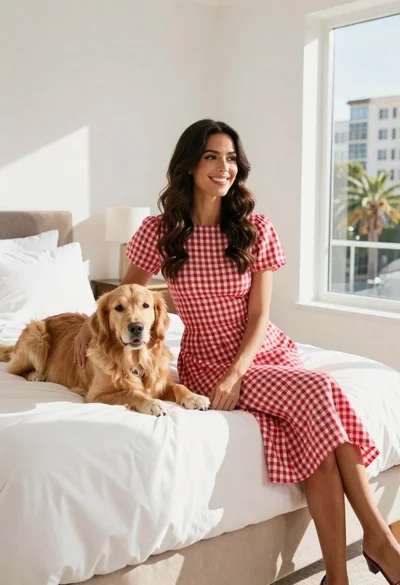
Woman in gingham dress sitting on bed with golden retriever dog indoors

Young woman in knit cardigan holding small rabbit near christmas tree
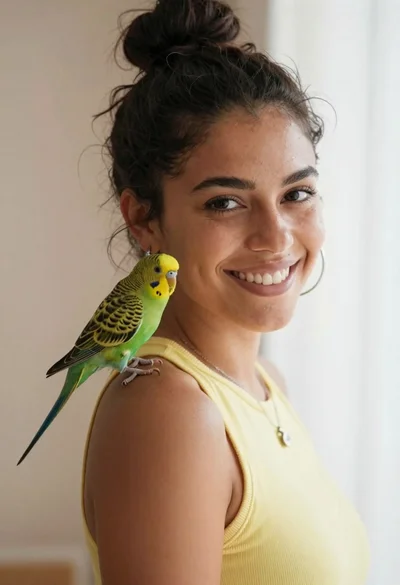
Smiling woman with dark hair in bun and green parakeet on shoulder
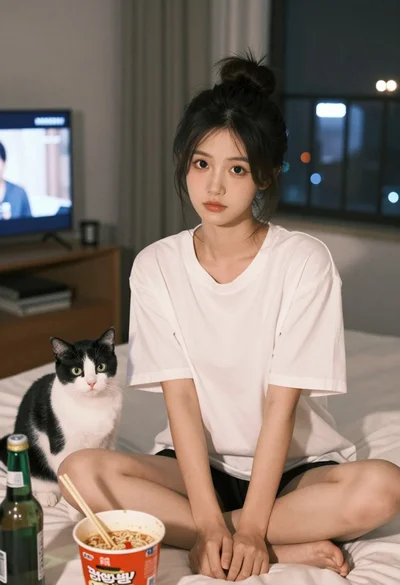
Young east asian woman on bed with cat and noodles at night

Monochrome portrait of woman with cat indoors

Woman with dark hair sitting on wood next to white dog indoors

Smiling woman next to pink panther mascot in a seamless pastel studio
