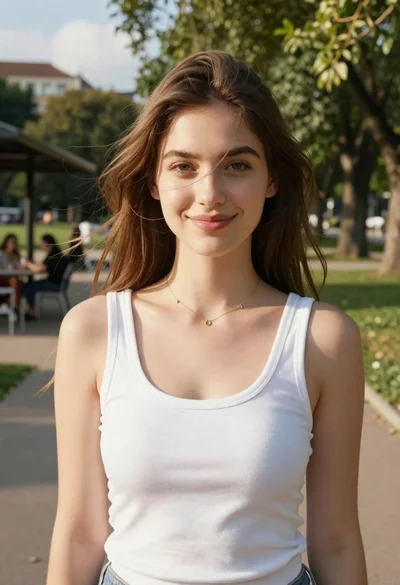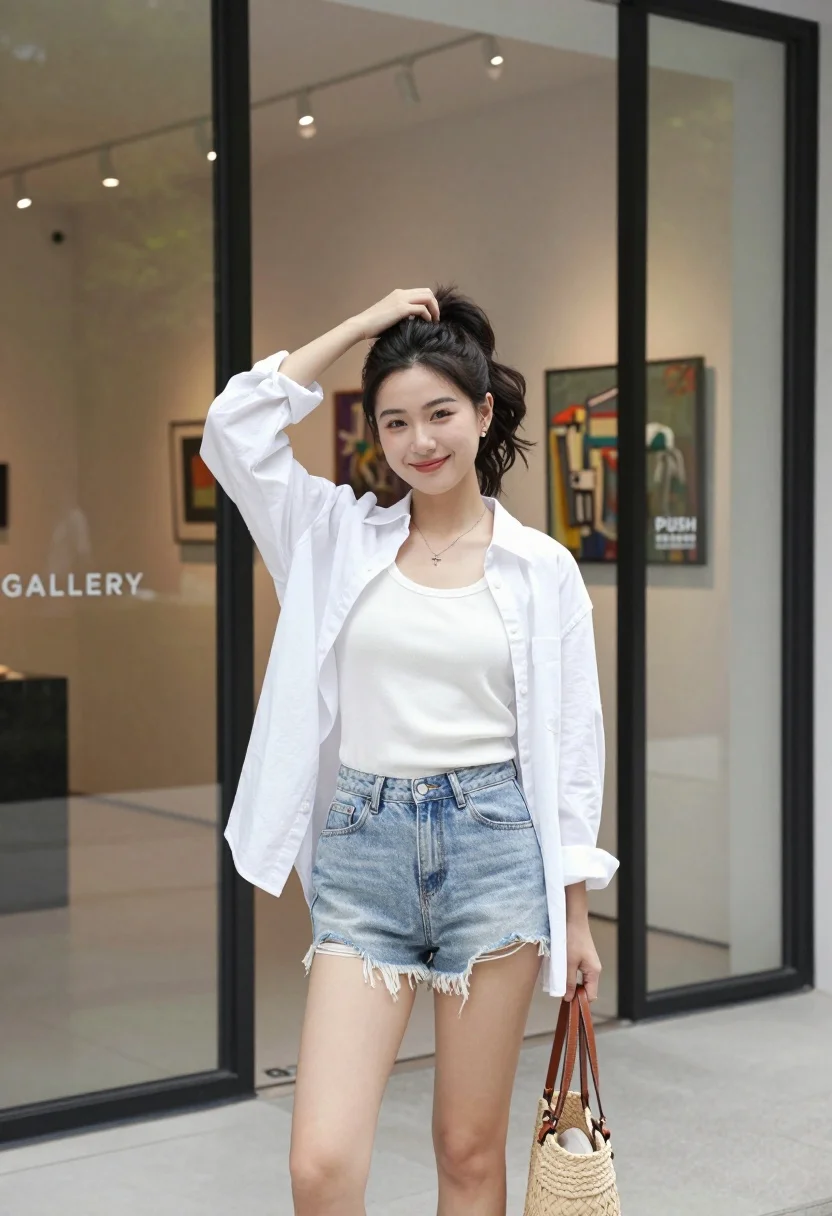
Young east asian woman smiling outside modern gallery storefront entrance
Prompt
A young woman stands confidently in front of a glass storefront entrance, smiling gently at the camera while holding a woven handbag and adjusting her hair with one hand.

Subject: A young East Asian woman with dark wavy hair tied up in a high ponytail, fair skin, and a warm smile.

Clothing: She wears a white ribbed tank top under an unbuttoned white long-sleeved shirt, paired with light-wash denim shorts that have a frayed hem.

Action: Her left hand is raised to her head, gently touching her hair near the ponytail, while her right hand holds a woven tote bag by the handle; she stands in a relaxed, casual pose.

Environment: She is positioned outside a modern building with large glass windows and doors; inside, an art gallery space is visible with artwork on the walls and recessed ceiling lights.

Camera: The shot is taken at eye level with a medium framing that captures her from mid-thigh up, emphasizing her outfit and expression.

Lighting: Bright natural daylight illuminates the scene from the front-left, casting soft shadows and highlighting the texture of her clothing and skin.

Objects: A woven straw tote bag with brown leather handles is held in her right hand; a small cross necklace rests on her chest.

Text/Graphics: The word "GALLERY" is faintly visible on the glass behind her, and a small sign on the door reads "PUSH" in English and Chinese characters.

Style Details: The image has a clean, high-resolution aesthetic with natural color tones and a polished, lifestyle photography feel.
Description
This prompt is useful for creating lifestyle editorial content, architectural detail shots featuring people, and modern brand lookbooks for fashion retailers. The combination of 'bright natural daylight' from the front-left ensures that both the 'frayed hem' of the shorts and the texture of the woven bag are visible without harsh shadows, which grounds the portrait within a believable, contemporary setting.
Suggestions
- Change 'light-wash denim shorts' to 'beige linen shorts' for a more cohesive palette.
- Swap 'woven straw tote bag' for 'structured leather tote' if you want less texture distraction.
- Adjust 'bright natural daylight' to 'overcast soft light' for minimal contrast.
Category
Tags
Casual WearFair SkinFemaleMedium ShotOutdoorsRealistic
Date added
July 3, 2026
Added by
PromptDexter Team
Related Prompts
More prompts with similar categories and tags.

Young woman in pink camisole standing in sunlit rolling hills
Young woman in red dress standing in sunlit garden by white house
Blonde woman in black hat standing in misty green rolling hills

Blonde woman in black top on balcony overlooking beige stone street

Young woman in olive saree leaning on railing outdoors during golden hour

Young woman with dark hair at wooden table in open air setting
Young woman in patterned dress looking back over grassy hills

Blonde woman in purple polo shirt on an urban street setting
Fair blonde woman walking outdoors in white top and beige trousers
Smiling young woman in maroon top standing outdoors with blurred background