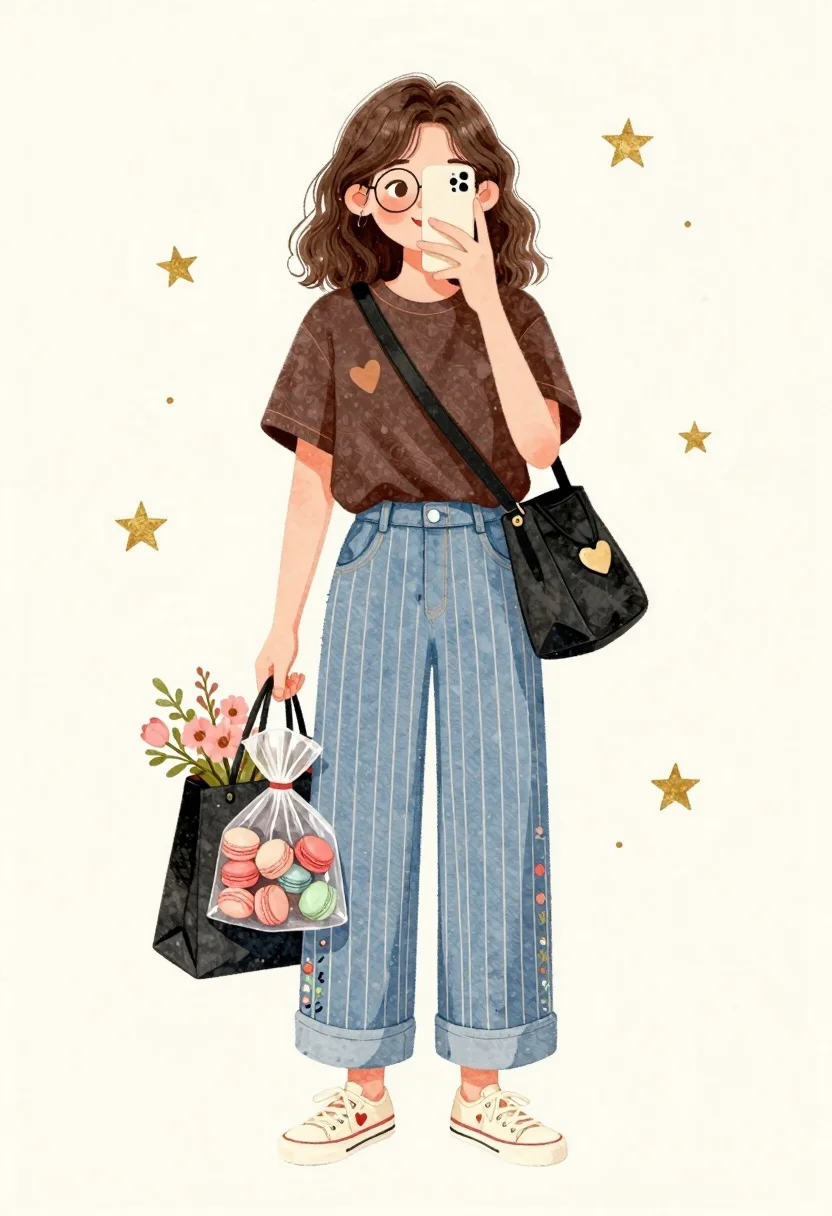
Young girl taking mirror selfie with shopping bags in dreamy watercolor style
Prompt
A cheerful young girl with shoulder-length brown hair takes a mirror selfie while holding a smartphone in one hand and carrying shopping bags in the other.

Subject: A smiling young girl with shoulder-length wavy brown hair and round wire-rimmed glasses, looking at her phone screen.

Clothing: She wears a dark brown short-sleeved t-shirt with a small heart graphic on the chest, light blue wide-leg trousers with white vertical stripes and floral patterns near the hem, and cream-colored sneakers with red hearts on the laces.

Action: The girl holds a smartphone up to her face to take a mirror selfie, while her other hand grips a black tote bag filled with flowers and a clear plastic bag containing colorful macarons.

Environment: A plain off-white background decorated with scattered gold stars and small dots, suggesting a dreamy or magical atmosphere.

Camera: Full-body shot framed vertically with a soft focus that emphasizes the character against the minimal backdrop.

Lighting: Soft, even illumination with gentle shadows under the arms and bags, creating a warm and inviting mood.

Objects: A black shoulder bag with a gold heart charm, a clear plastic bag filled with pastel macarons, and a black tote bag holding pink flowers and greenery.

Style Details: Delicate watercolor illustration style with soft edges, pastel color palette, and whimsical decorative elements like floating stars.
Description
This prompt is useful for creating children's book illustrations, whimsical character portraits, and digital scrapbooking layouts. The combination of 'delicate watercolor illustration style,' a 'pastel color palette,' and the 'soft focus' ensures that the subject remains charmingly rendered while preventing harsh lines or overly saturated colors that would detract from a storybook feel.
Suggestions
- Change 'dark brown short-sleeved t-shirt' to 'pale yellow knit top' for a brighter overall look.
- Swap 'gold stars and small dots' for 'watercolor paint splatters' to enhance the artistic medium.
- Adjust 'soft, even illumination' to 'diffused window light' for more natural shadows.
Category
Tags
Brown HairCasual WearDigital ArtFemaleFull BodySelfieSide Profile
Date added
June 26, 2026
Added by
PromptDexter Team
Related Prompts
More prompts with similar categories and tags.
Three friends standing together in a cheerful group pose with doodles
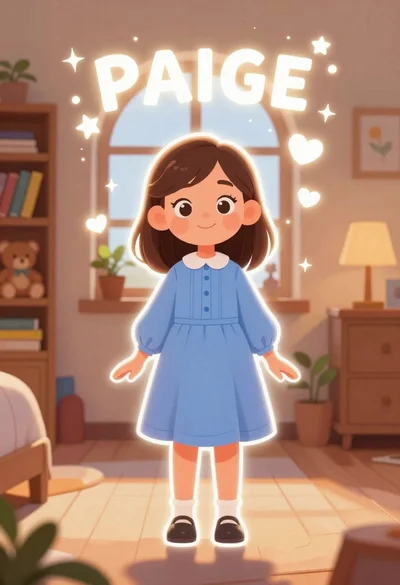
Young girl named paige standing in a cozy bedroom with magical sparkles
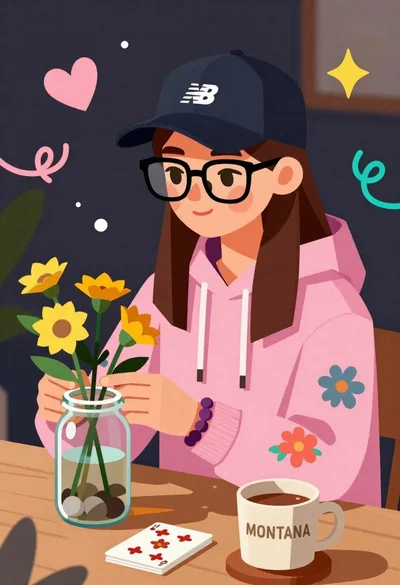
Young woman arranging yellow flowers in a glass jar at a wooden
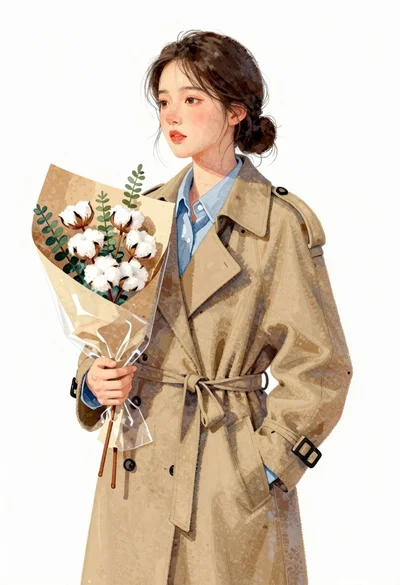
Young east asian woman in camel trench coat holding cotton flowers
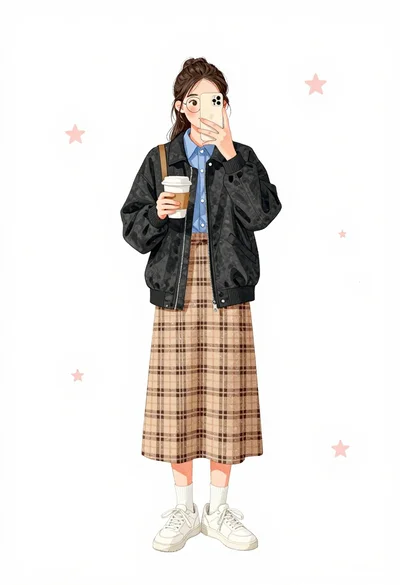
Young woman taking mirror selfie holding coffee cup in full body shot

Young female athlete in white tracksuit holding sunflowers and gold medal
Young woman on stone ledge wearing overalls against solid orange background

Low poly illustration of girl taking selfie with cat on black background